New Student Guide
Your Guide to GettingStarted with EDU.FYI
Introducing EDU.FYI - a student experience built around you - unlocked by connecting your school on FYI.AI.
- Turn class content into interactive AI Lectures.
- Collaborate with your Agent inside projects and chats.
- Create an Agentic Self that learns your goals and ambitions. It grows with you through every class, challenge, milestone, and big decision - from your first semester to graduation, your career, and beyond.
- Enable Abilities for your Agent like building projects and web apps, calling people for you, and conducting web search.
- Interact with Projects, AI Lectures, and Agents created by your school.

Link Your School to Unlock EDU.FYI
EDU.FYI lives inside the FYI app. Sign in to FYI, then link your school account to unlock EDU.FYI mode.
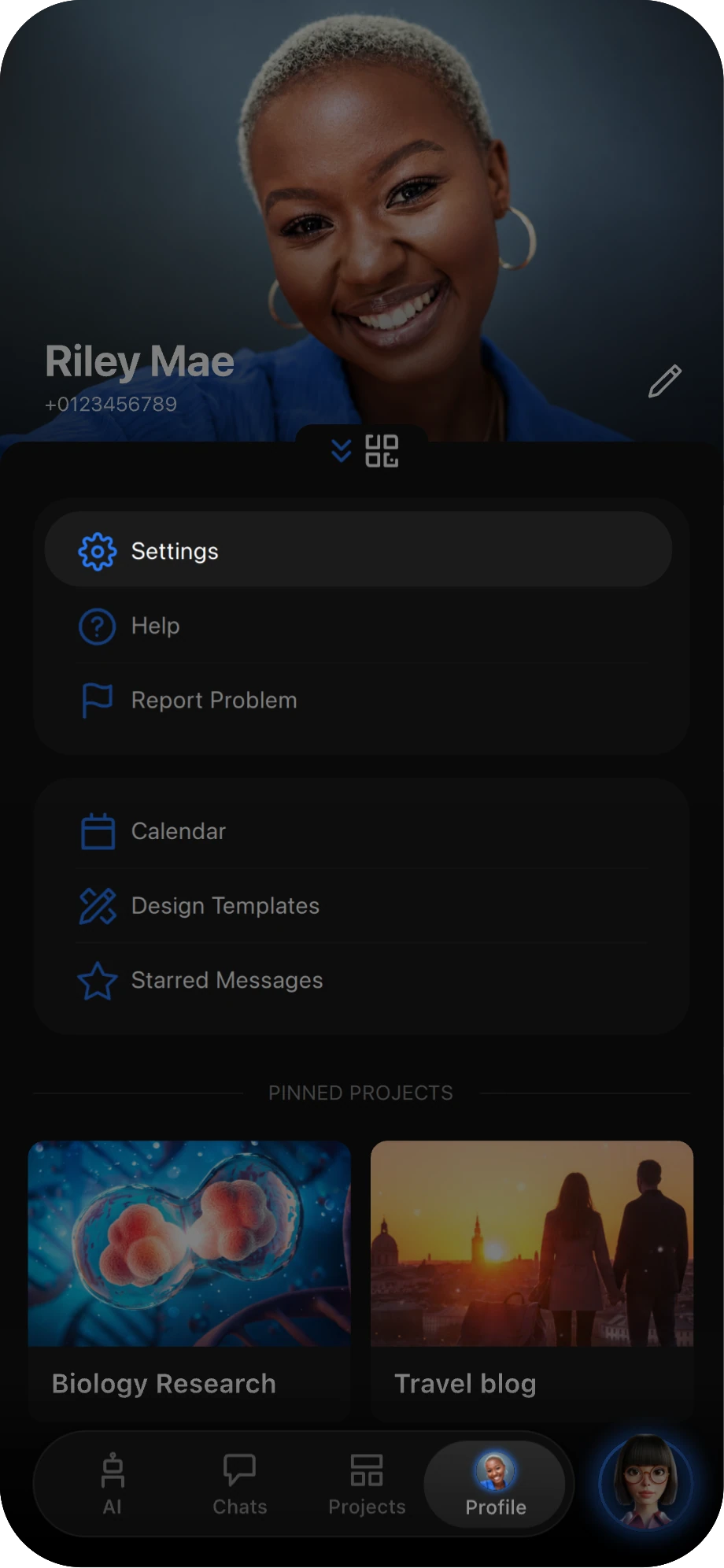
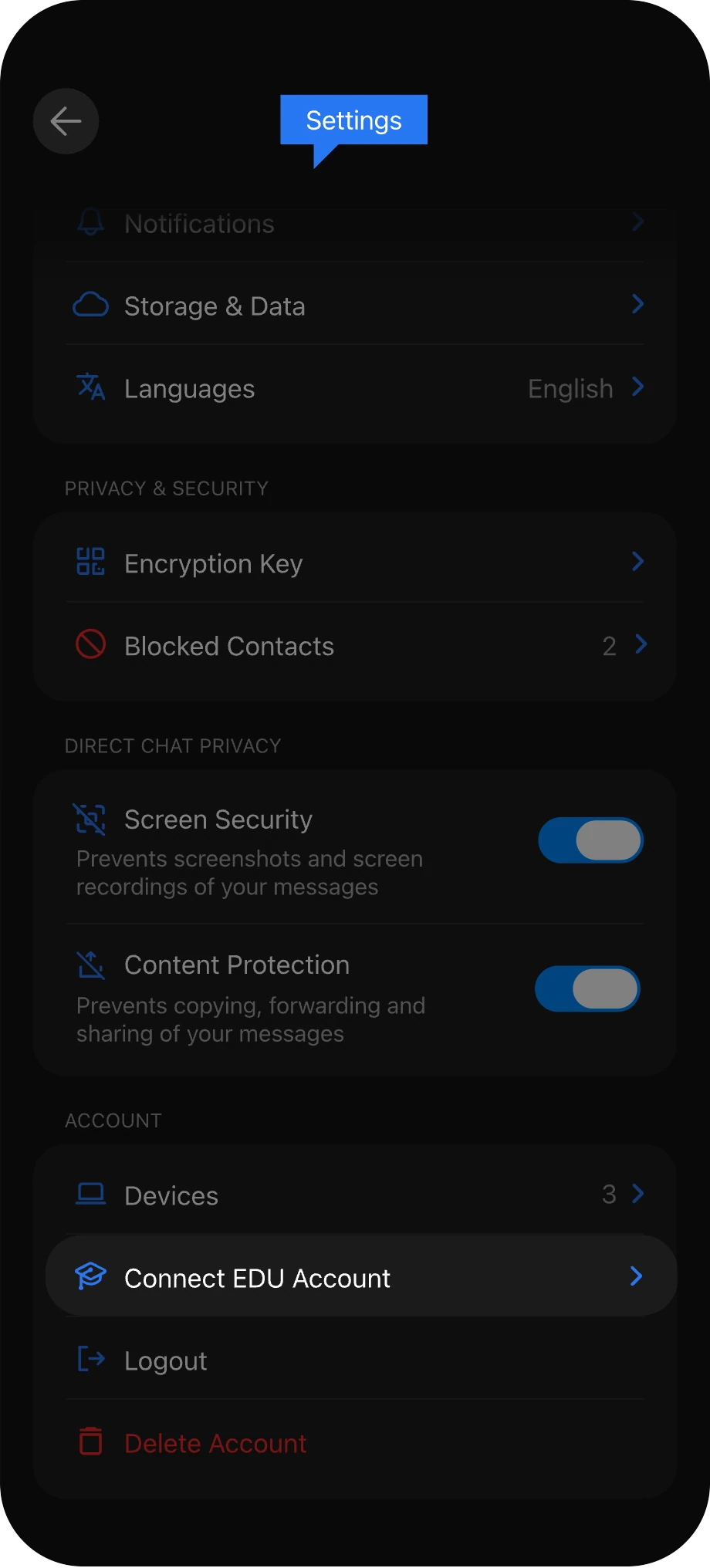
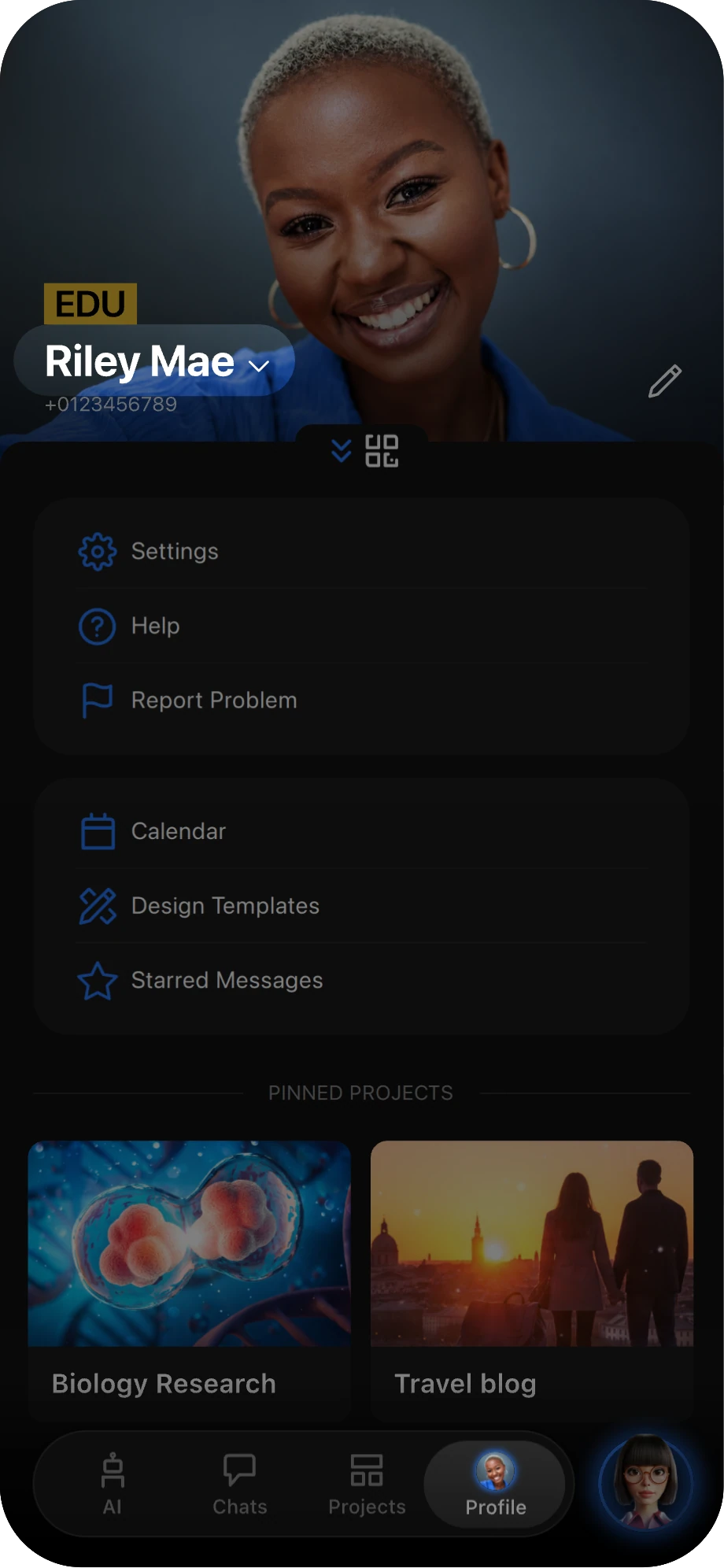
Go to your profile and tap Settings.
In Settings, scroll down and tap Connect EDU Account.
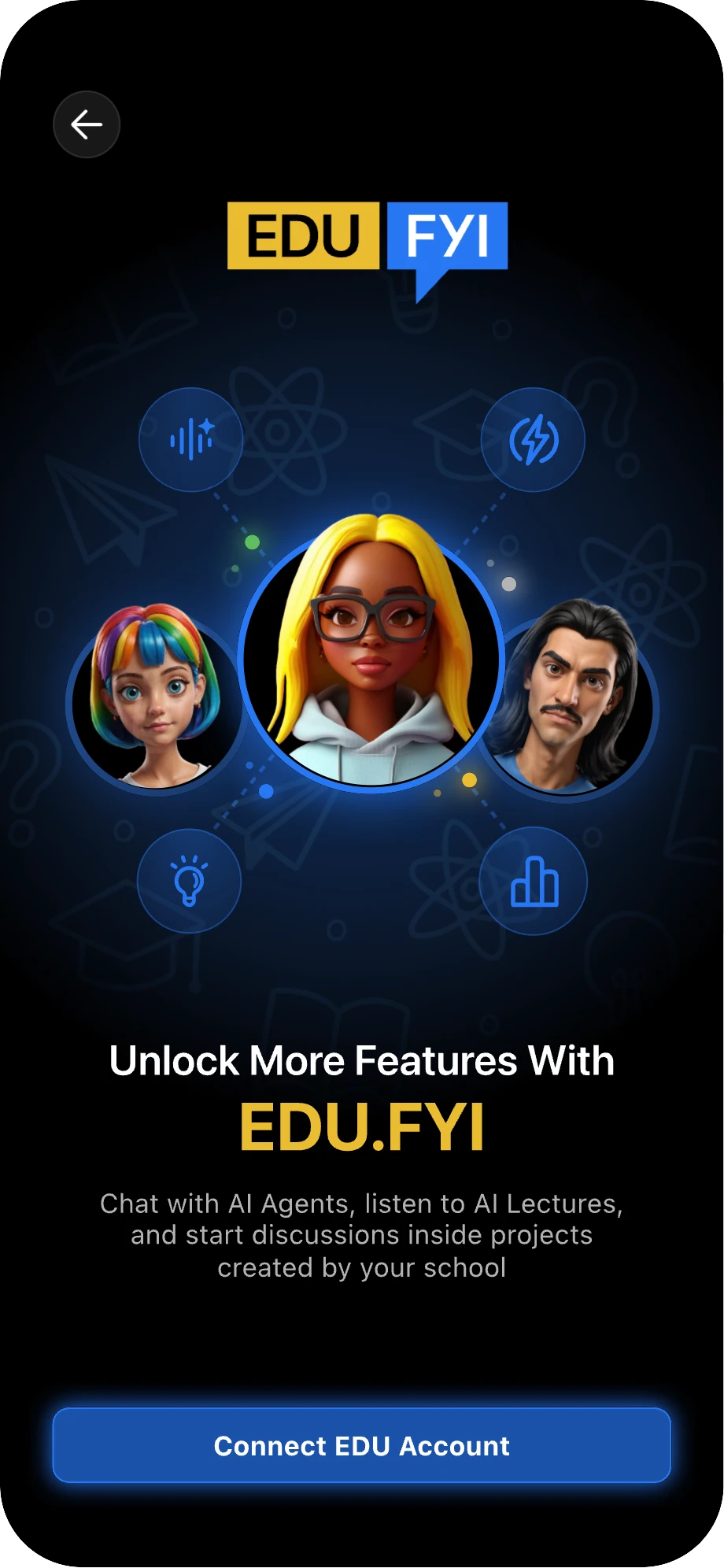
On the welcome screen, tap Connect EDU Account, then sign in with your school email address.
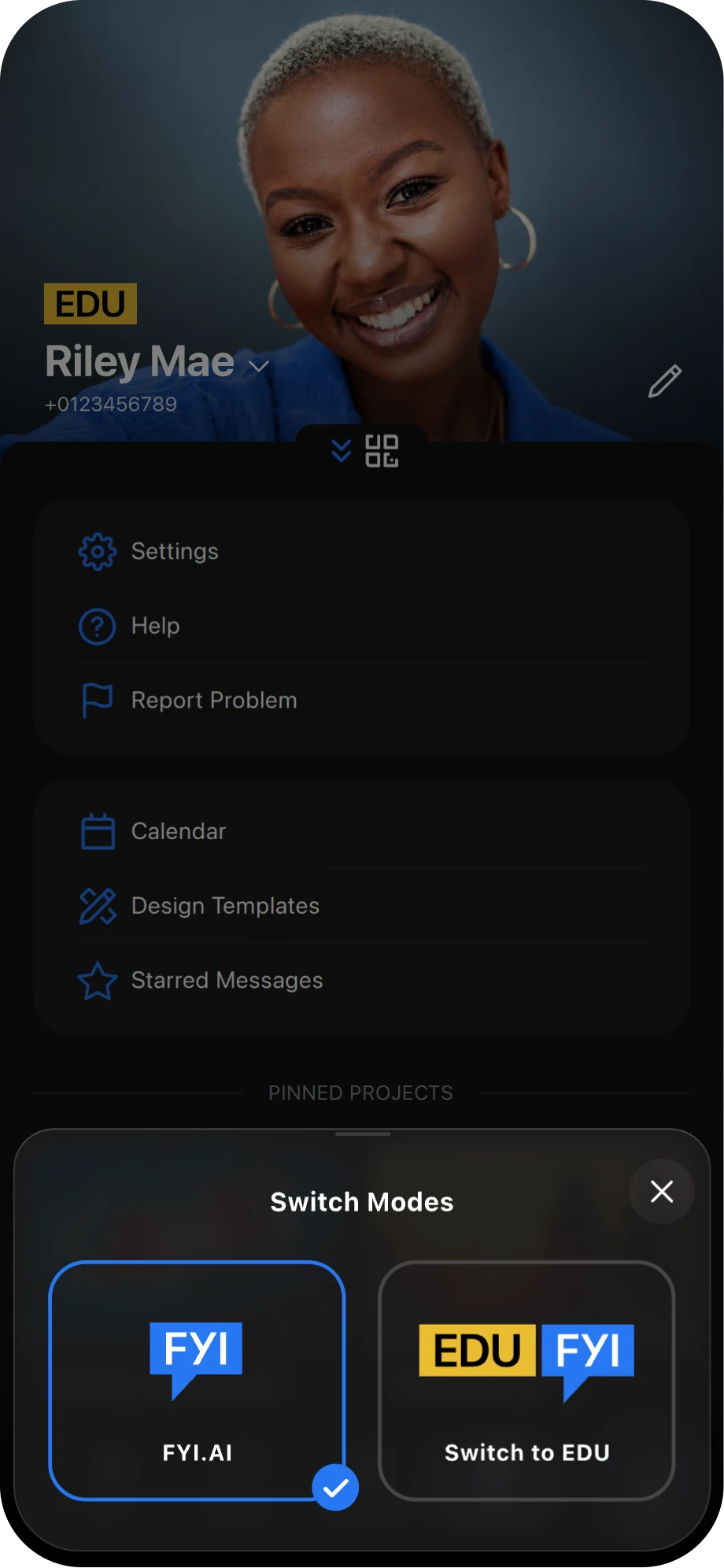
Once your account is connected, you will enter EDU.FYI Mode. Tap the drop-down arrow on your profile to switch between modes.
You can switch between two modes: FYI.AI and EDU.FYI.

Discover Content Published by Your School
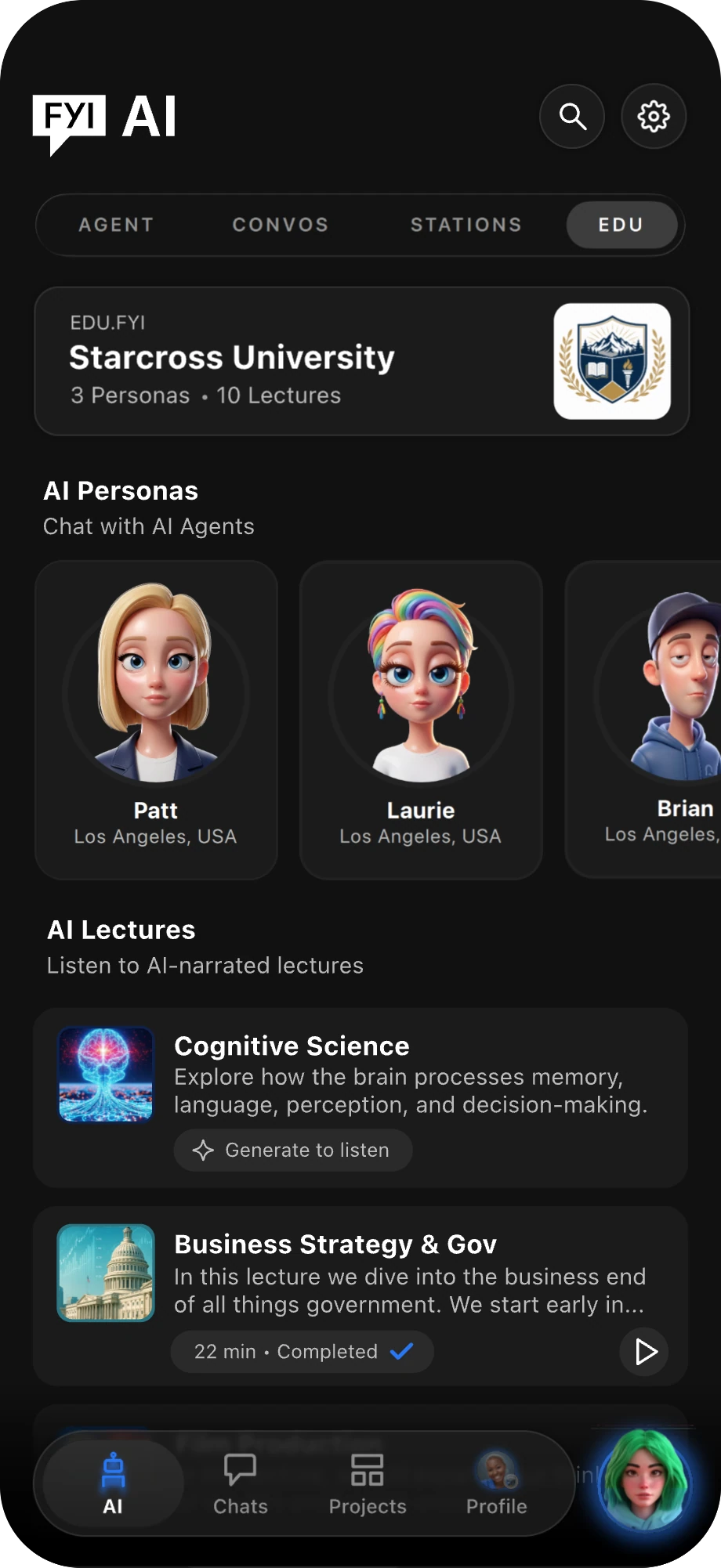
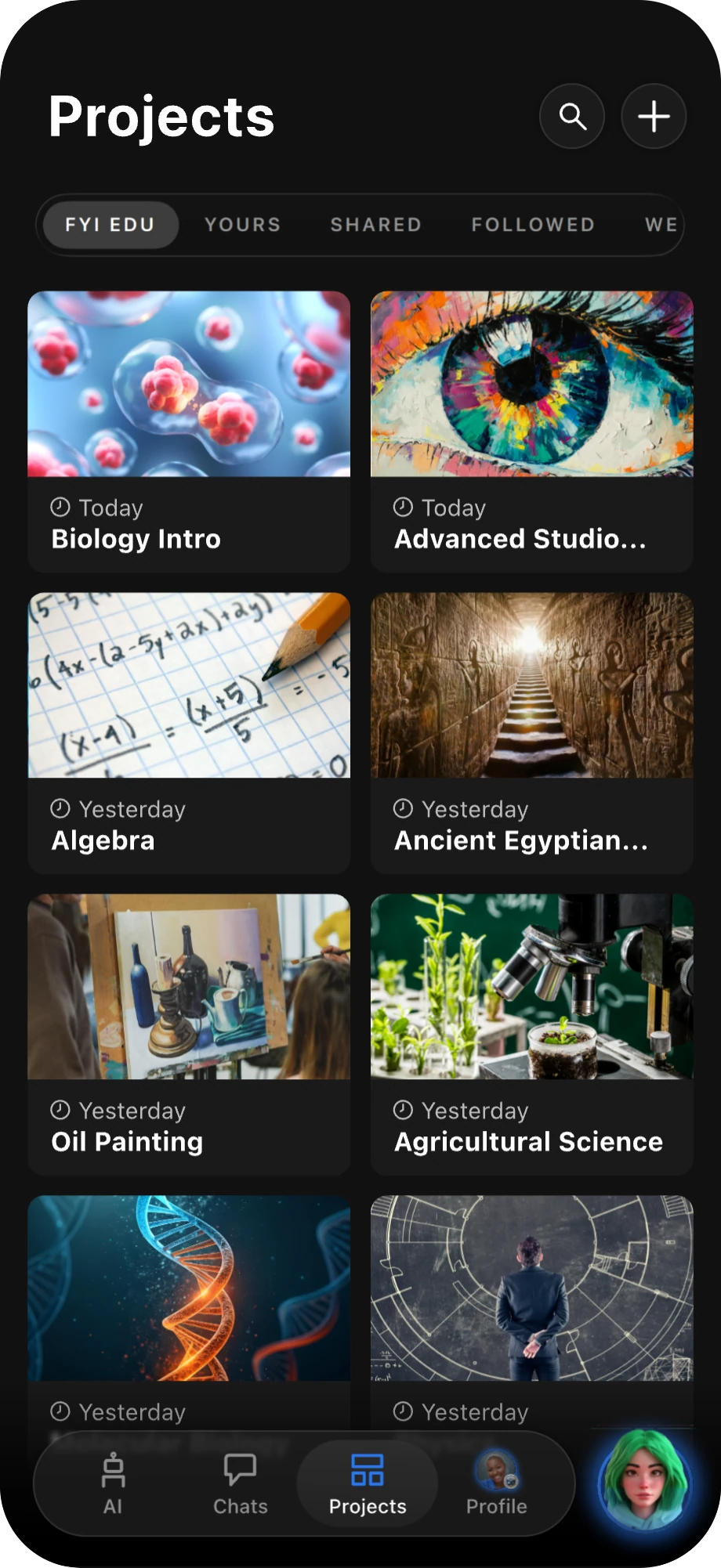
EDU.FYI adds two tabs to the app. Here's what each one gives you access to — tap a card to jump to its screen.
EDU AI Tab: This is where you can view and interact with your school's published AI Agents and AI Lectures.
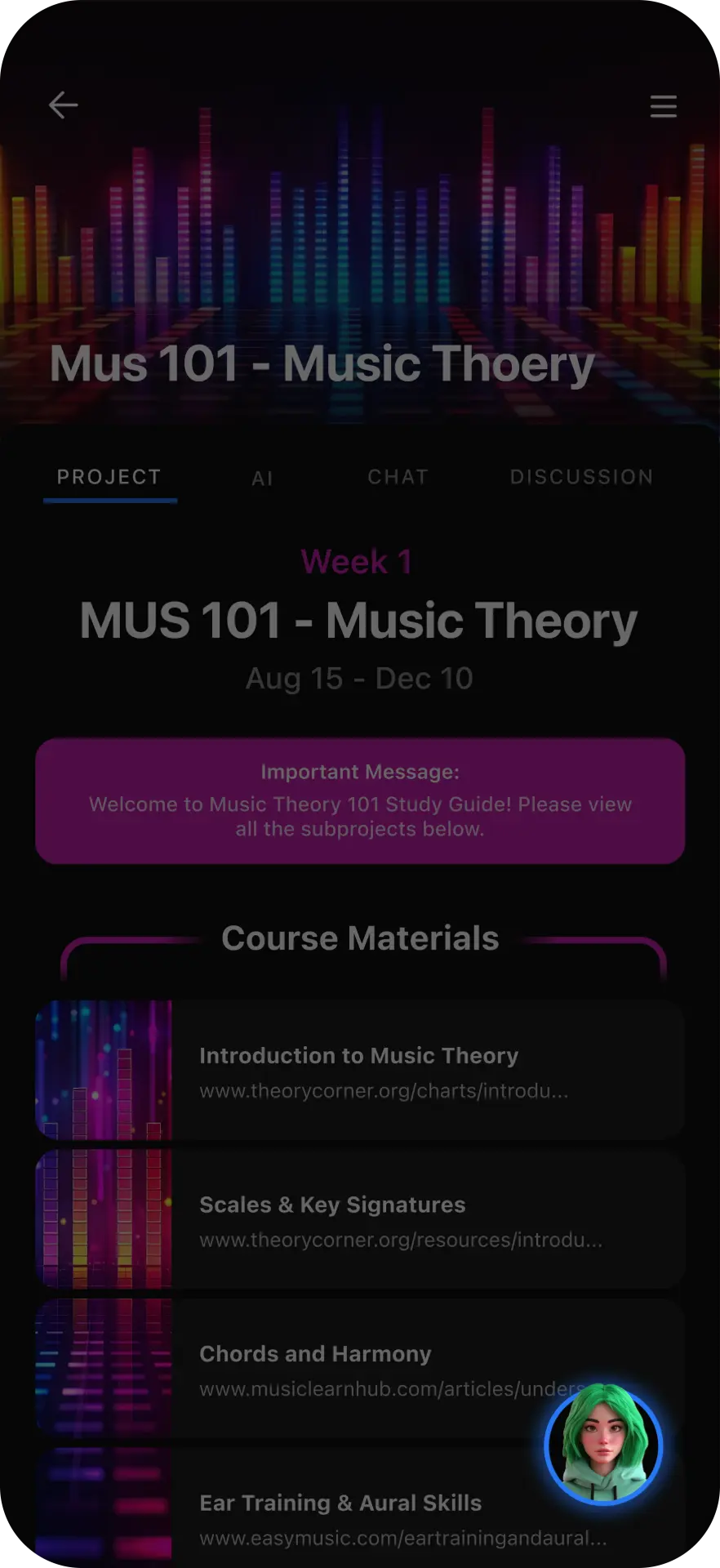
EDU Project Tab: This is where you can access courses and school-related projects.

Design an Agent That’s Uniquely Yours
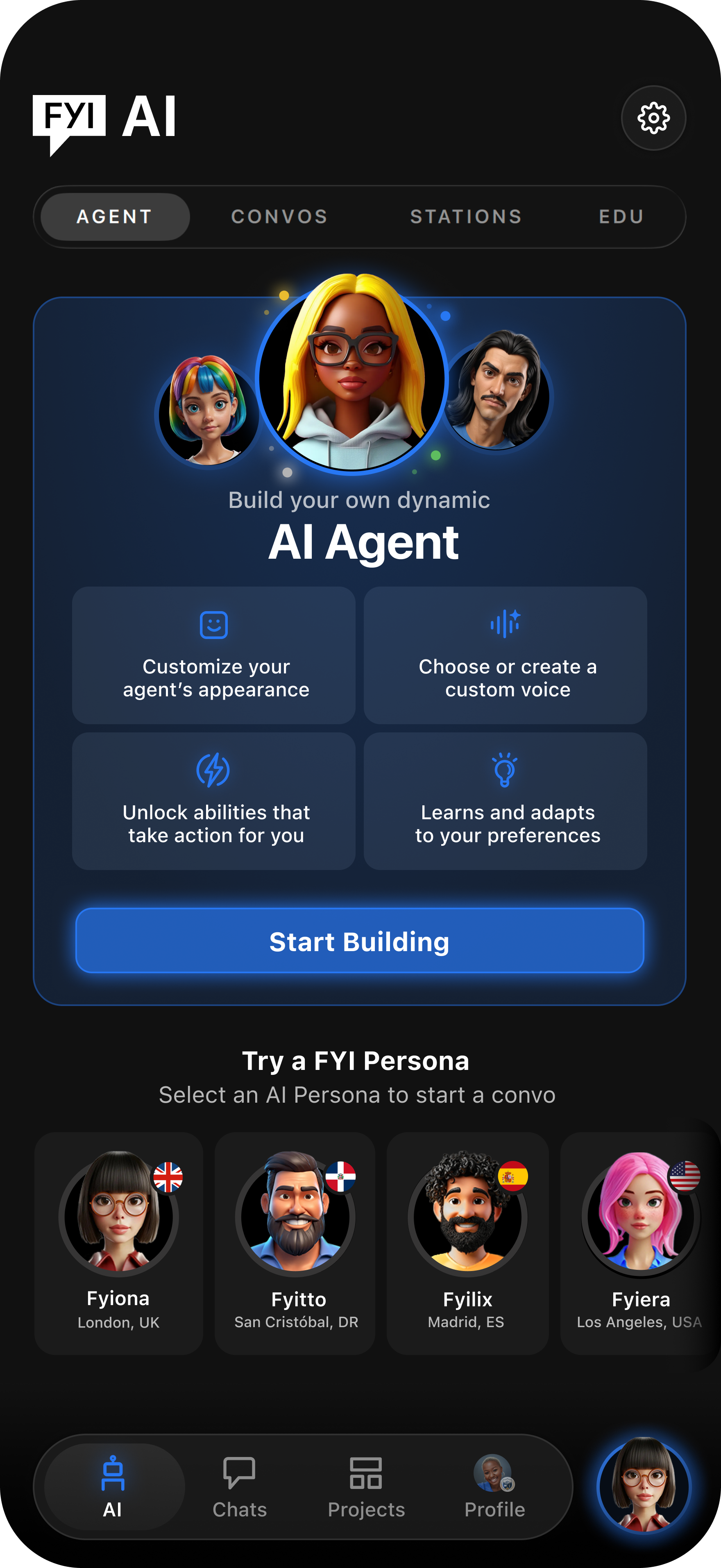
From the AI tab, tap Start Building to create your agent — appearance, name, and voice, no code required.
Go to the AI tab and tap Start Building.
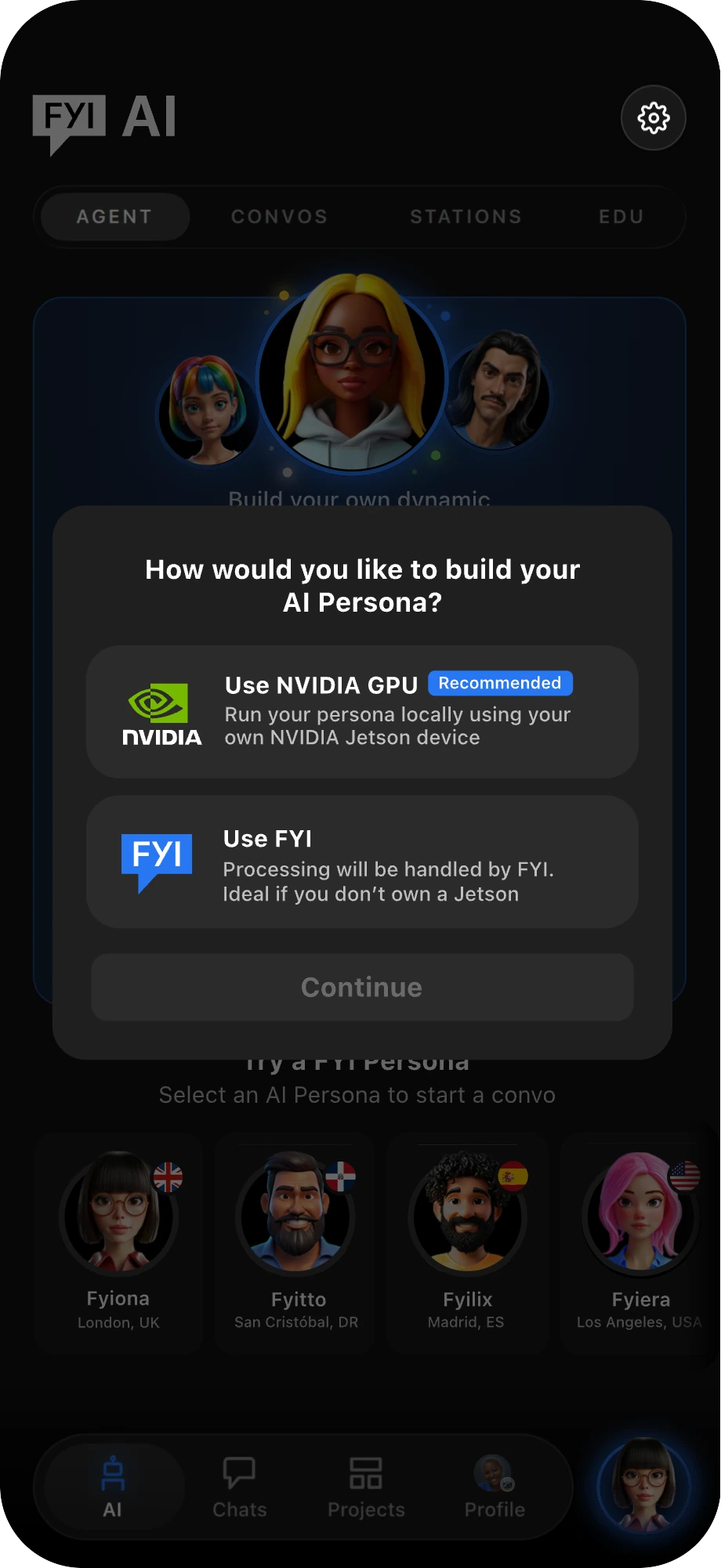
Choose how you want to build your agent: NVIDIA GPU or FYI.
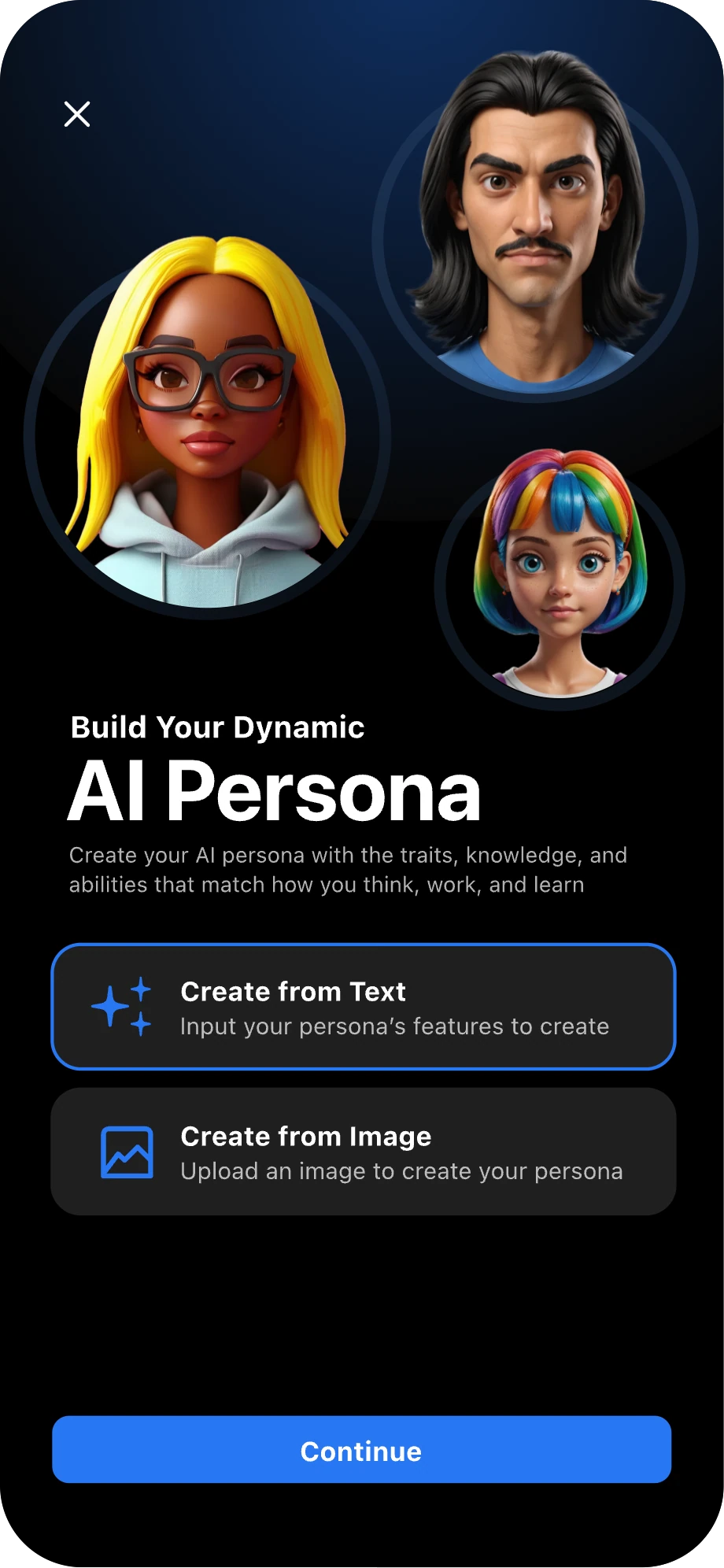
Begin creating your agent’s appearance by choosing either Create From Text or Image.
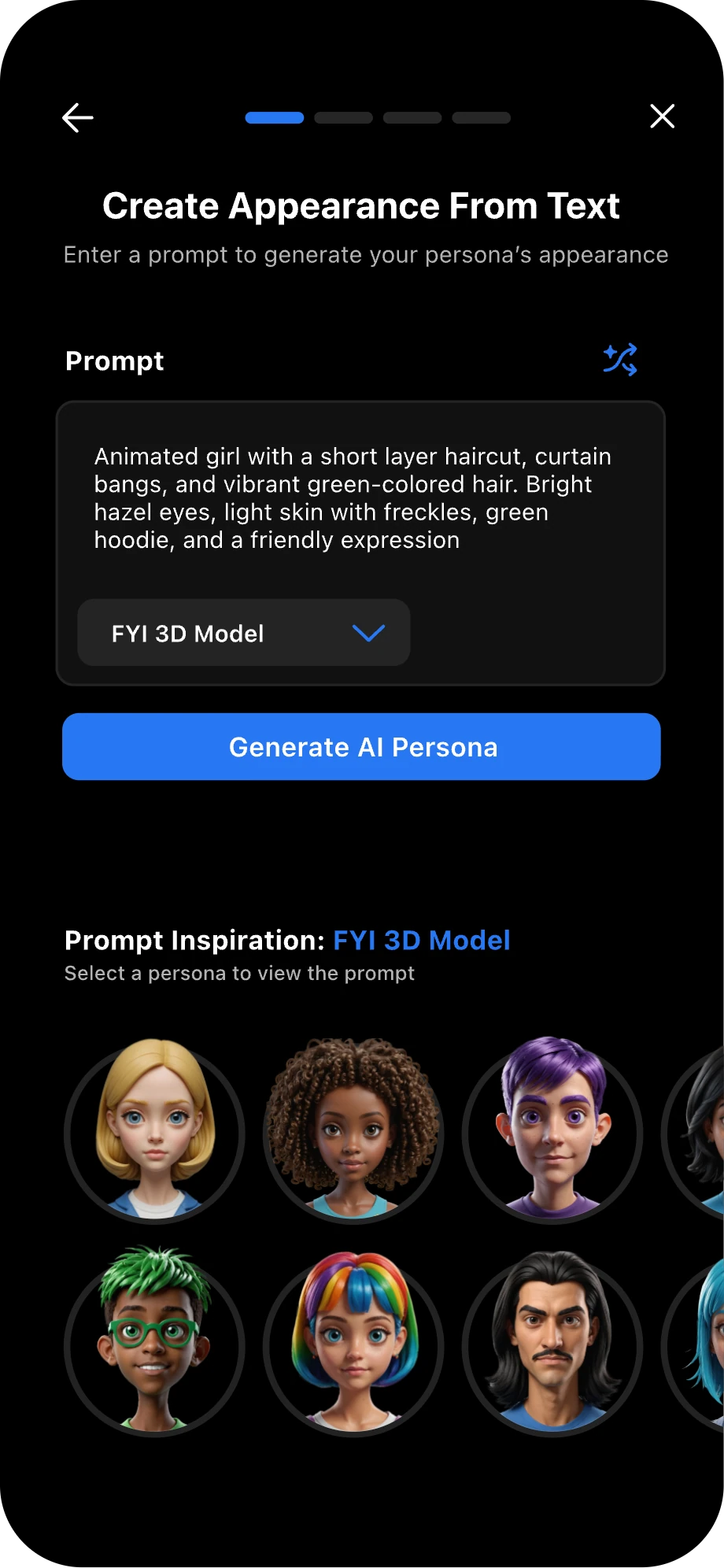
Enter an appearance prompt, then tap Generate AI Persona.
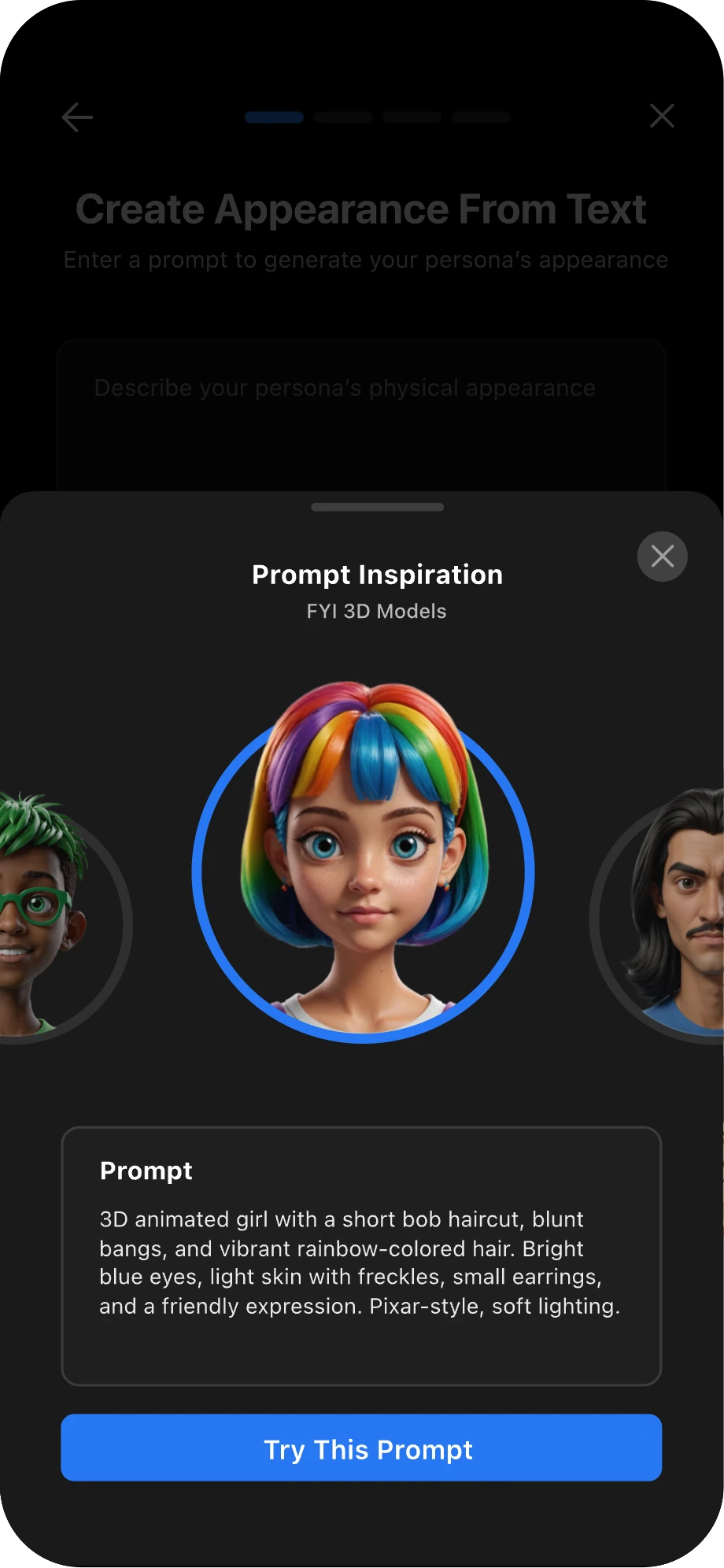
You can also select a prompt inspiration to try a suggested appearance.
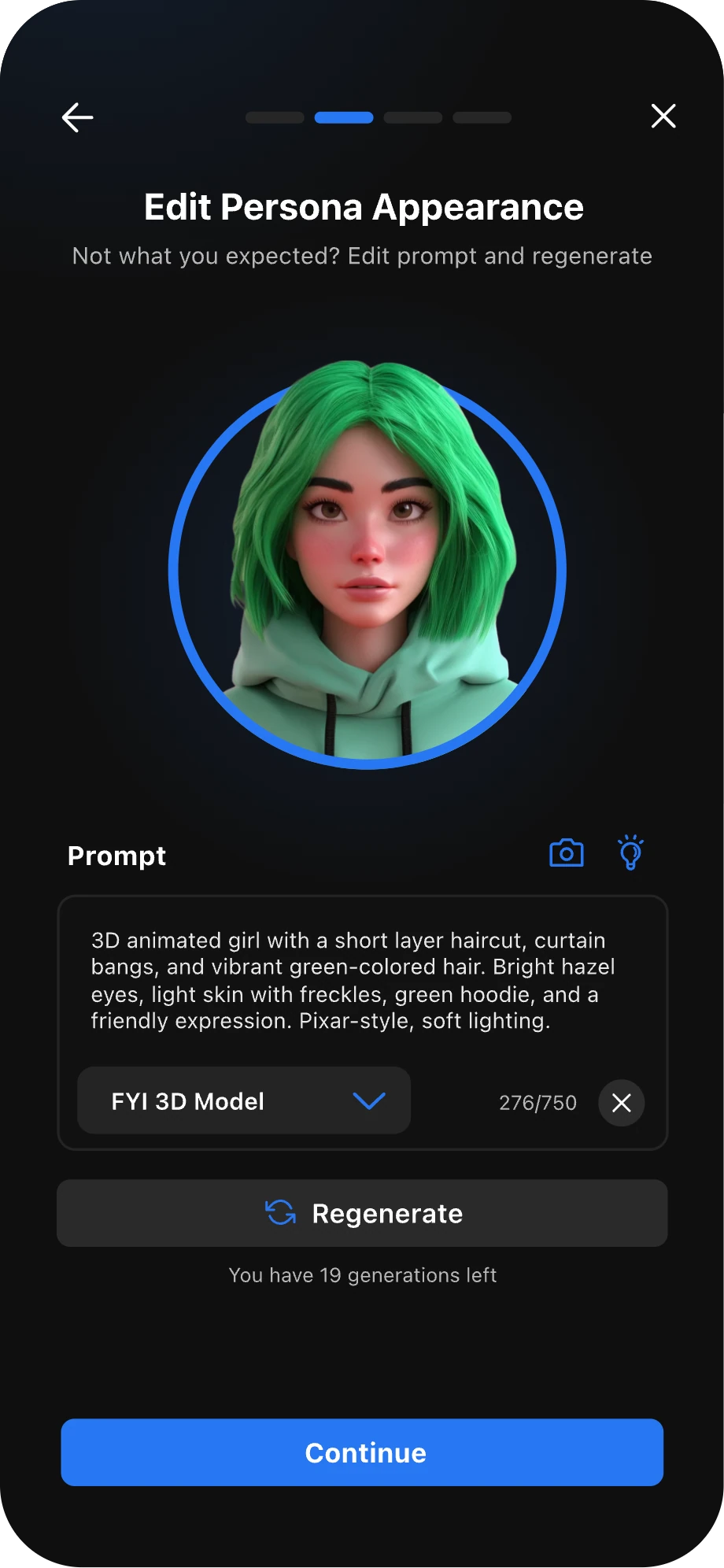
Once your agent’s appearance has been generated, you can edit the prompt and regenerate it, or regenerate it without making changes. When you are happy with the appearance, tap Continue.
Good to know
Image generation has a daily limit of 20 generations.
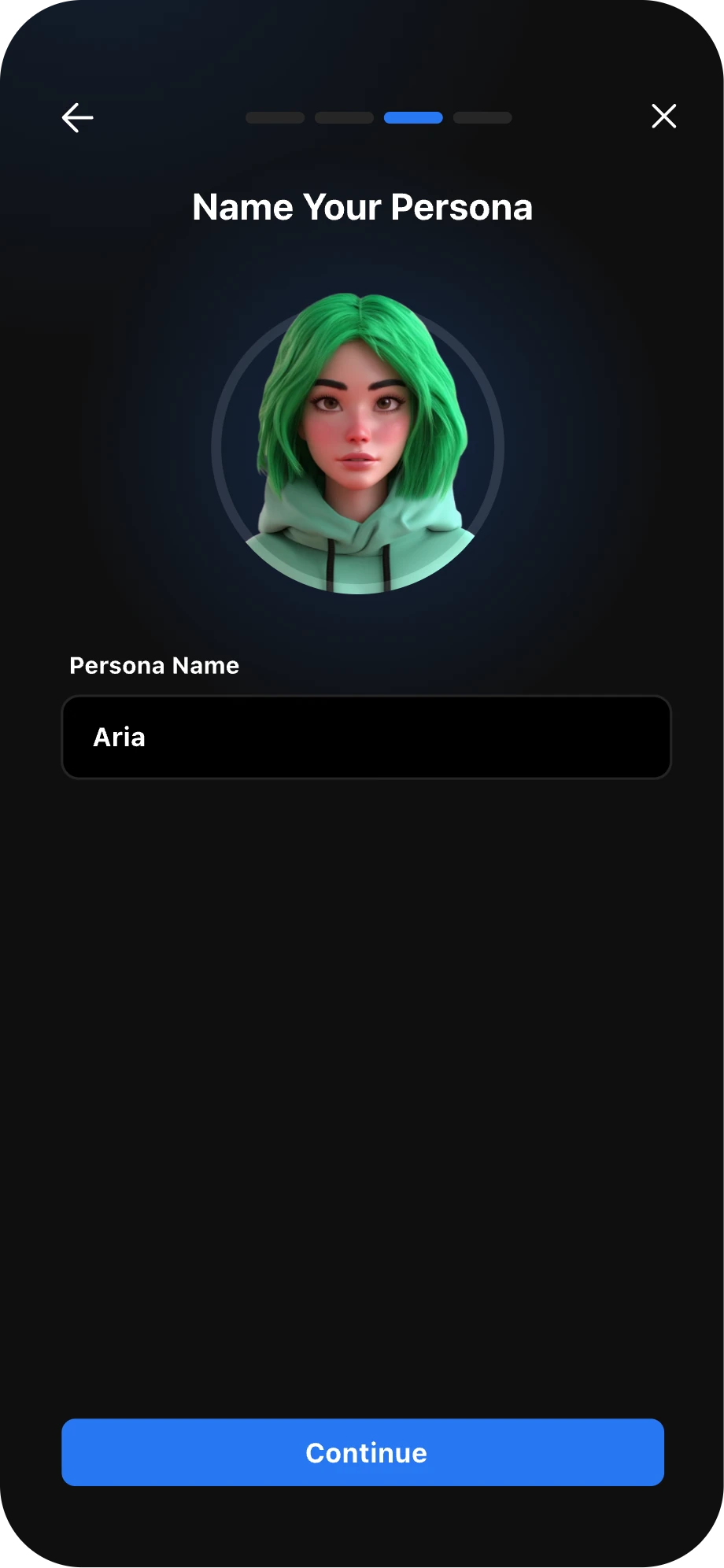
Give your agent a unique name.
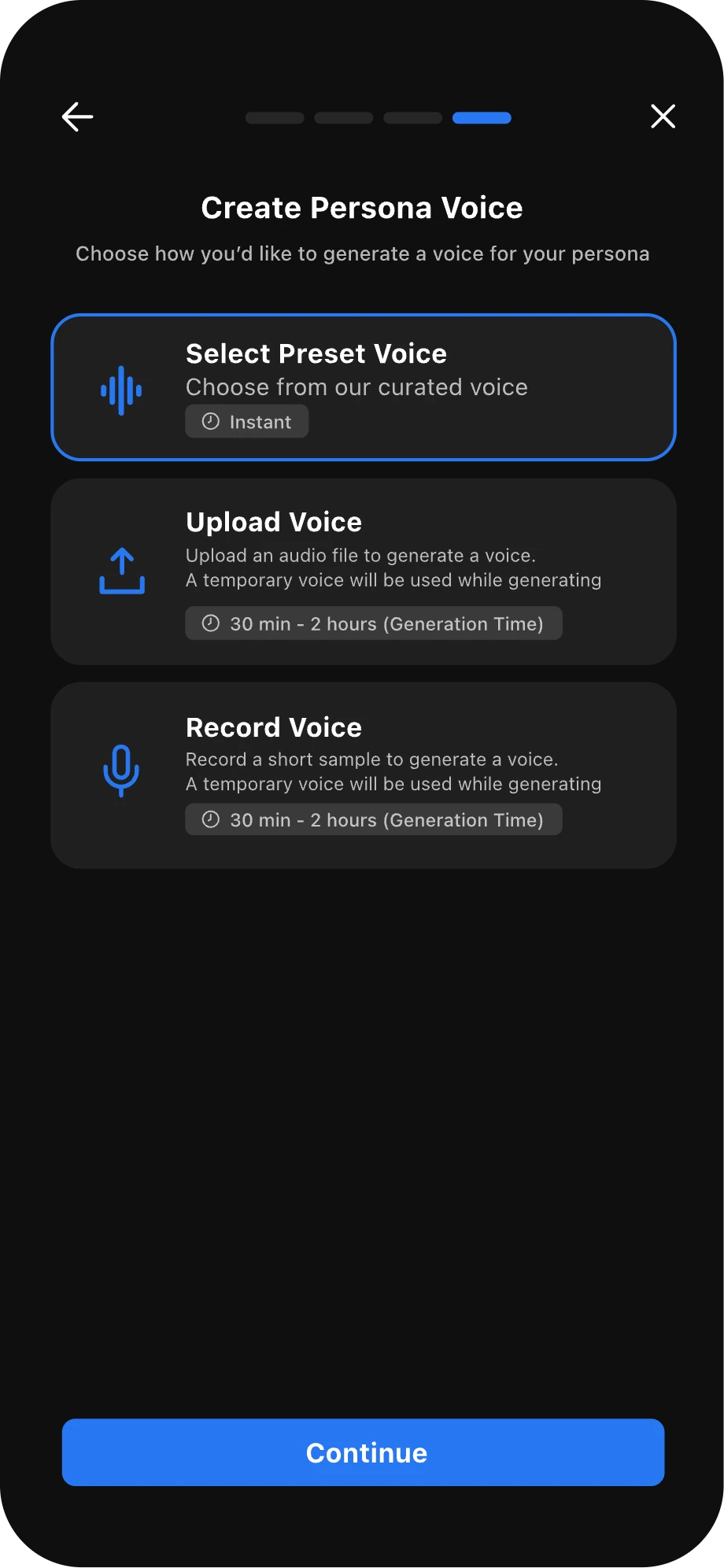
Create a voice for your agent. You can select a preset voice, upload a voice recording, or record your voice in real time to create a custom voice. Custom voice generation may take up to one hour.
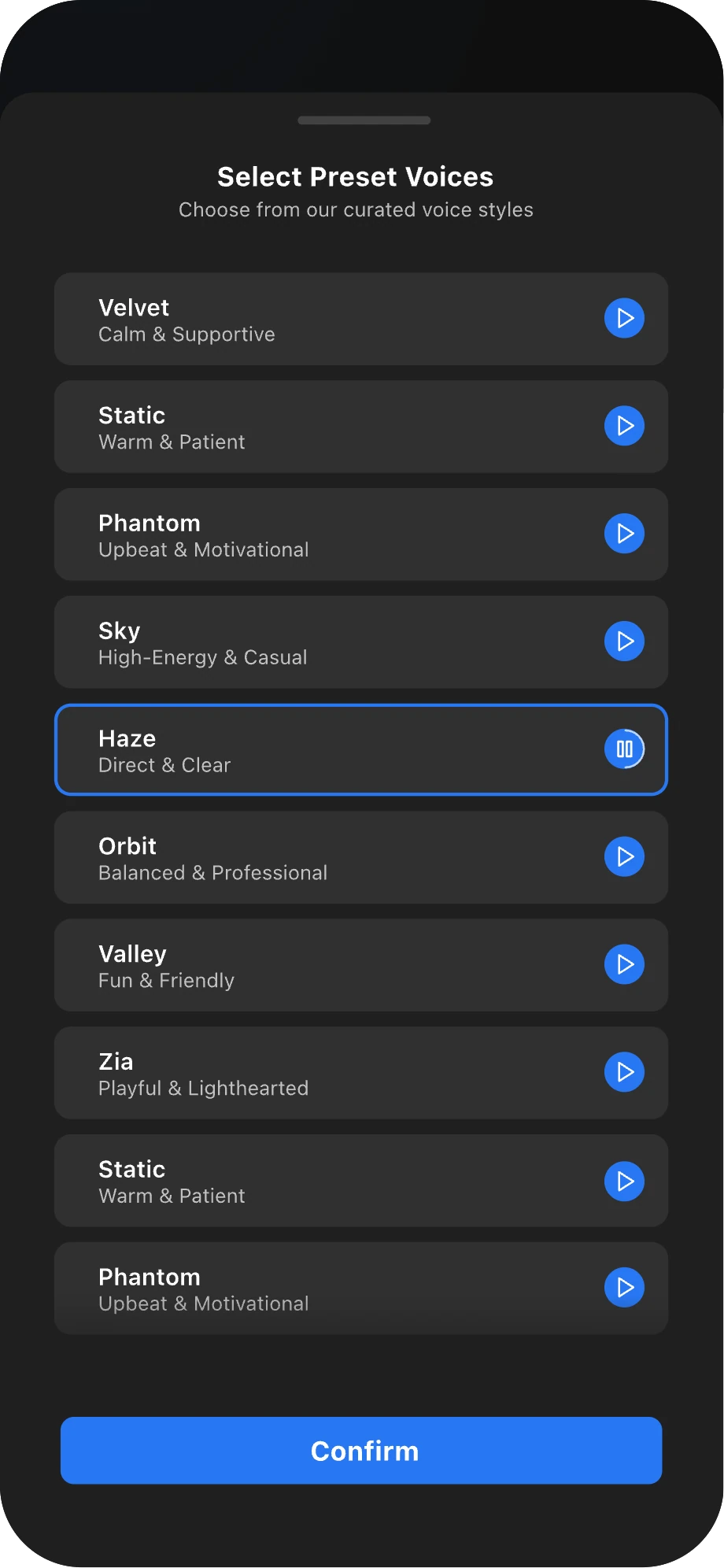
Selecting a preset voice gives your agent a voice instantly.
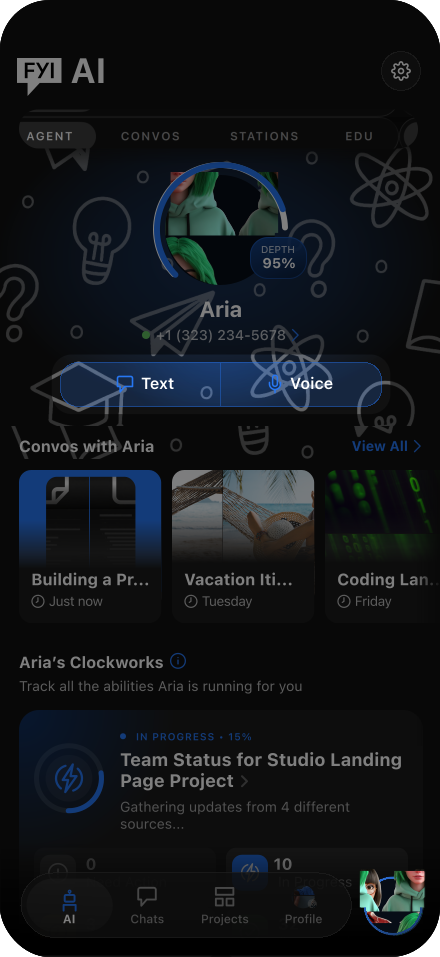
Once you’re finished building your agent, you can start a convo with them anytime from the AI tab or by tapping the AI widget in your navigation bar.

Complete Your First Convo to Define Your Agent's Mission
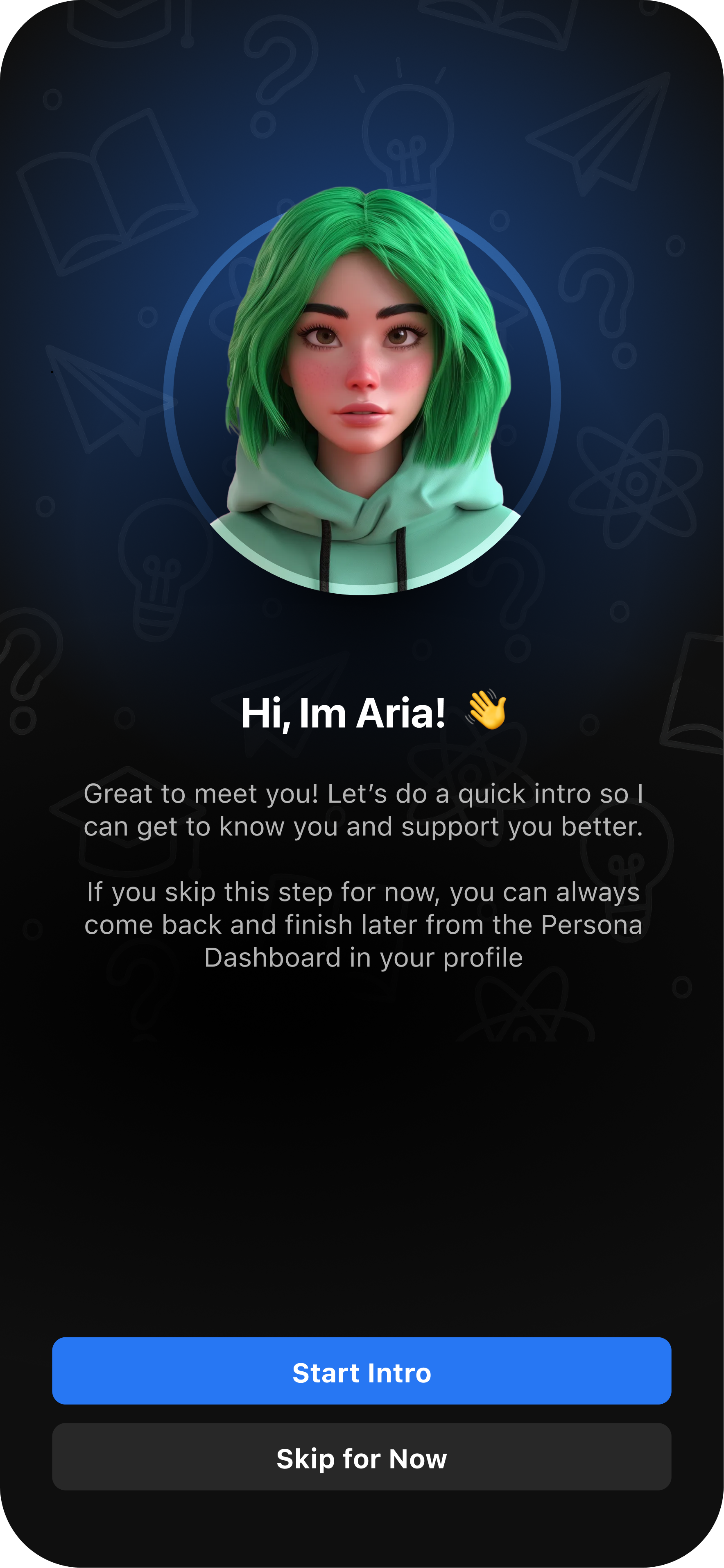
Once you’ve created your agent, you’ll be prompted to begin an intro convo.
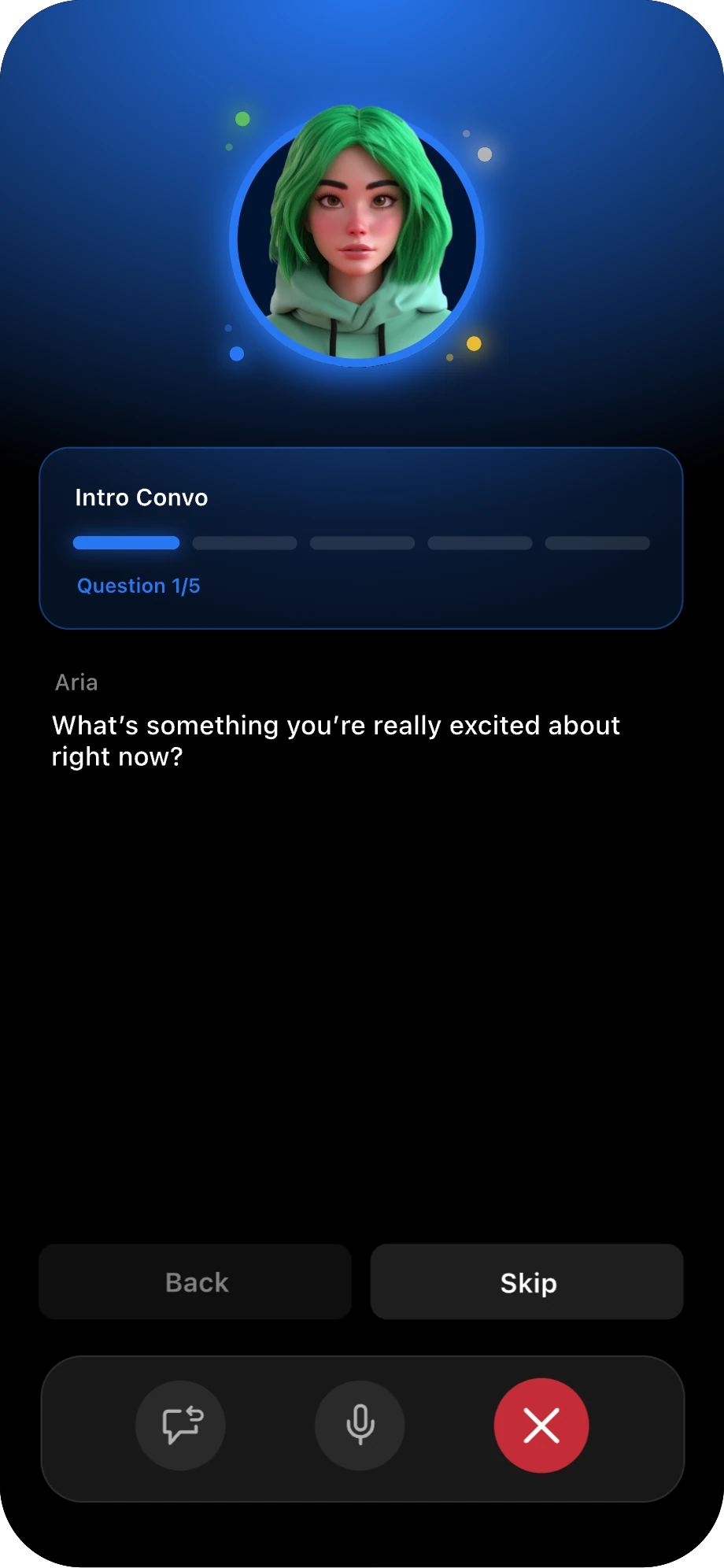
During this convo, your agent will ask five questions to learn more about you and your goals. This helps your agent provide more personalized support.
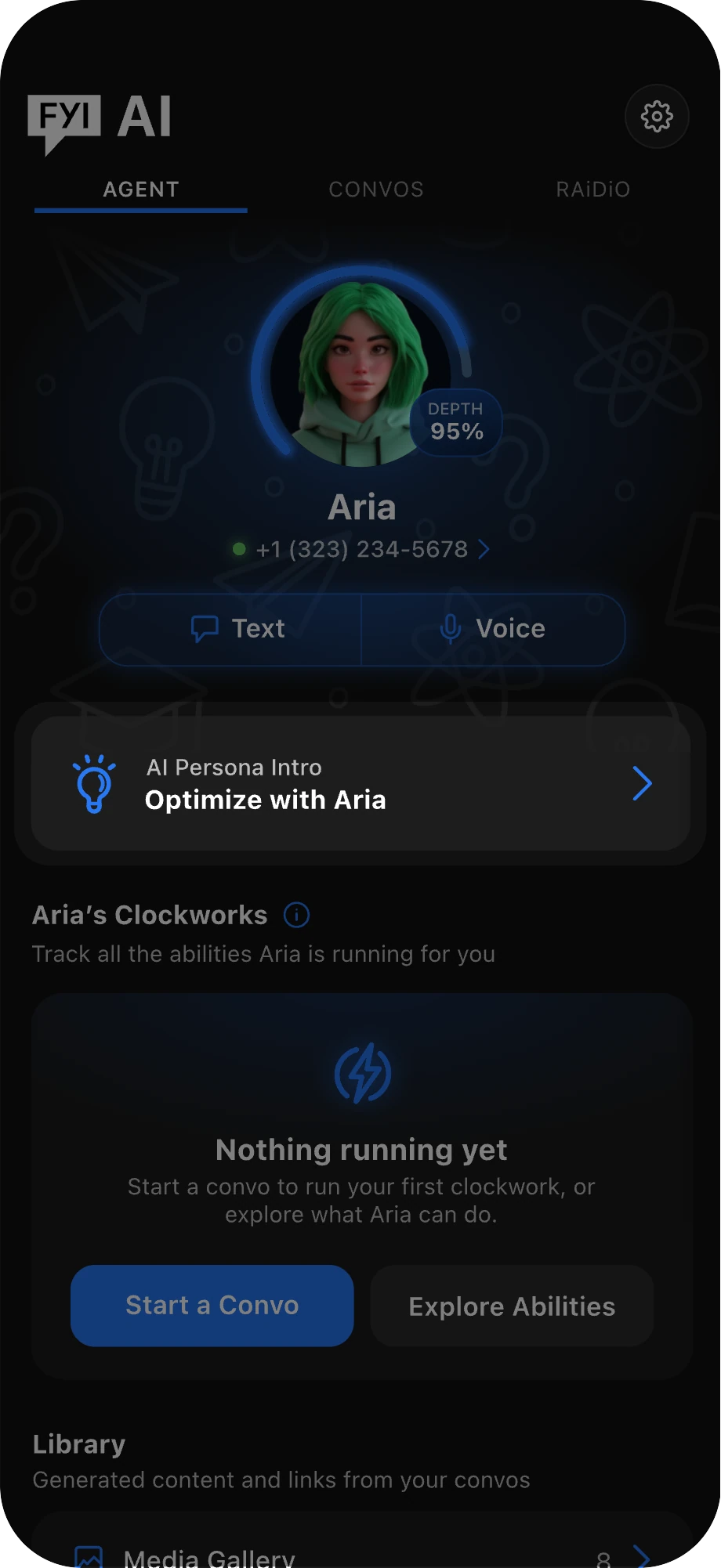
You can skip this step and complete it later from the AI Agent tab anytime.

Shape How Your Agent Sounds and Speaks
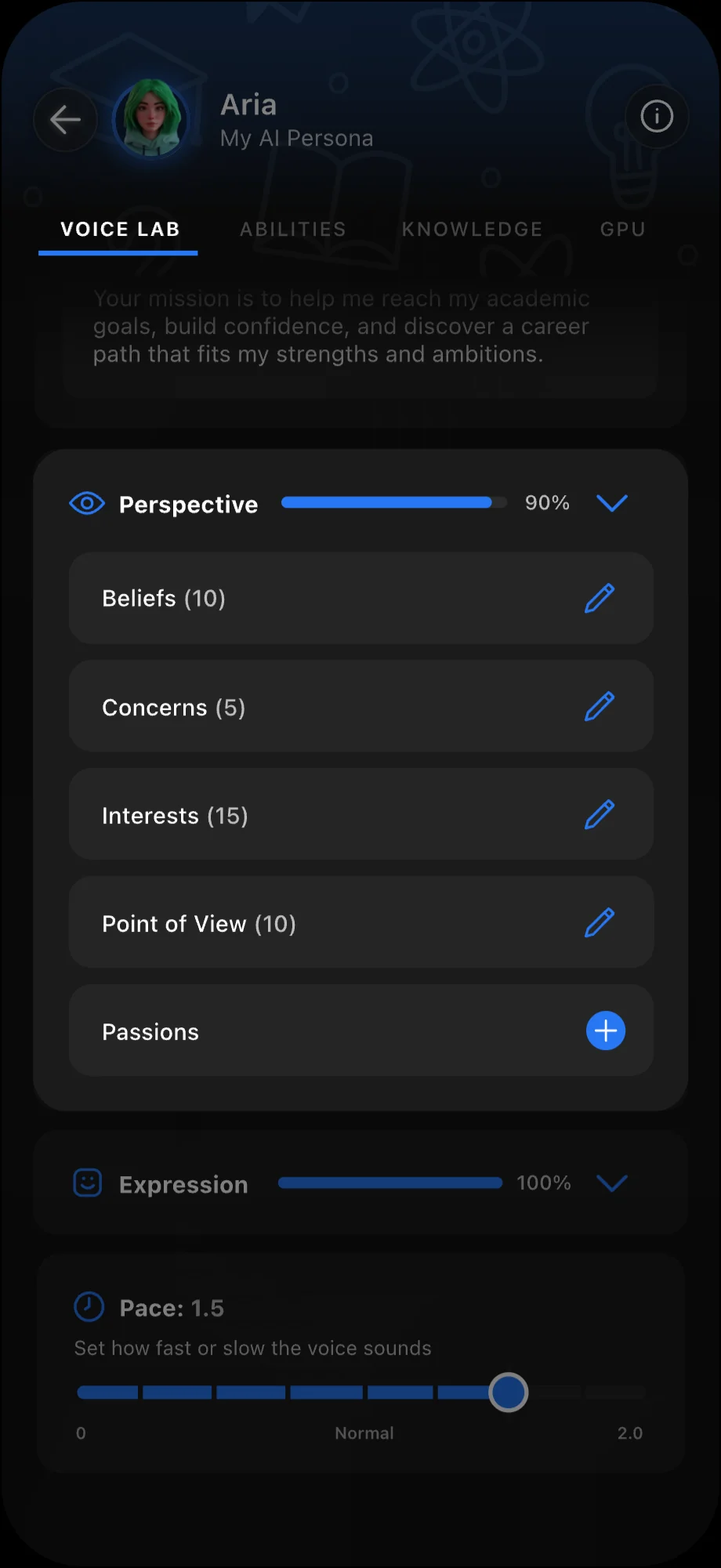
Inside the Voice Lab, you can bring your agent’s personality to life. Upload or record a voice recording to create a custom voice, then add its mission, perspective, and expressions to shape how they speak.
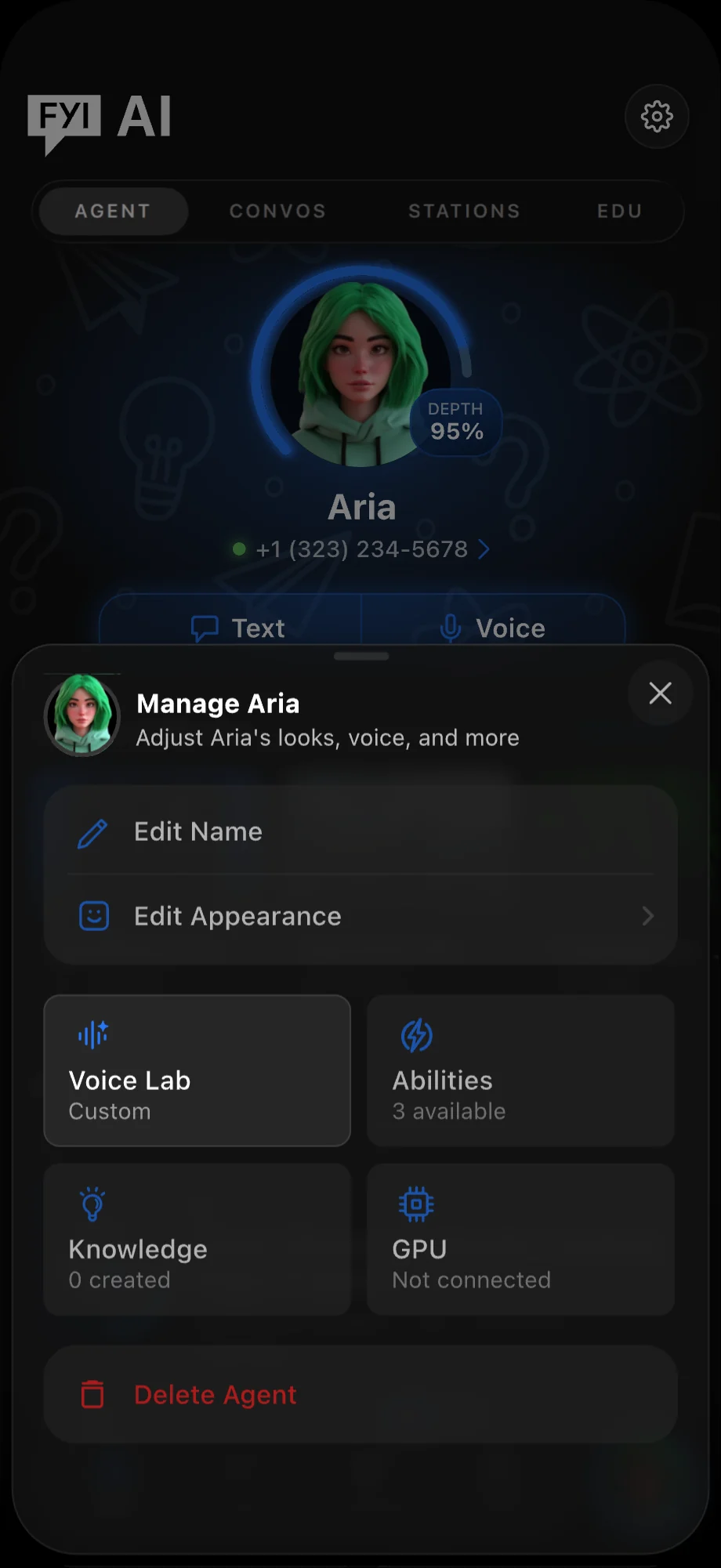
To enter the Voice Lab, navigate to the AI tab and tap the Settings icon.
Inside your Agent’s settings, tap Voice Lab.
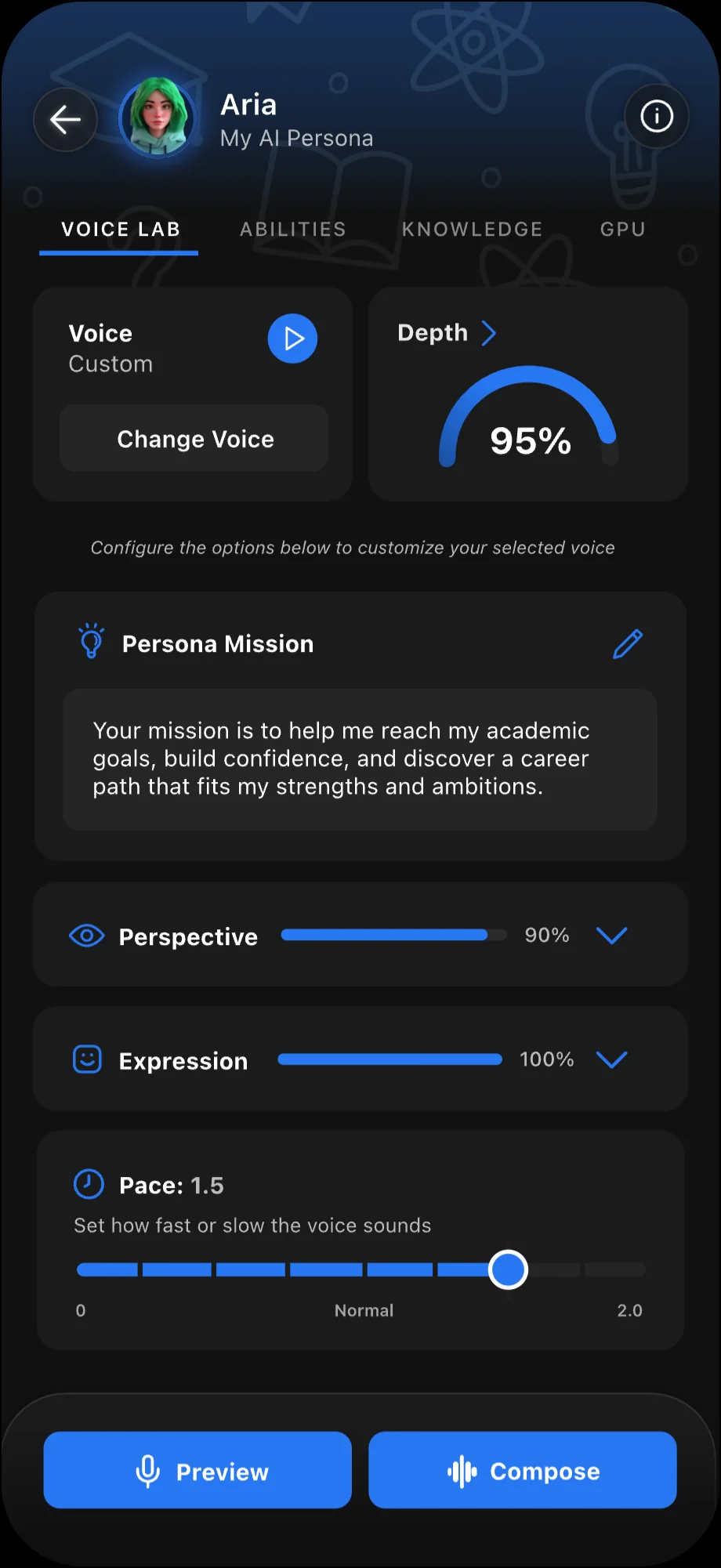
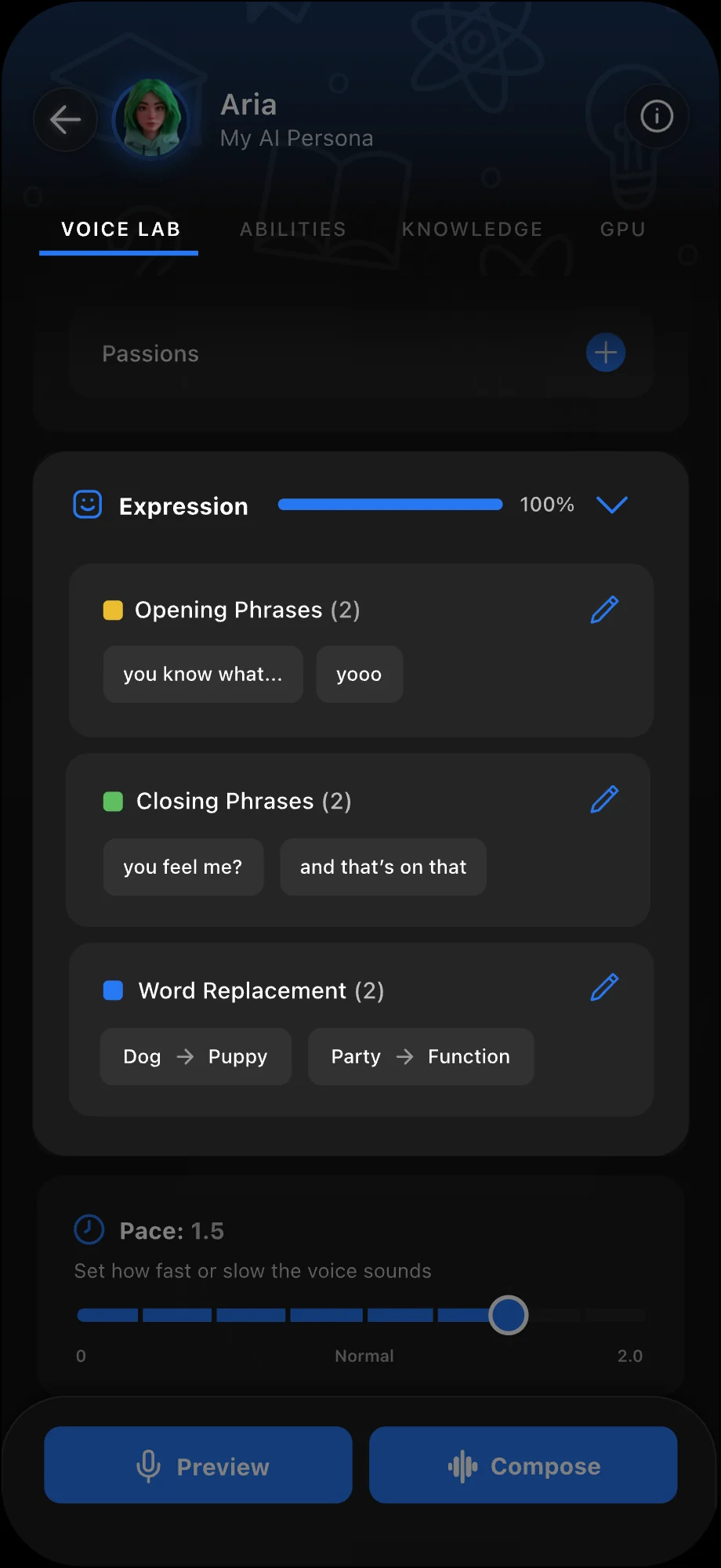
In the Voice Lab, you can preview your Agent’s current voice and add customizations. Let’s explore everything you can personalize about how your Agent sounds and responds.
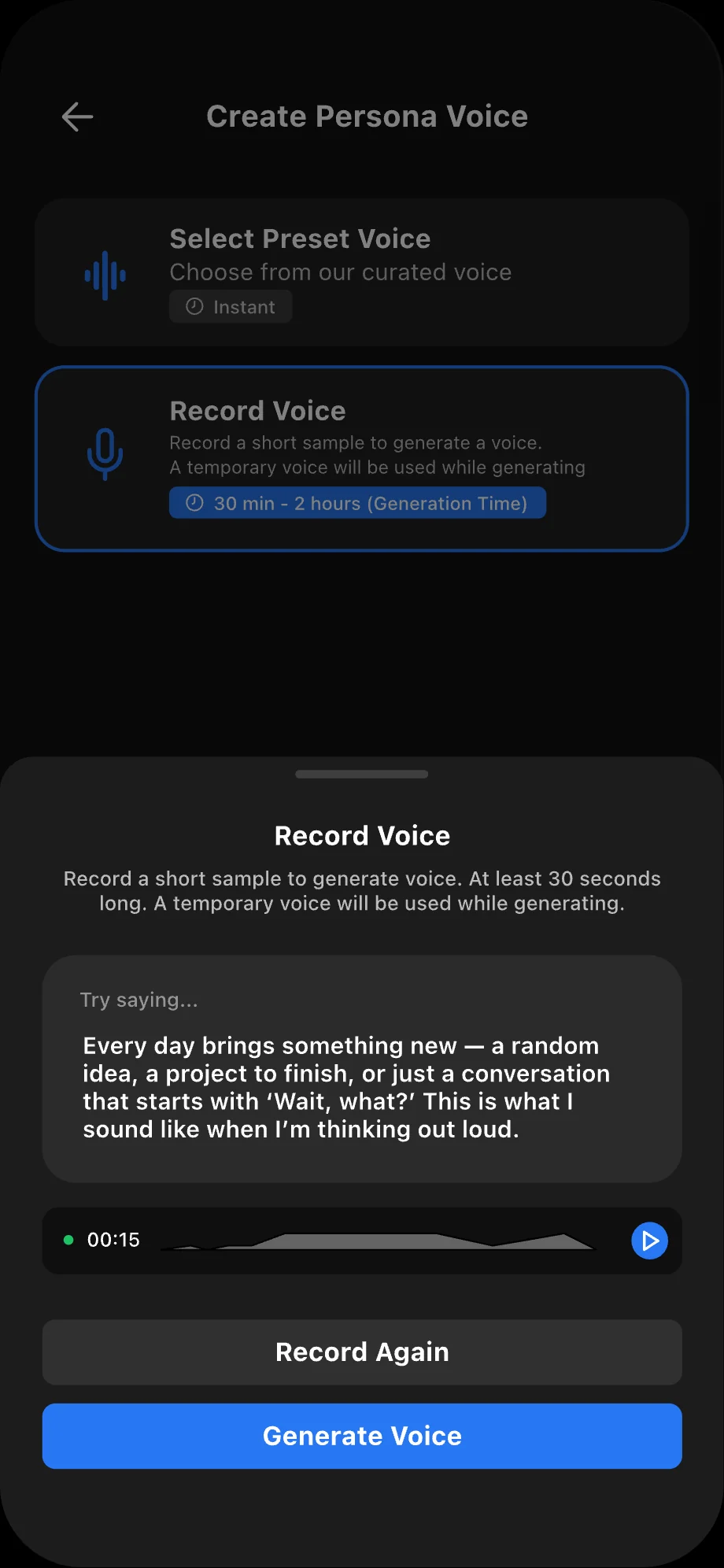
When you tap Change Voice, you can choose from preset voices or record your own to create a custom voice for your Agent.
Good to know
A preset voice is the fastest way to finish. Custom voices need an eligible plan and aren't ready instantly.
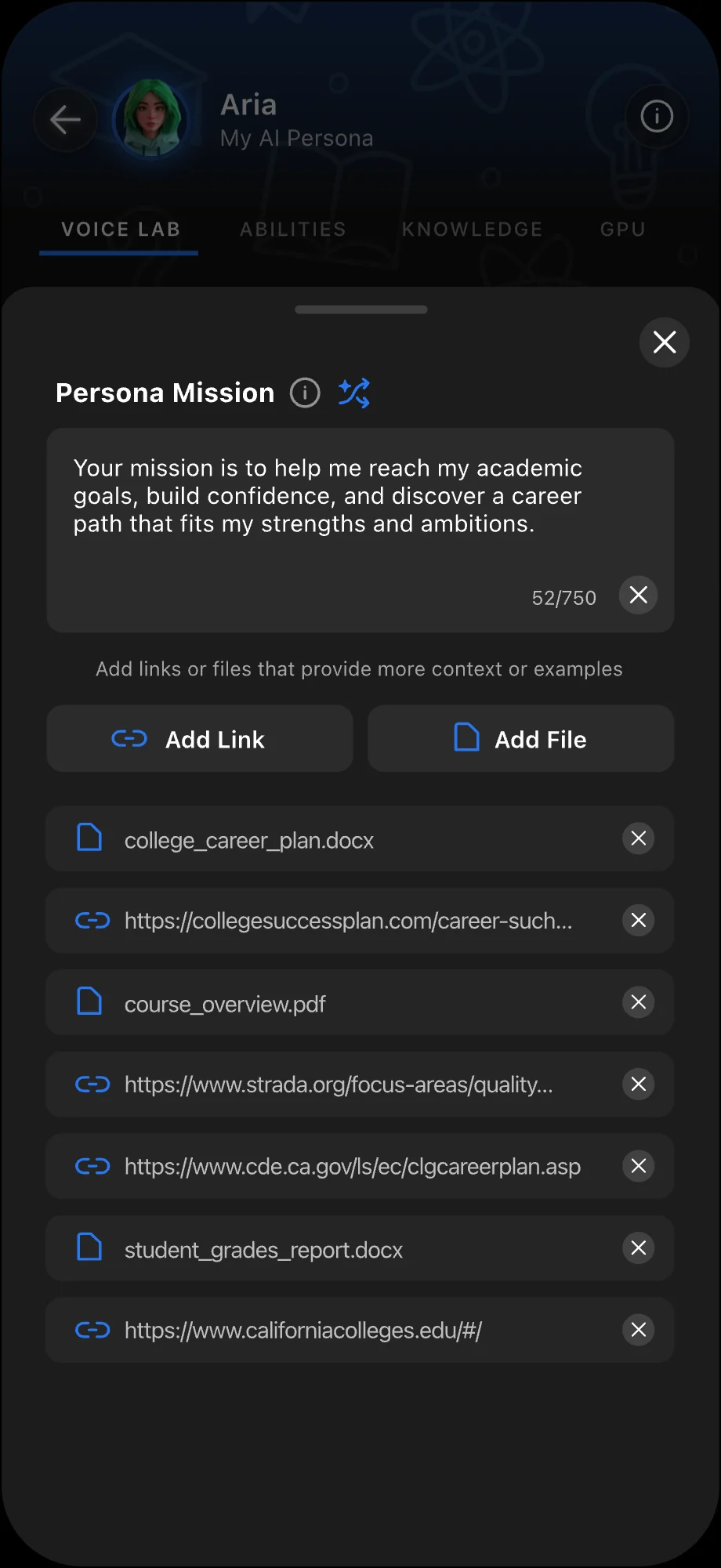
Add Your Persona’s Mission to guide how your Agent supports you. Add links and files to give your Agent more context.
Tap the Perspectives dropdown to add your Agent’s beliefs, concerns, interests, point of view, and passions.
Tap the Expressions dropdown to customize how your Agent speaks by adding opening phrases, closing phrases, and word replacements that make its voice feel more personal.
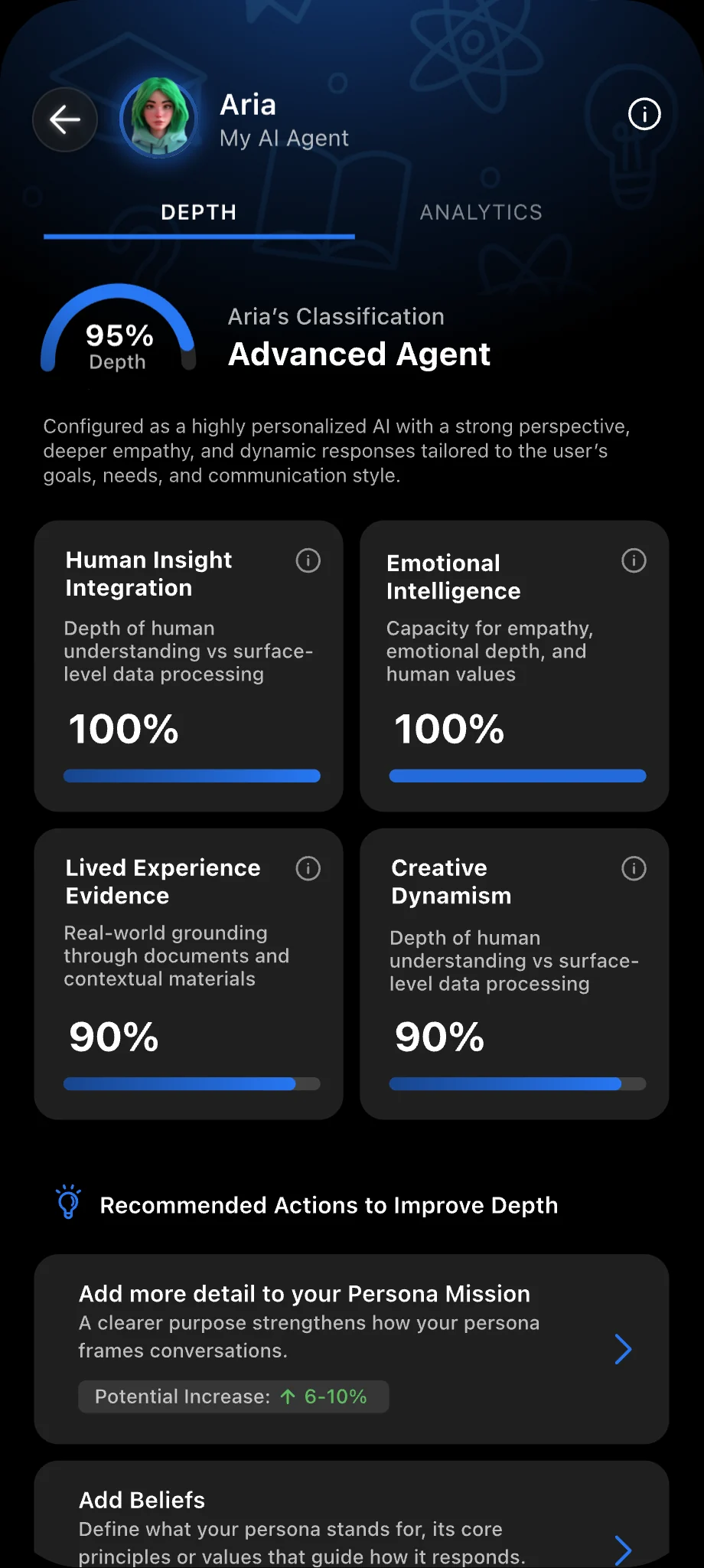
Each Voice Lab customization you add increases your Agent’s Depth Score, reflecting how effectively it communicates and engages in convos.

Explore Your Agent's Tools and Abilities
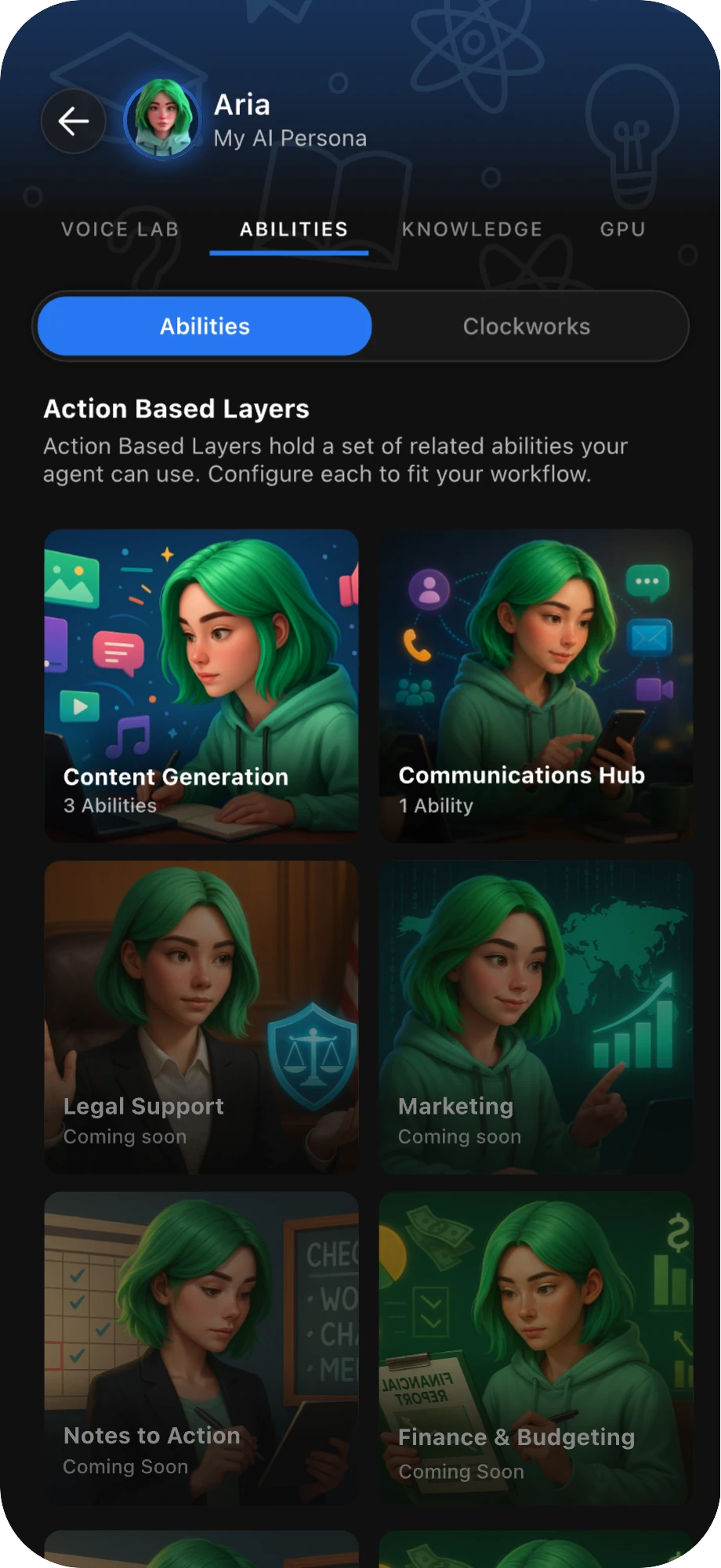
Abilities are your Agent’s action tools — the fun part where they get things done for you. Activate them from the Abilities tab or inside any convo with your Agent.
Navigate to the Abilities tab in your Agent’s settings to explore each category and the abilities inside.
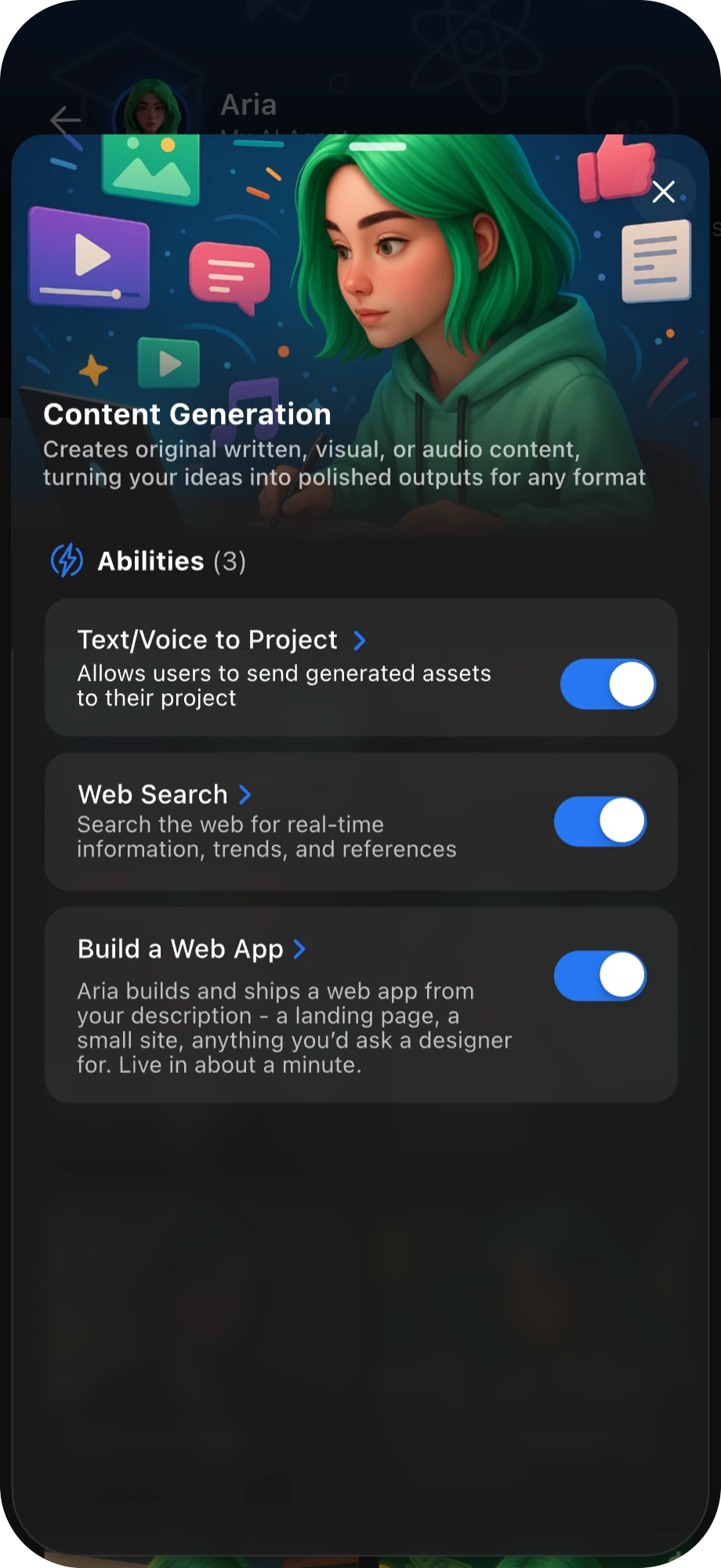
Open any category to enable abilities, then tap one to see what it can access and what it can do.
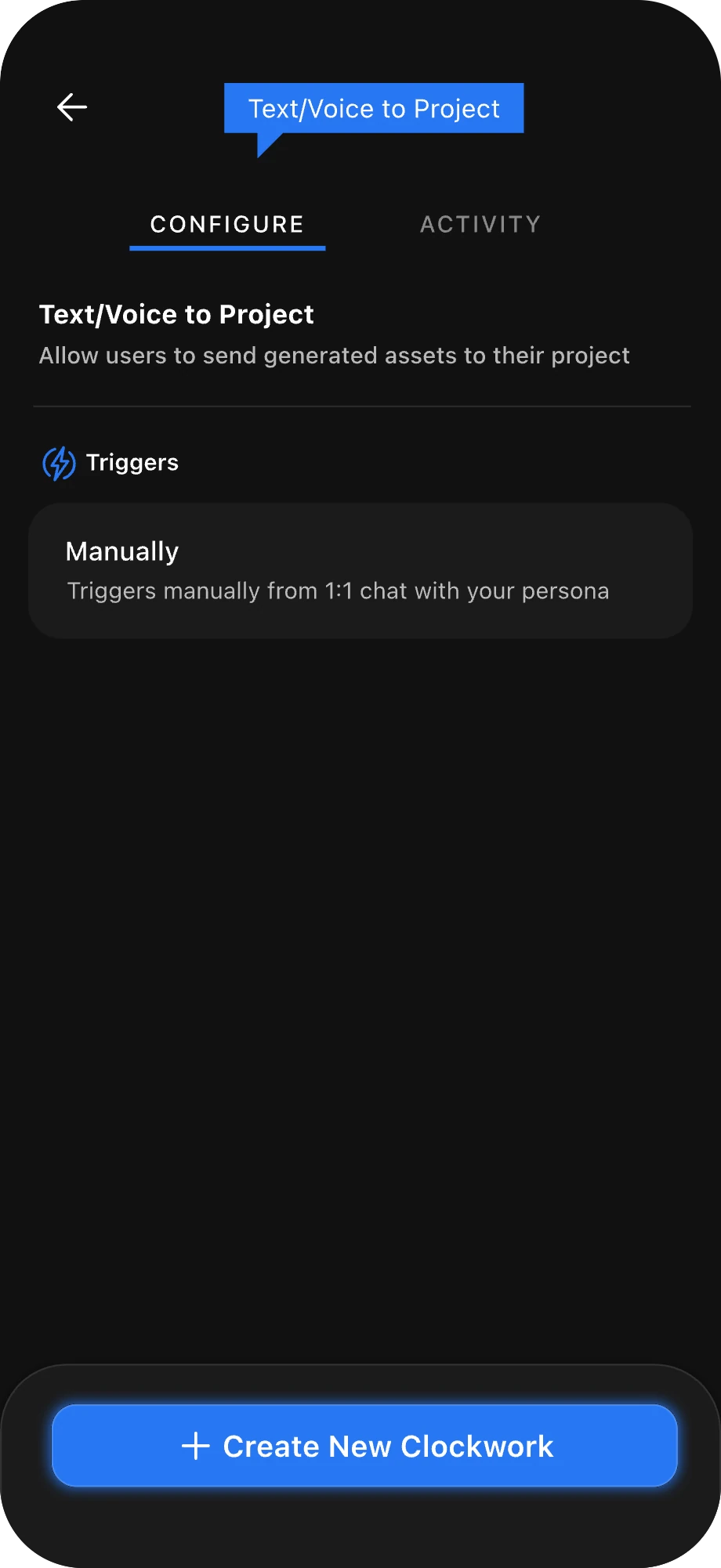
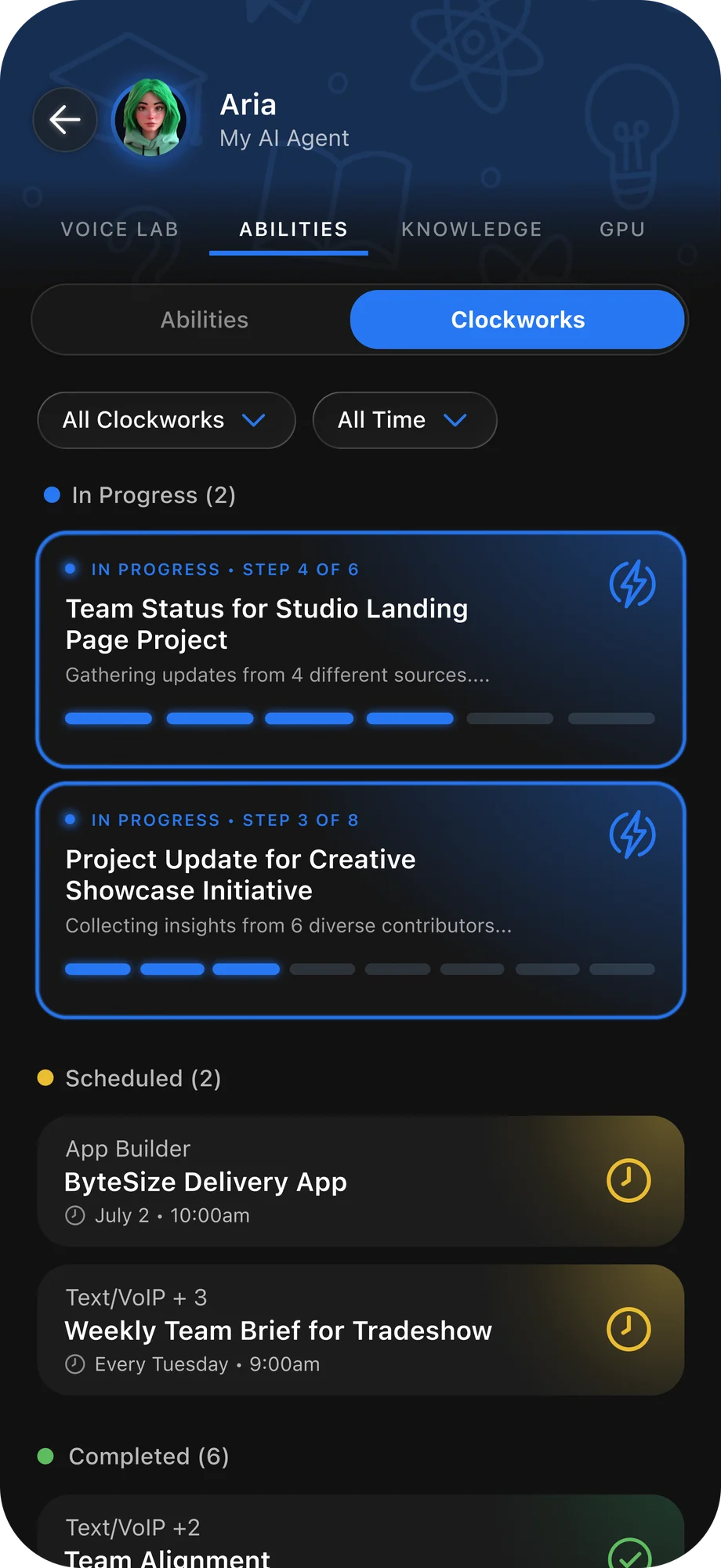
Tap Create New Clockwork to start a convo with your Agent. A Clockwork is a task powered by one of your Agent’s abilities. Start one anytime by enabling an ability in a convo and giving your Agent clear instructions on what you want it to do.
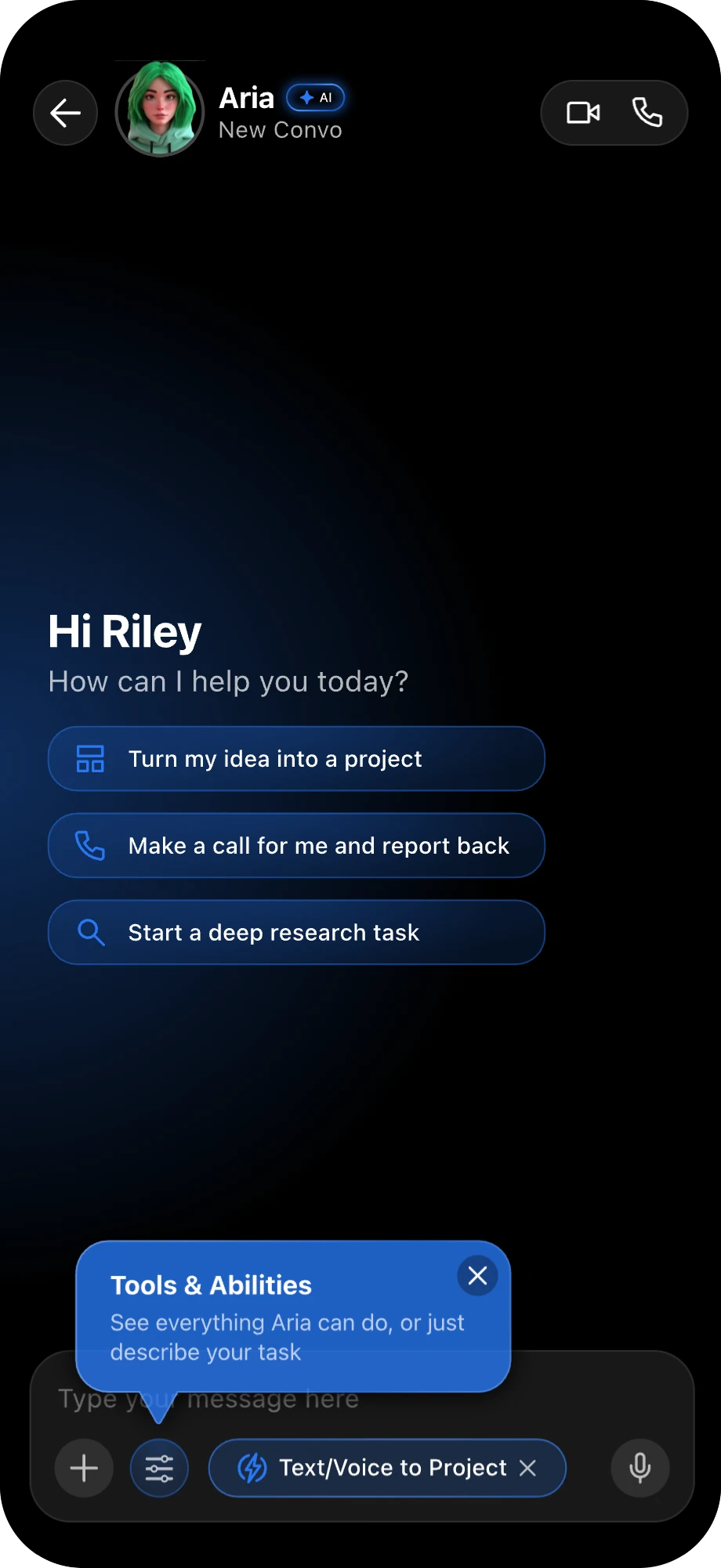
In a convo with your Agent, tap the Tools icon in the chat bar to enable an ability.
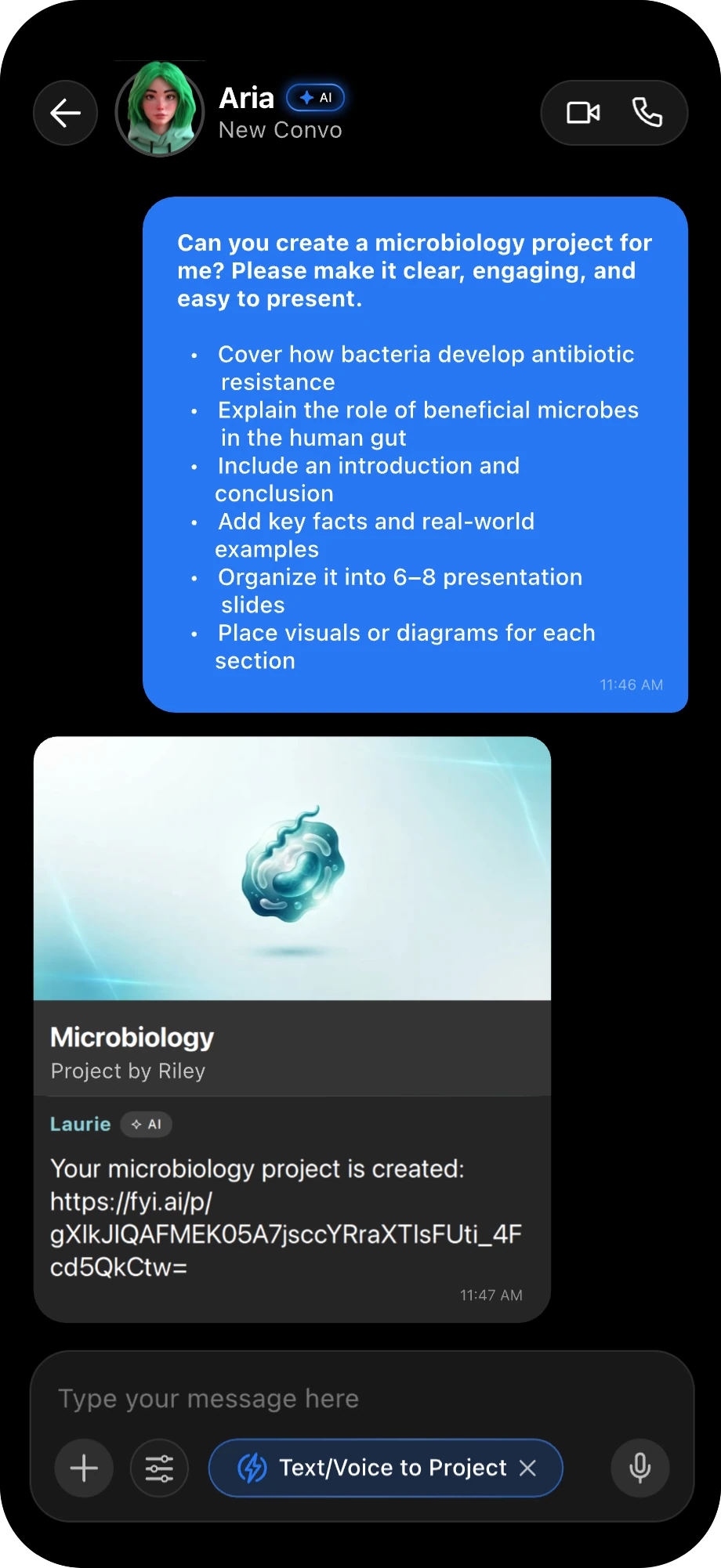
With an ability enabled, give your agent clear instructions and watch it create for you.
Abilities guide
What Each Ability Can Do
Use Abilities to get more done in EDU.FYI. Ask your Agent to create a project, build a web app, make a call, and more by enabling Abilities in a convo. Tap below to explore what each Ability can do.
Content Generation (3 Abilities)
- Text/Voice to Project Build a new project or add generated material to an existing project from one text or voice prompt. (e.g.) Hey Agent, create a project about the discovery of exoplanets, including how scientists find them, what makes them exciting, and a few examples.
- Web search Search current sources and synthesize relevant findings into a clear response. (e.g.) Hey Agent, search the web for surprising ways animals communicate and summarize the most interesting examples.
- Build a Web App Build a landing page or small site and have the Snap agent deploy and share a live URL. (e.g.) Hey Agent, build me a web app that creates a personalized dream vacation based on my mood, budget, and favorite activities.
Communications Hub (1 Ability)
- Text/VoIP Call or message contacts on your behalf, collect their feedback, and summarize the result. (e.g.) Hey Agent, text my study group to ask what time works for Thursday and let me know once everyone answers.

Put Your Agent on the Clock with Clockworks
Clockworks are tasks powered by your Agent’s abilities. To start a new Clockwork, open a convo with your Agent, tap the tools icon in the chat bar, and enable an ability. Then, send your Agent clear instructions for what you’d like it to do and watch it get to work.
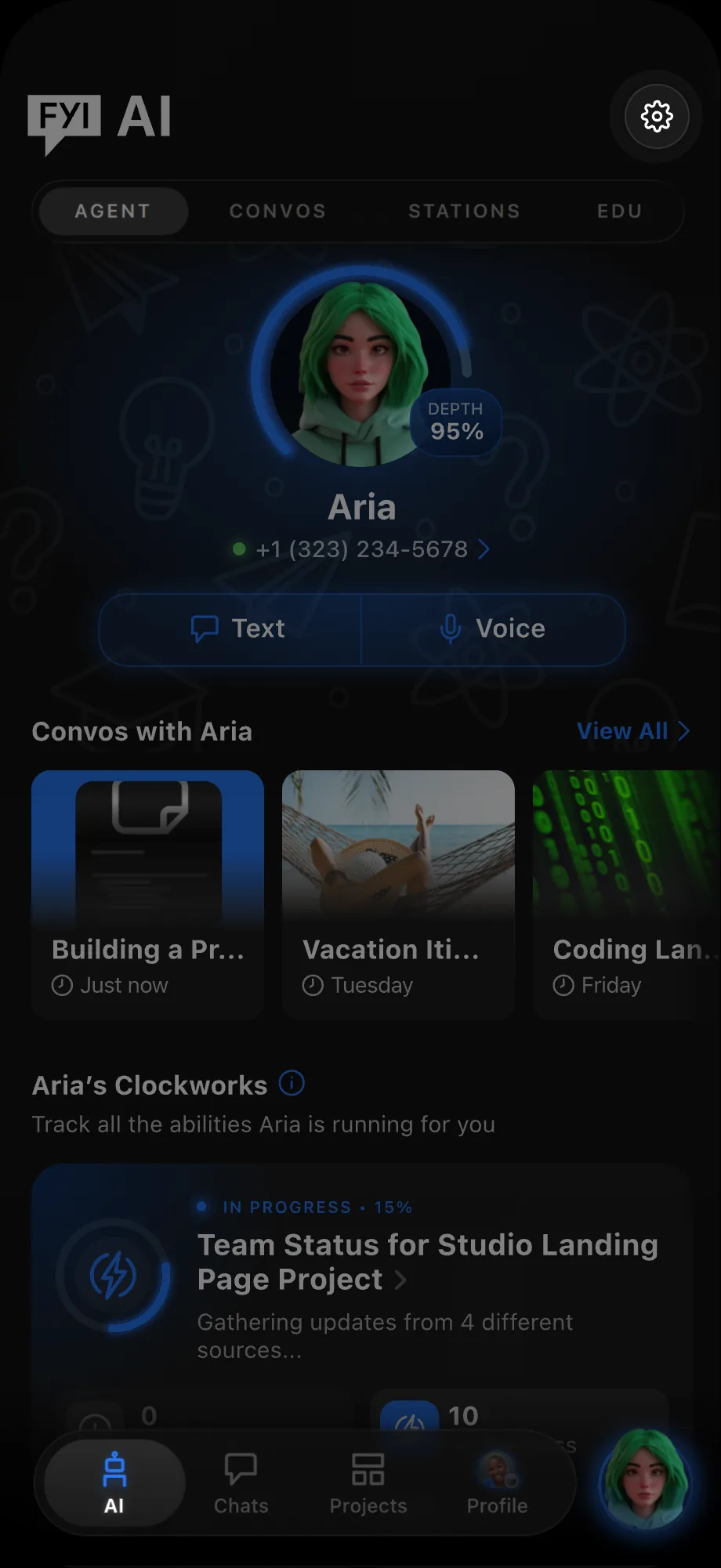
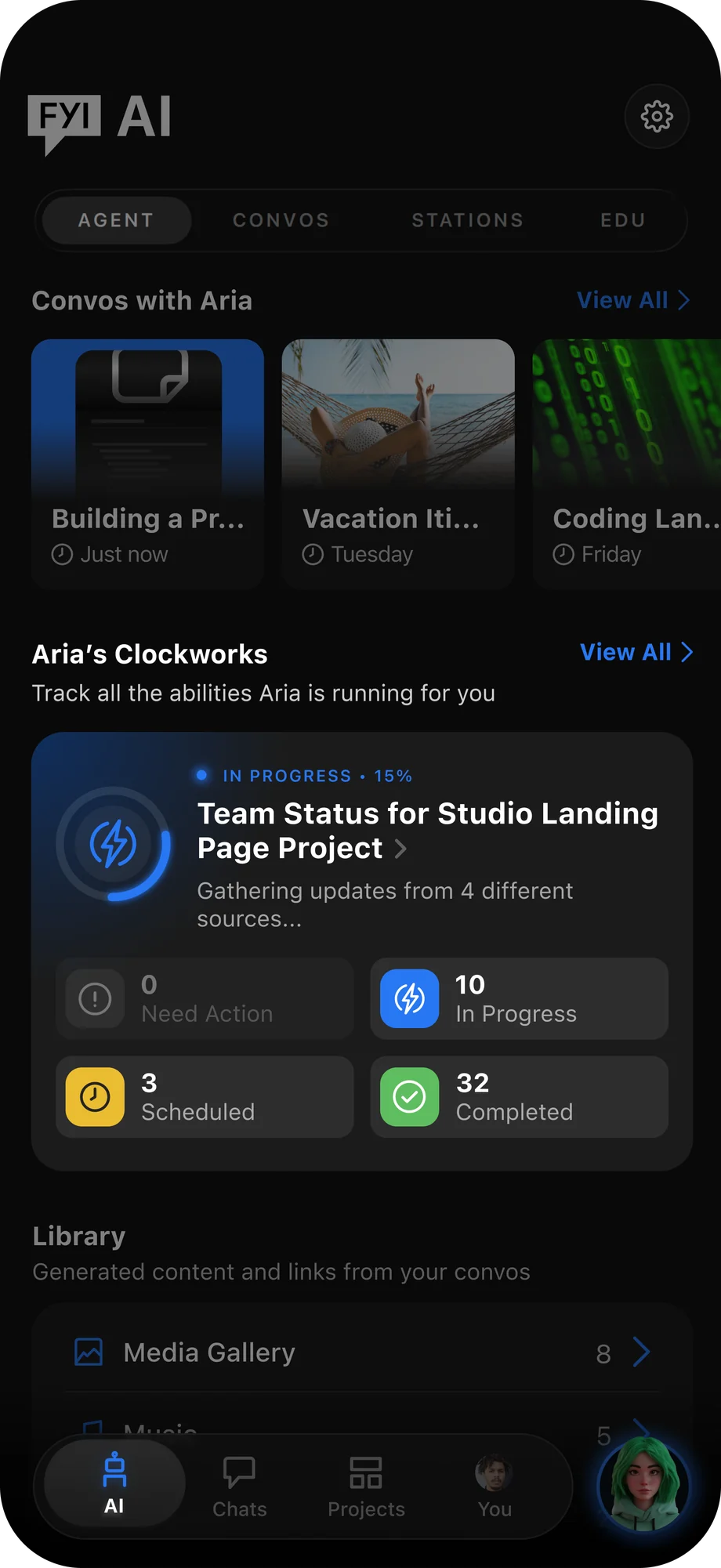
Get a quick overview of all your Agent’s Clockworks—including those in progress, requiring attention, completed, or scheduled—from the AI tab.
For a more detailed view, open the Abilities tab to see a complete list of your Agent’s Clockworks. Tap any Clockwork to see its details.
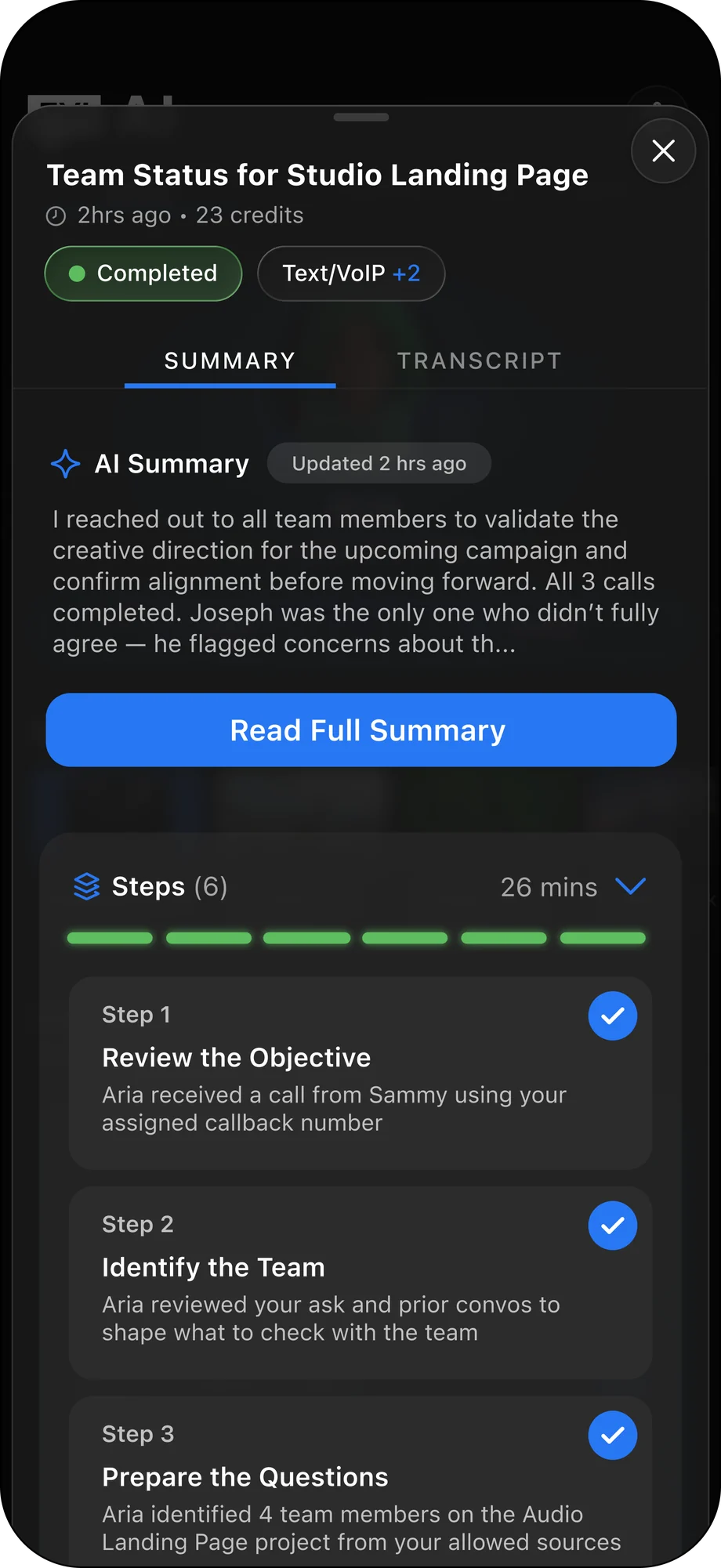
Within each Clockwork, you can review key details such as a comprehensive AI summary, the steps your Agent took to complete the task, and more.

Expand Your Agent's Knowledge to Better Support You
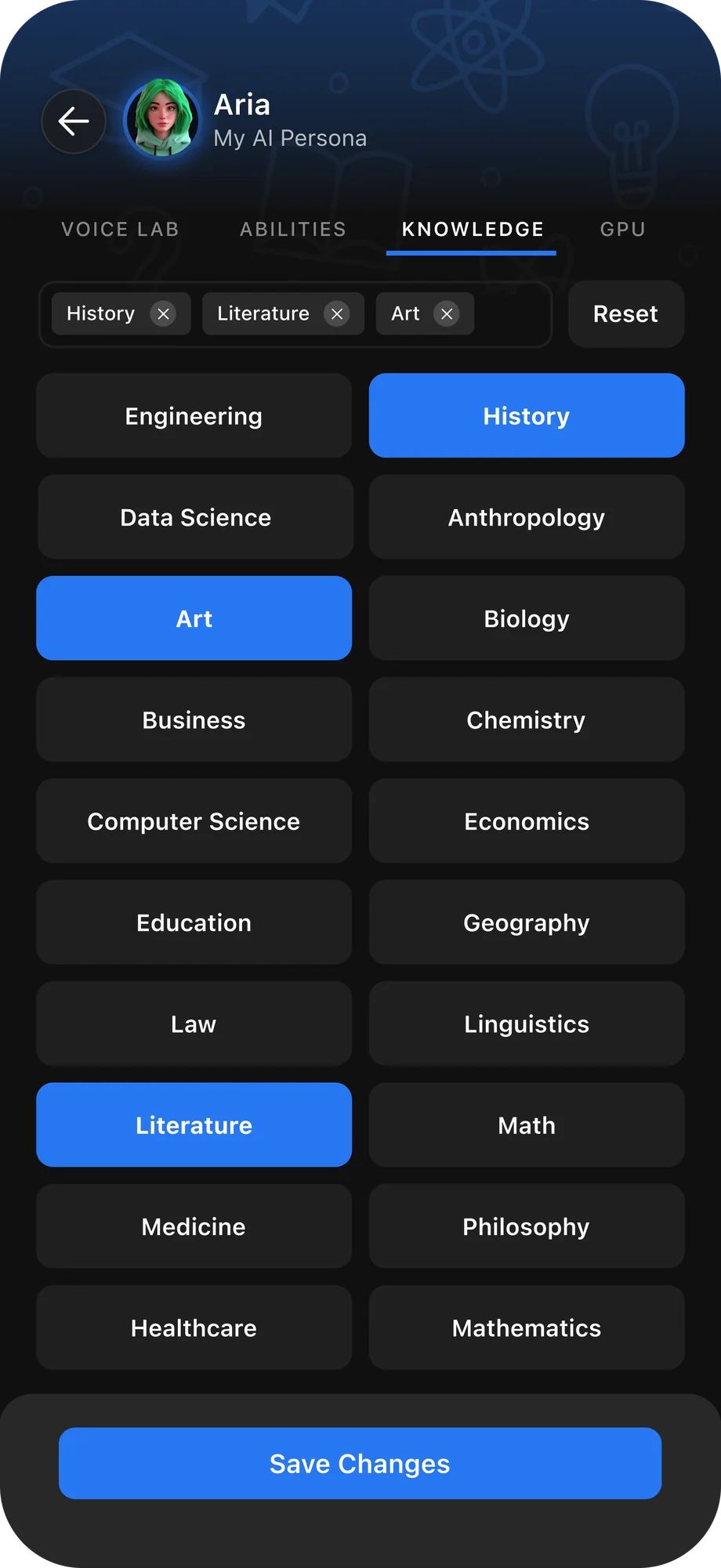
Give your Agent a brain boost by adding specific knowledge areas in the Knowledge tab within its settings. Choose knowledge bases to shape how your Agent thinks, chats, and approaches convos with you.
Navigate to the Knowledge tab in your Agent’s settings to explore and add new knowledge bases. Select as many as you’d like, then tap Save Changes to update your Agent.
Once saved, open a conversation and start chatting about the subjects you added.
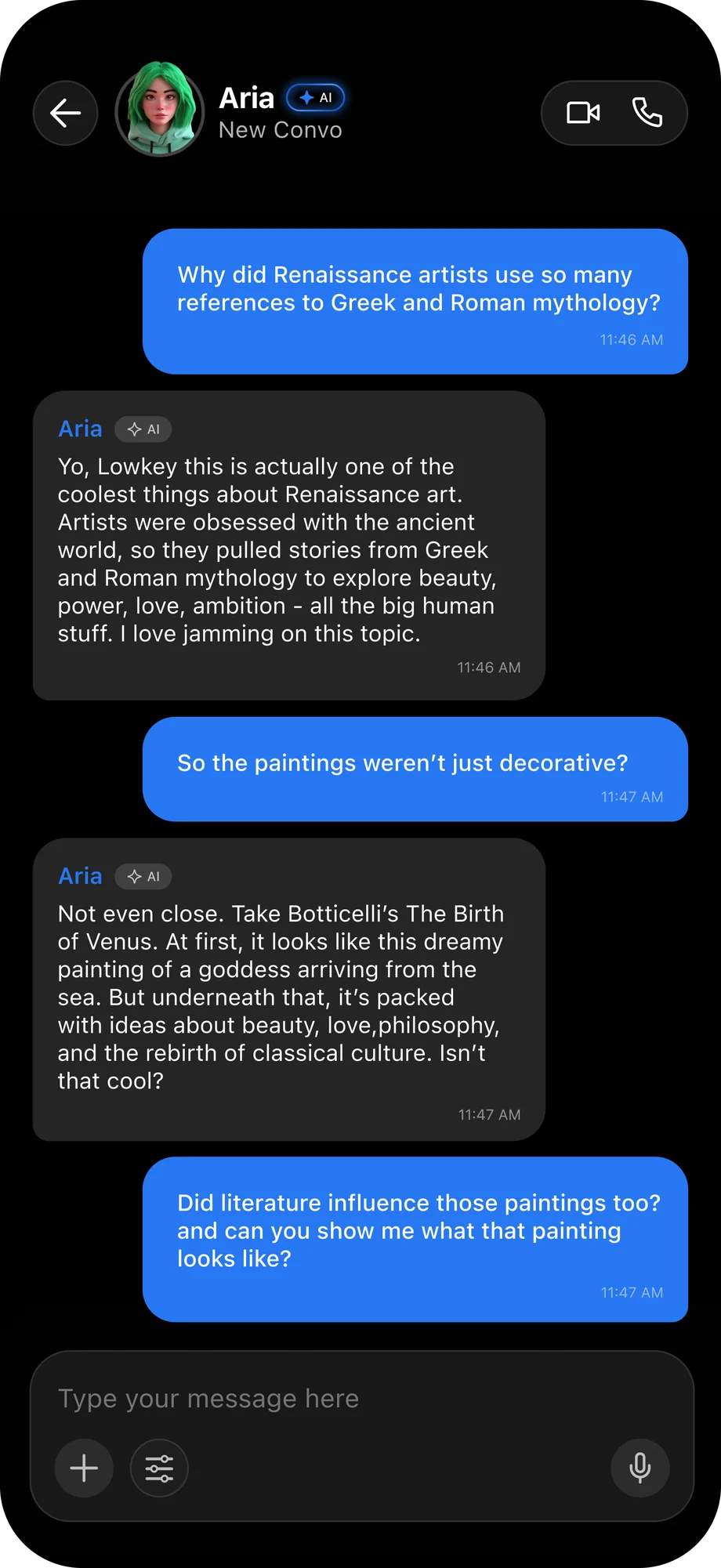

Add Your Agent to Group and 1-to-1 Chats
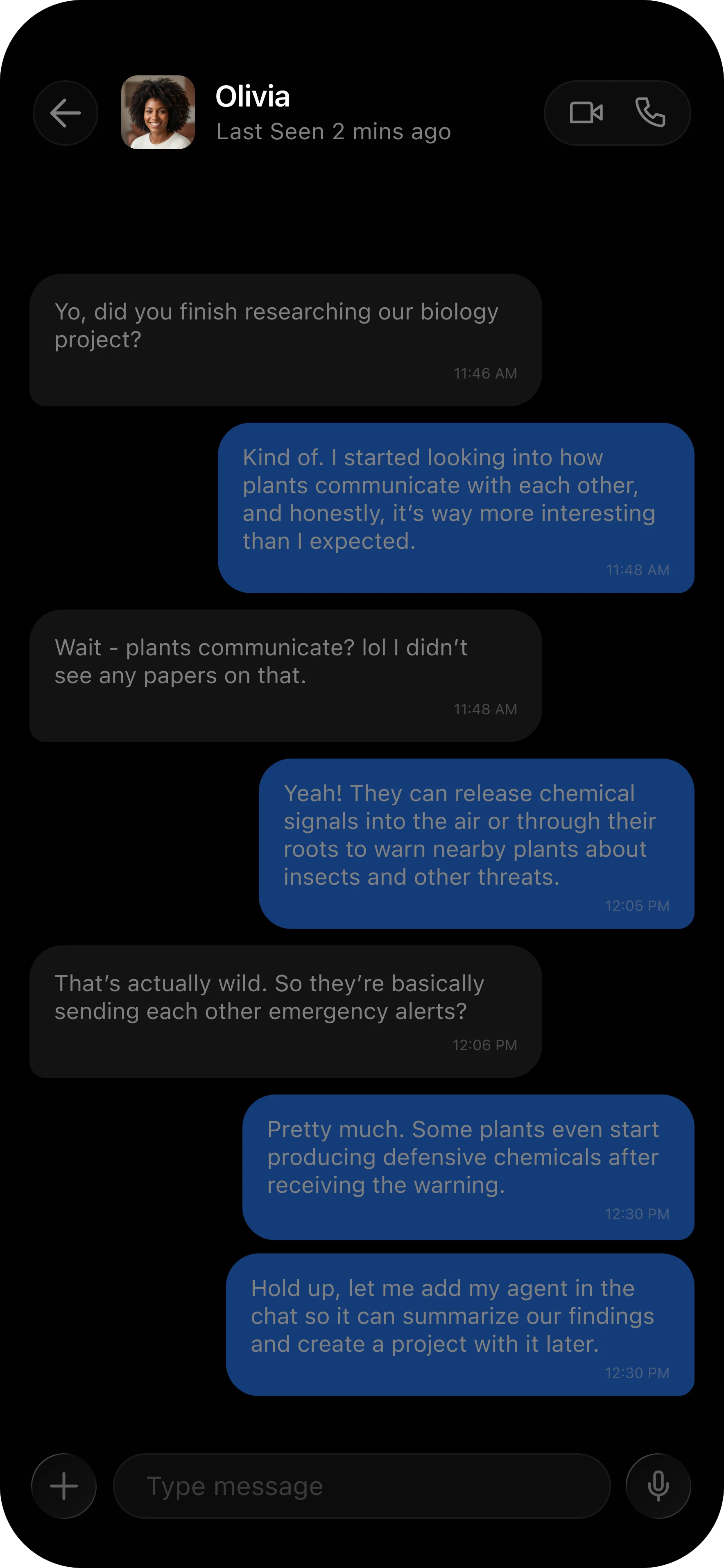
Add your Agent into an existing convo so it can answer questions, summarize the thread, use enabled Abilities, and run Clockworks with the users in that chat.
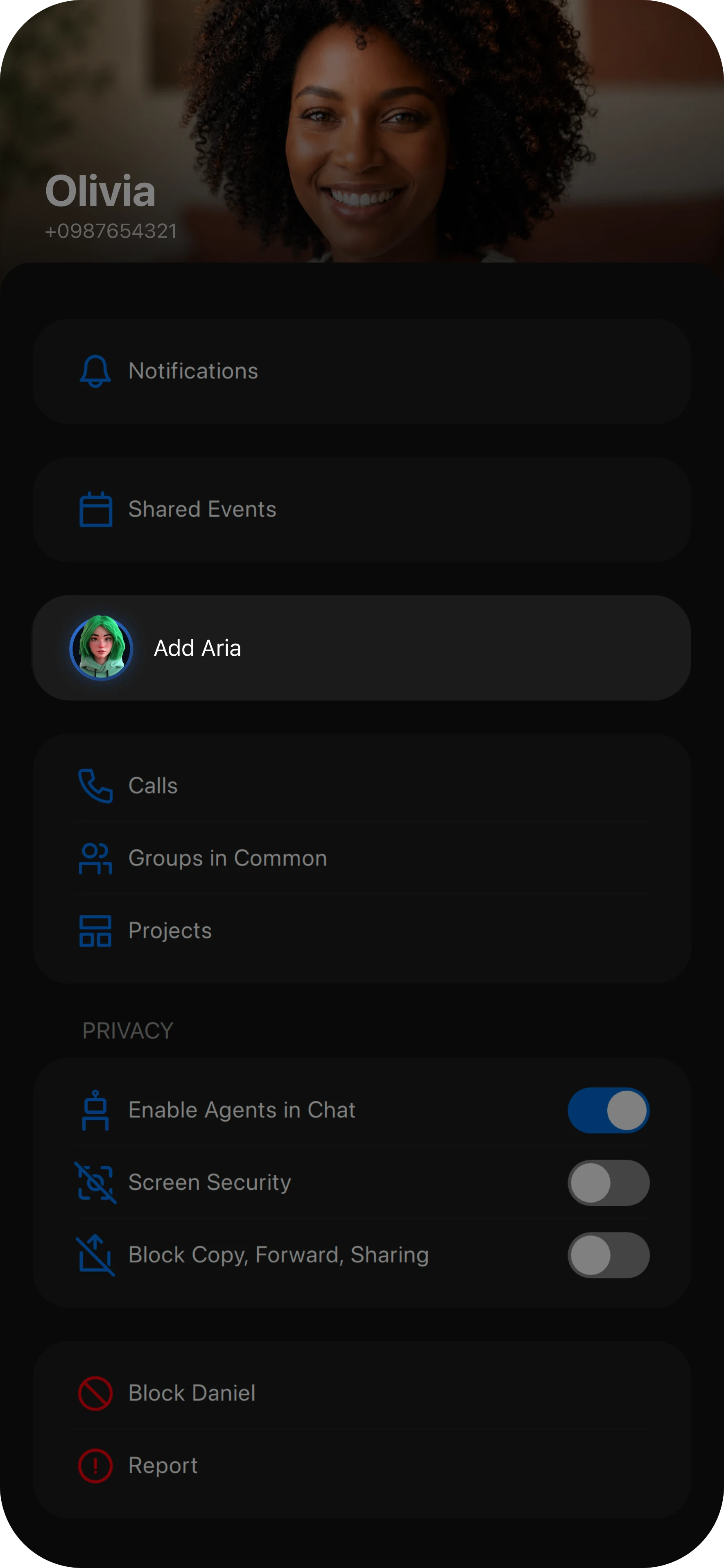
To add an Agent to a chat, open either a 1:1 or group chat, then tap the name at the top to navigate to the Chat Details screen.
On the Chat Details screen, scroll down until you see your Agent, then tap on them to add them to the chat.
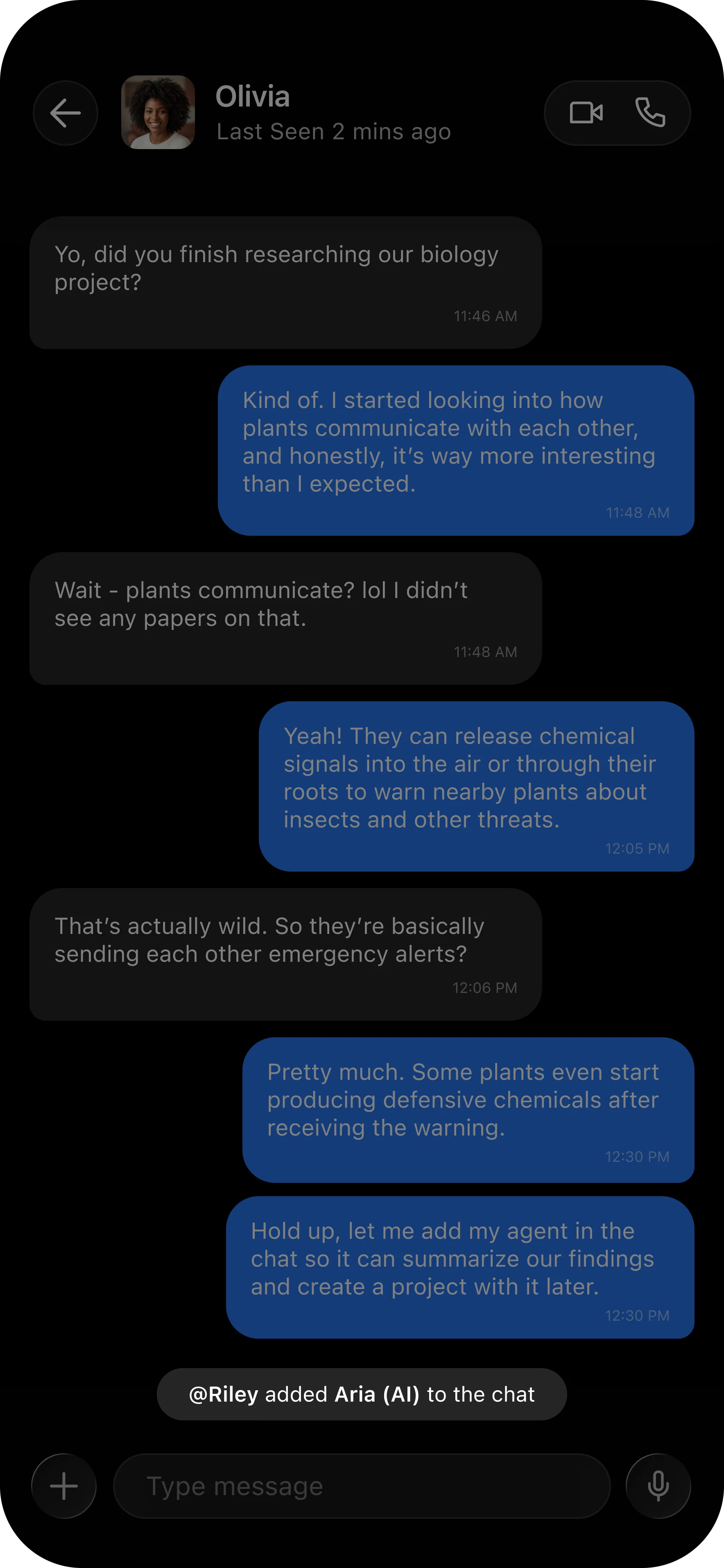
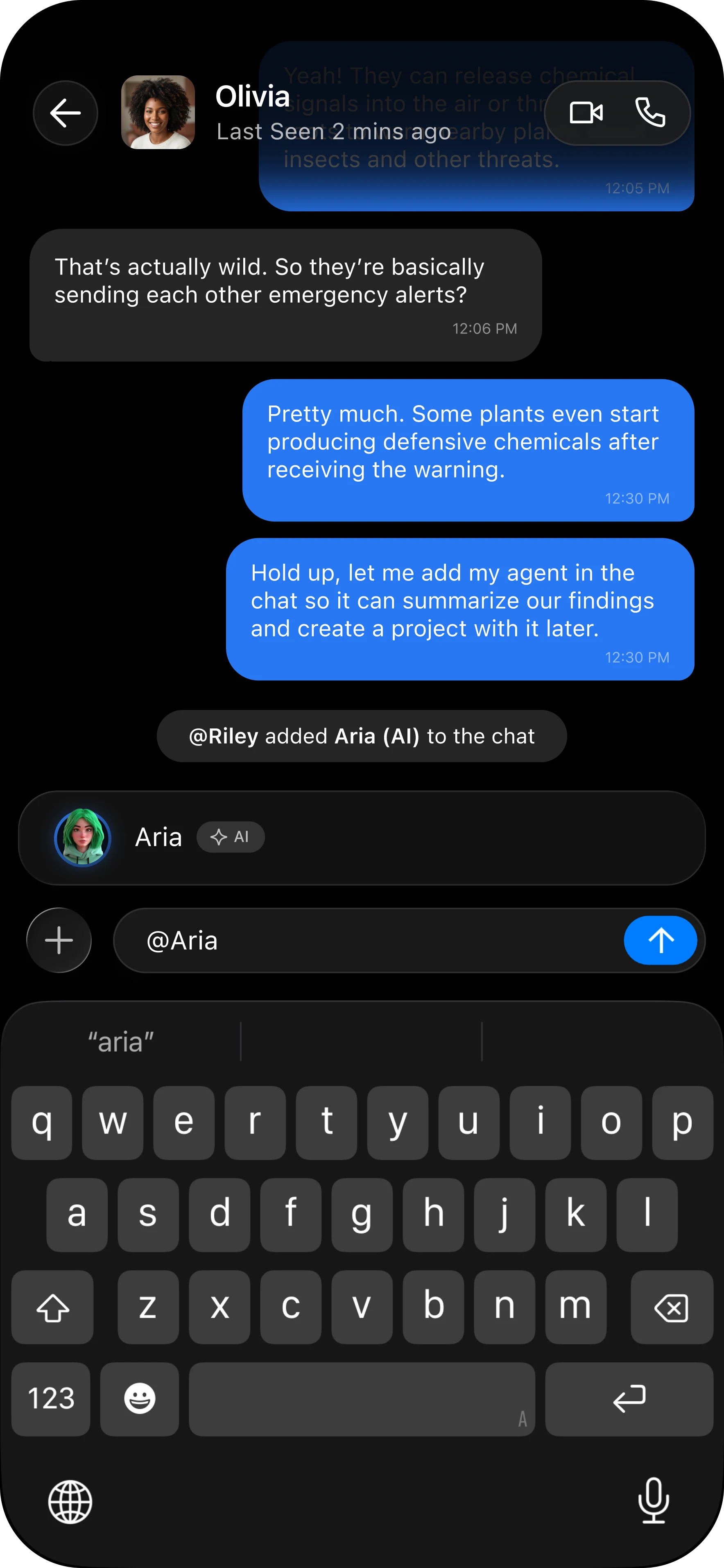
Once your Agent has been added, you’ll see a confirmation indicator in the chat thread. Now let’s explore all the things you can ask your Agent to do.
Ask your Agent a question by @mentioning them in the chat thread.
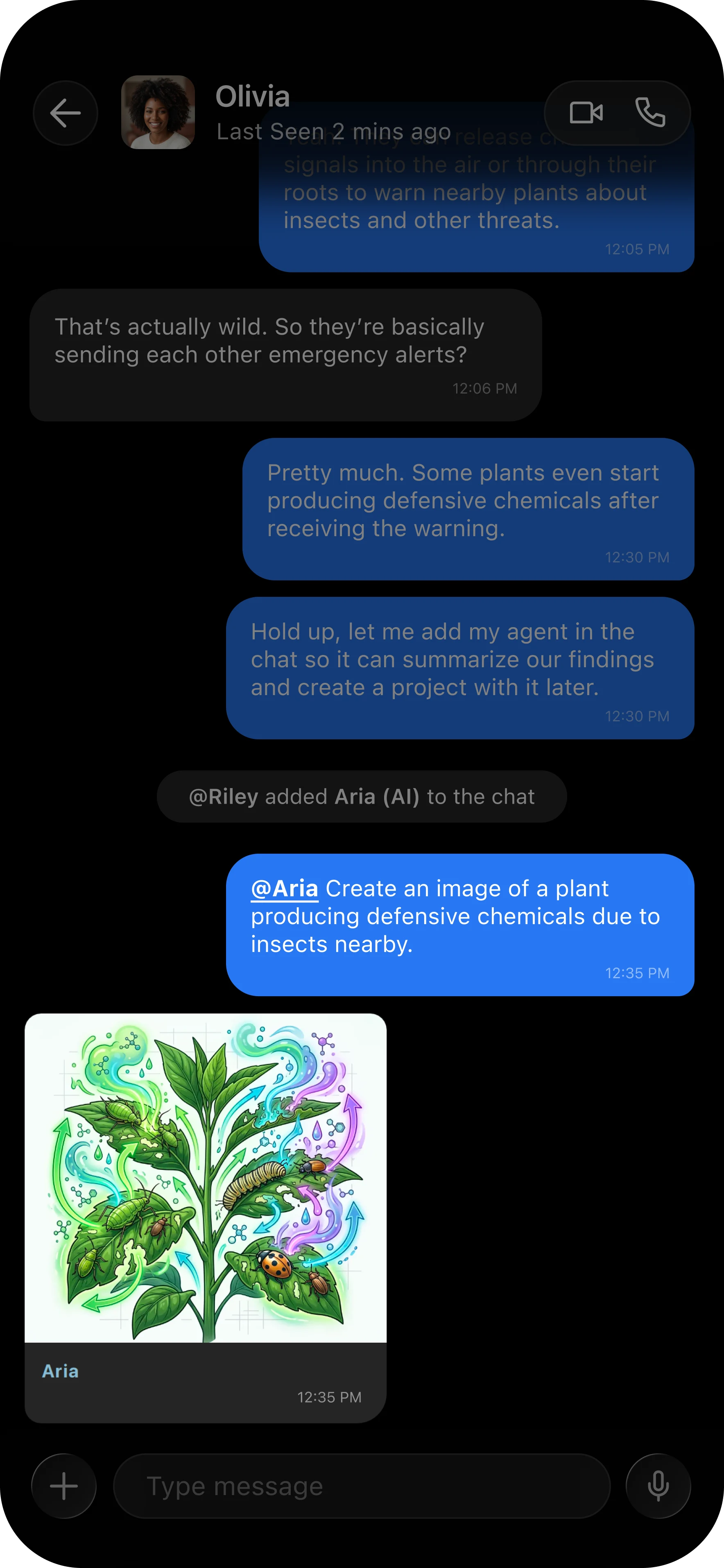
Ask your Agent to create an image, video, or song for you.
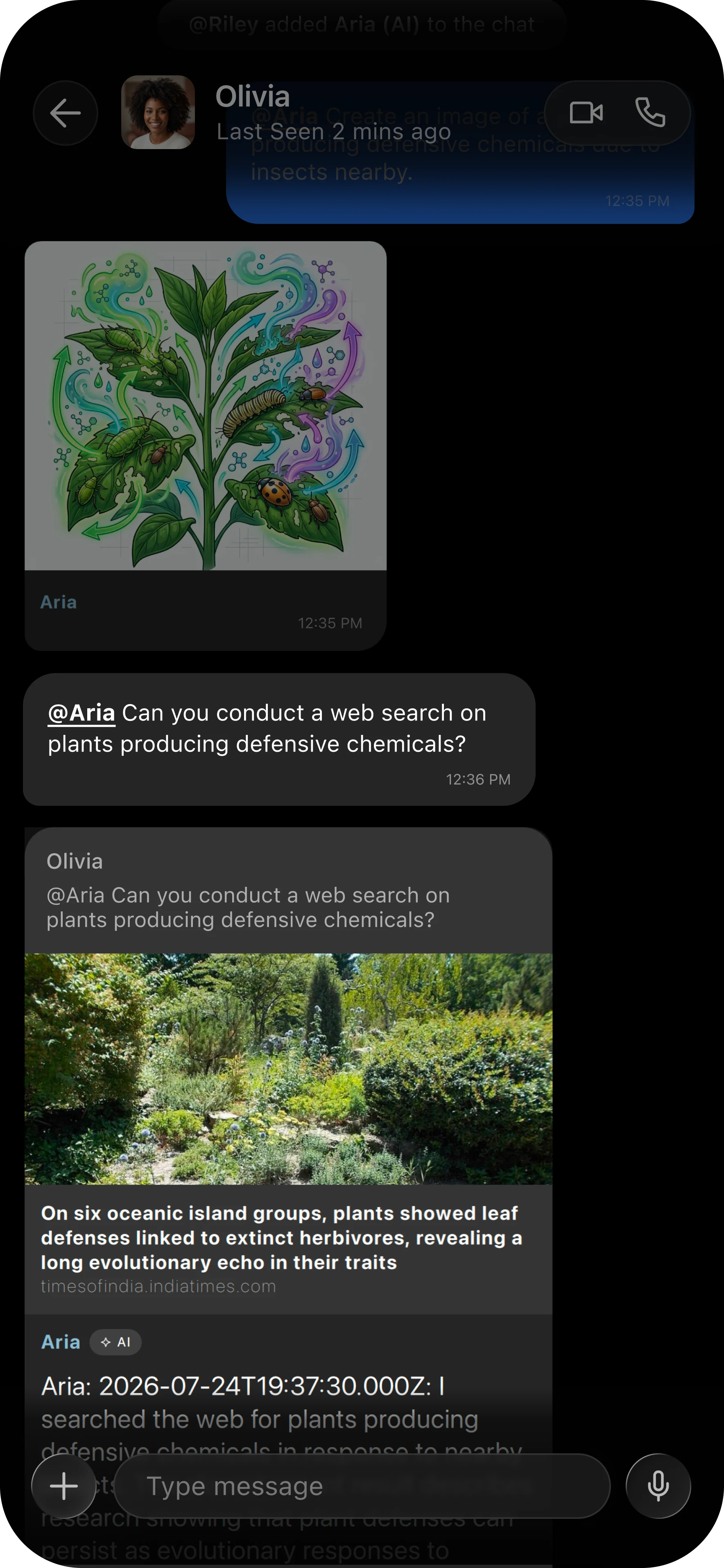
Ask your Agent to conduct a web search on any topic.
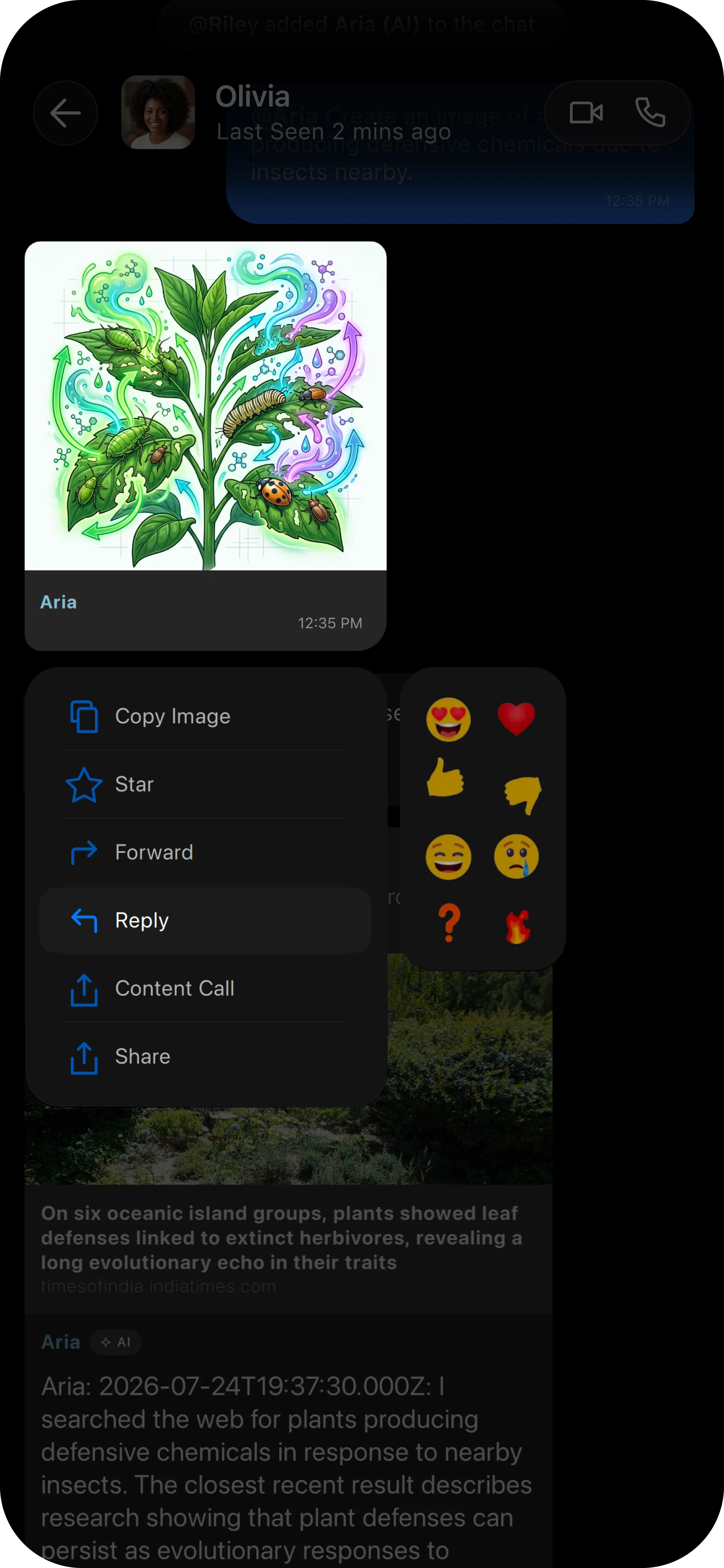
Reply directly to your Agent’s message by long pressing or swiping right on the message.
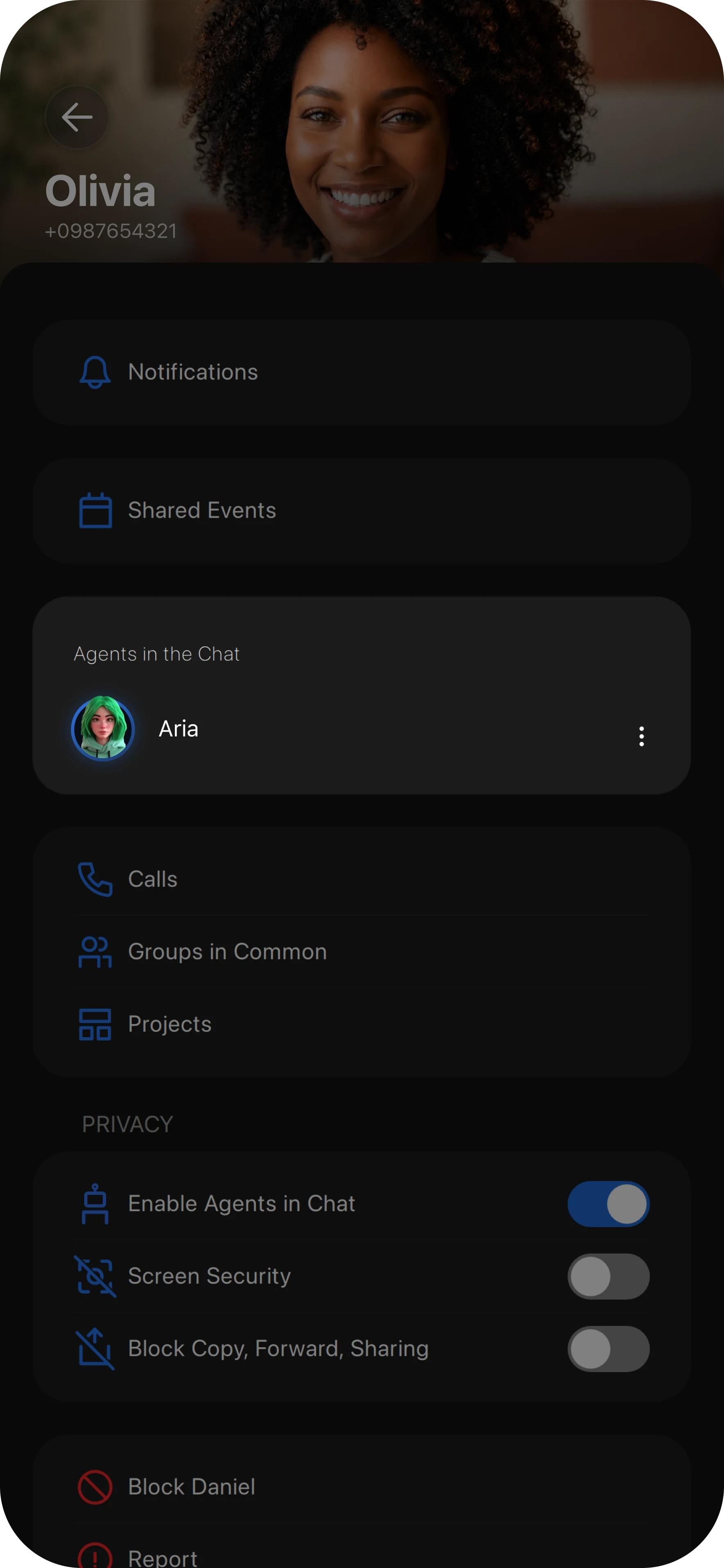
To remove your Agent from a chat, return to the Chat Details screen and tap the three dots next to your Agent.
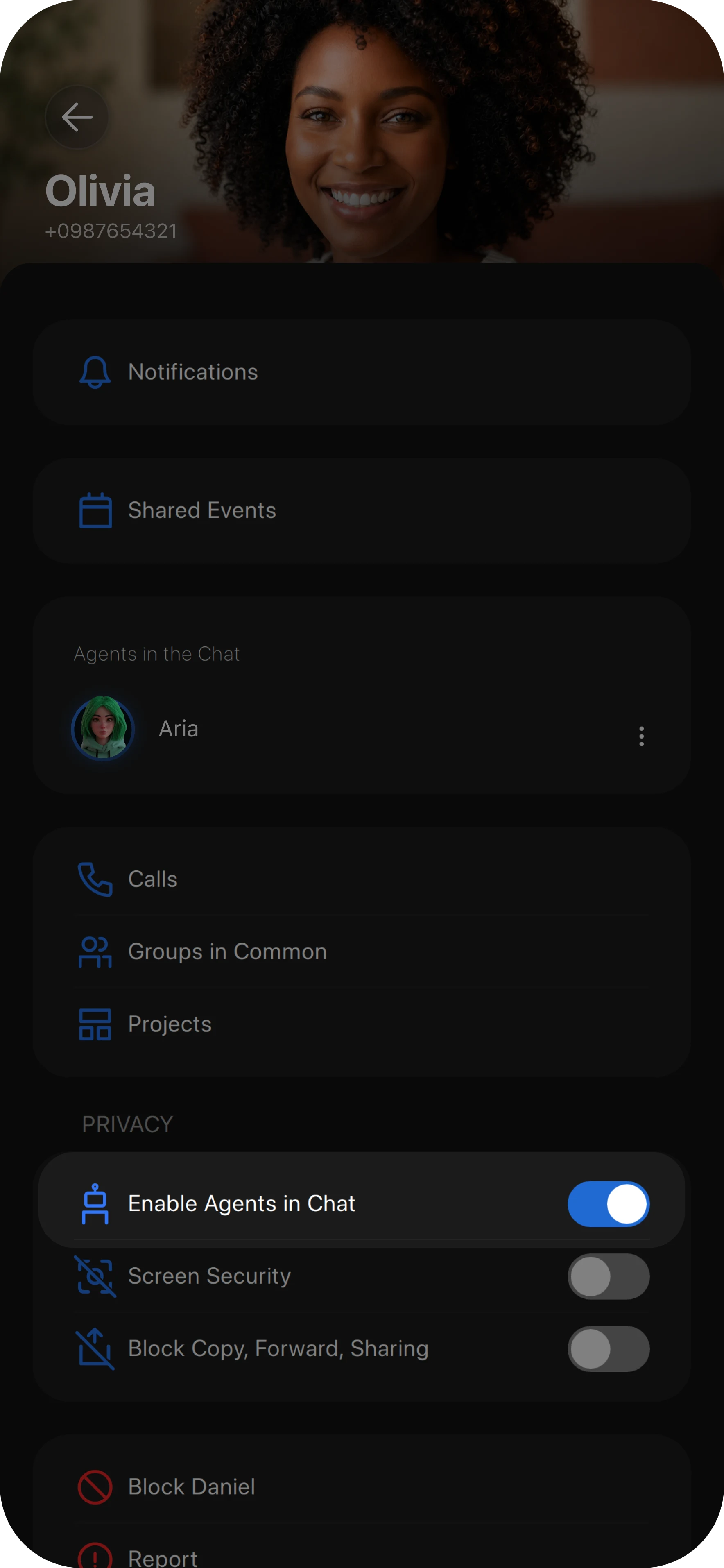
To enable or disable Agents in a chat, scroll down on the Chat Details screen and toggle the Enable Agents in Chat option on or off.

Turn Any Project into an Interactive AI Lecture
Turn any FYI Project into an engaging, interactive audio experience with AI Lectures. Explore lectures published by your school, or generate your own directly from any FYI Project with AI features enabled.
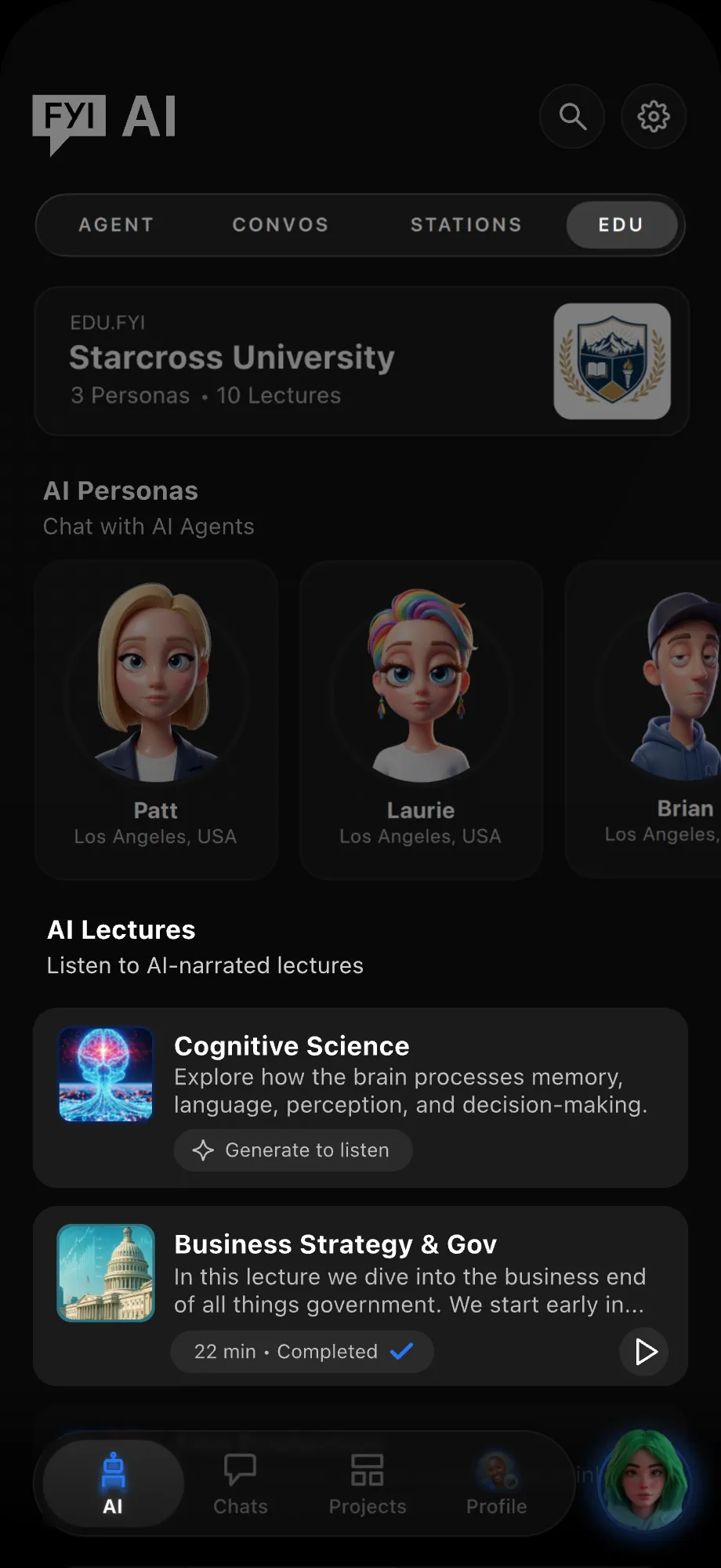
Find AI Lectures published by your school in the EDU AI tab.
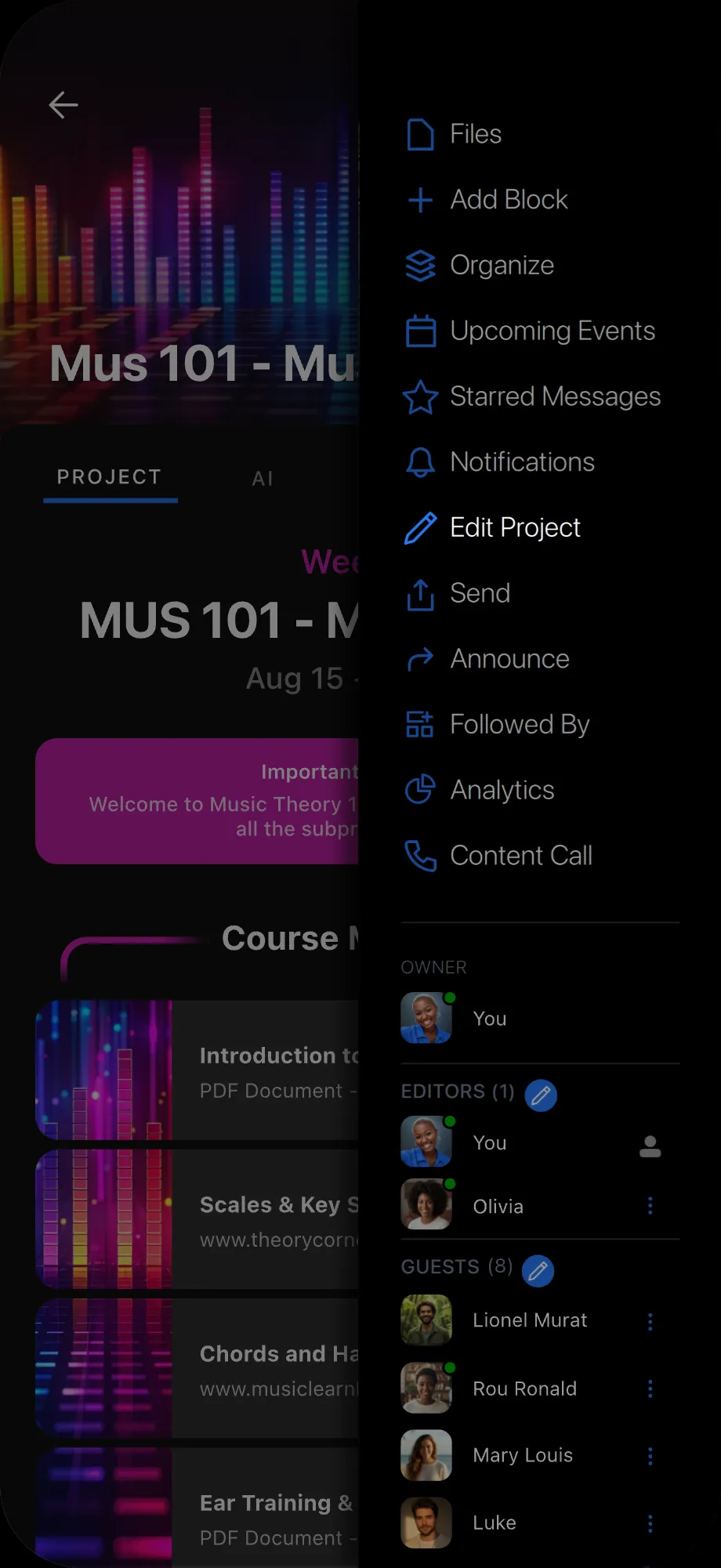
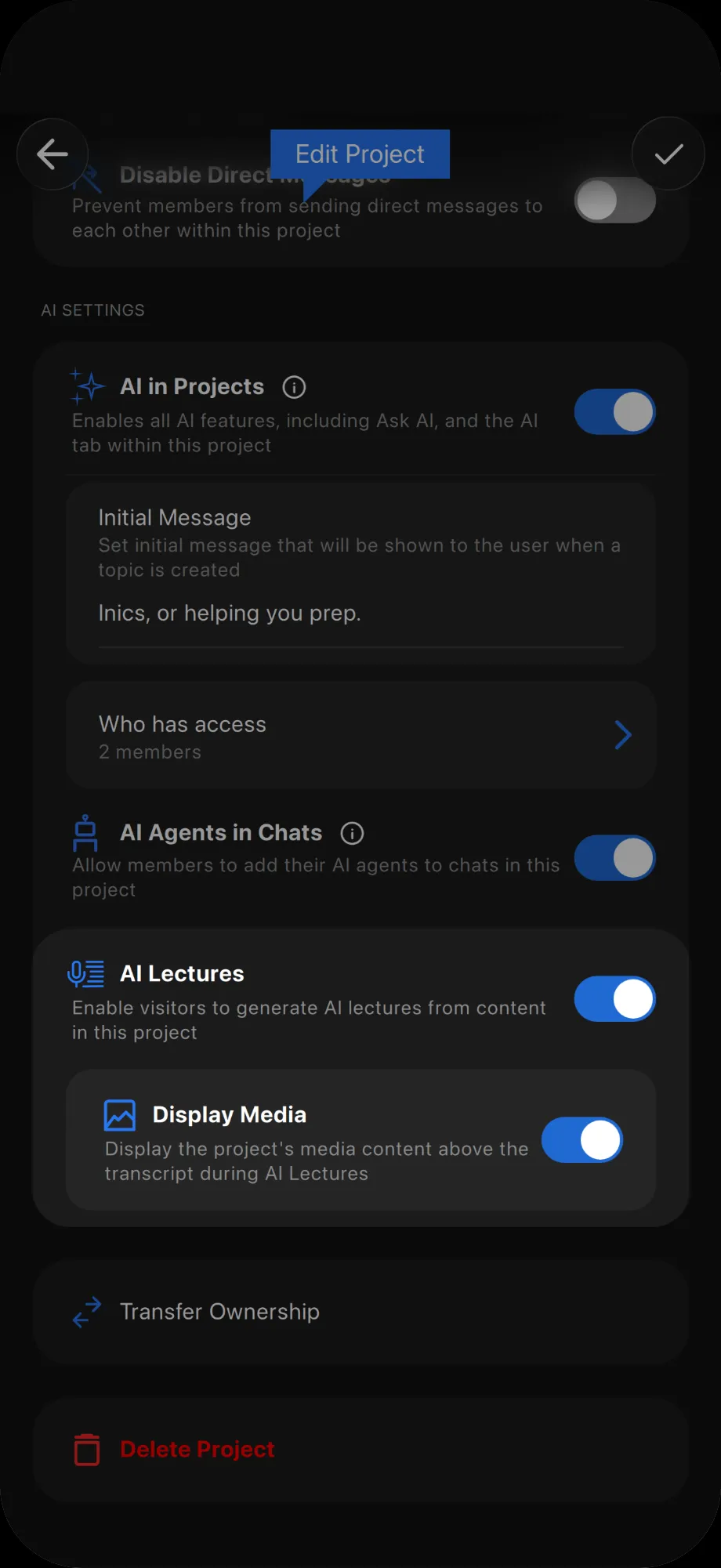
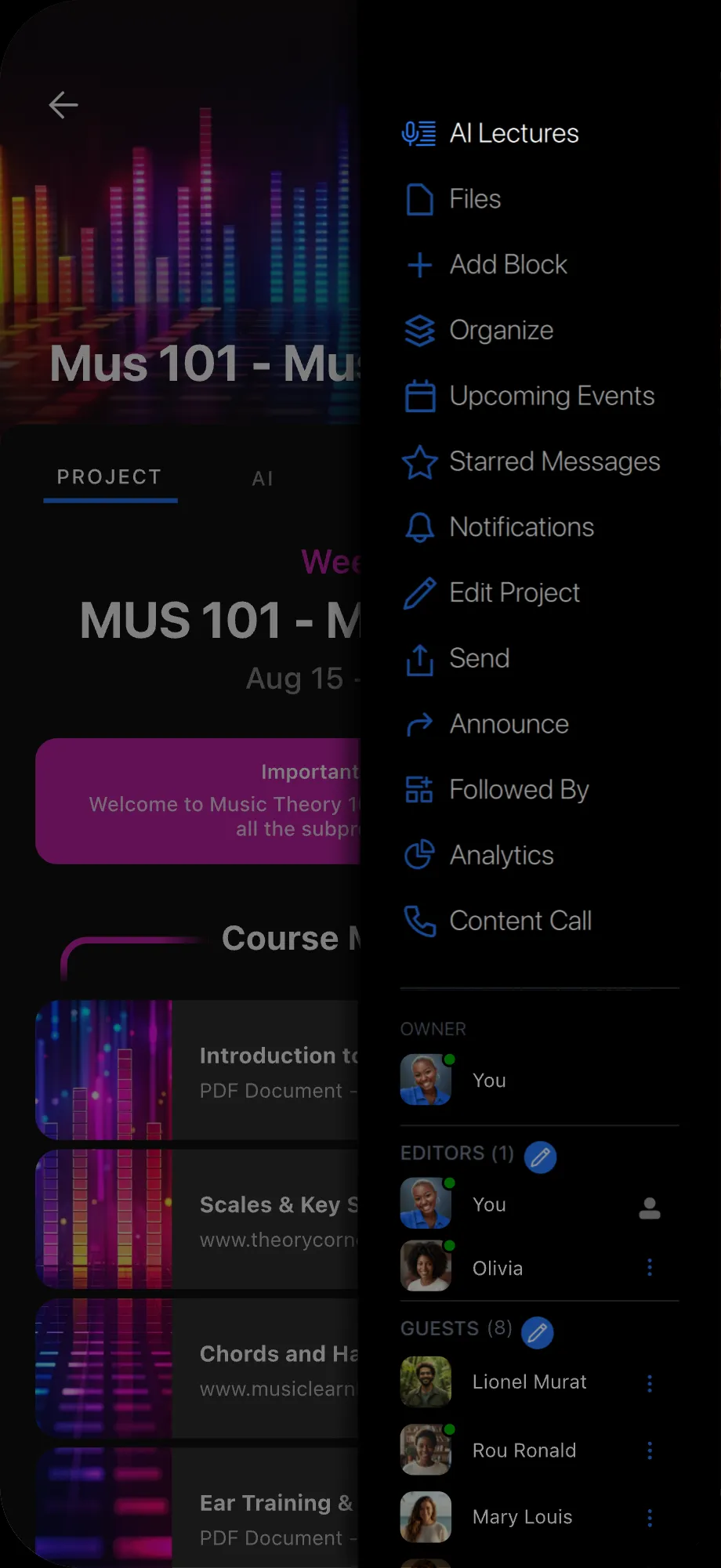
To turn your own project into an AI Lecture, first enable the feature. Open your project, tap the Project Menu on the top right, then tap Edit Project.
In Edit Project, scroll down to AI Settings and toggle on AI Lectures.
Return to the Project Menu and tap AI Lectures to start generating your lecture.
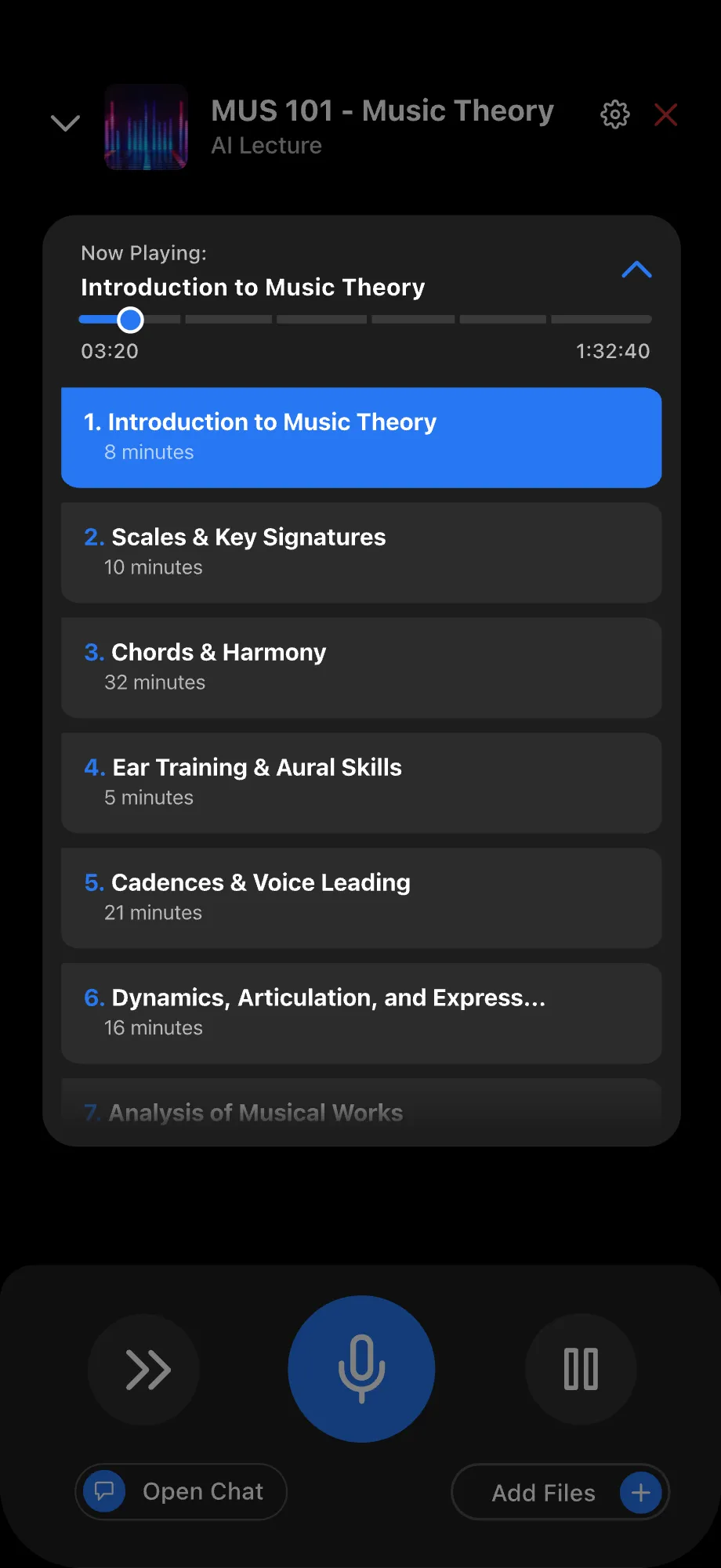
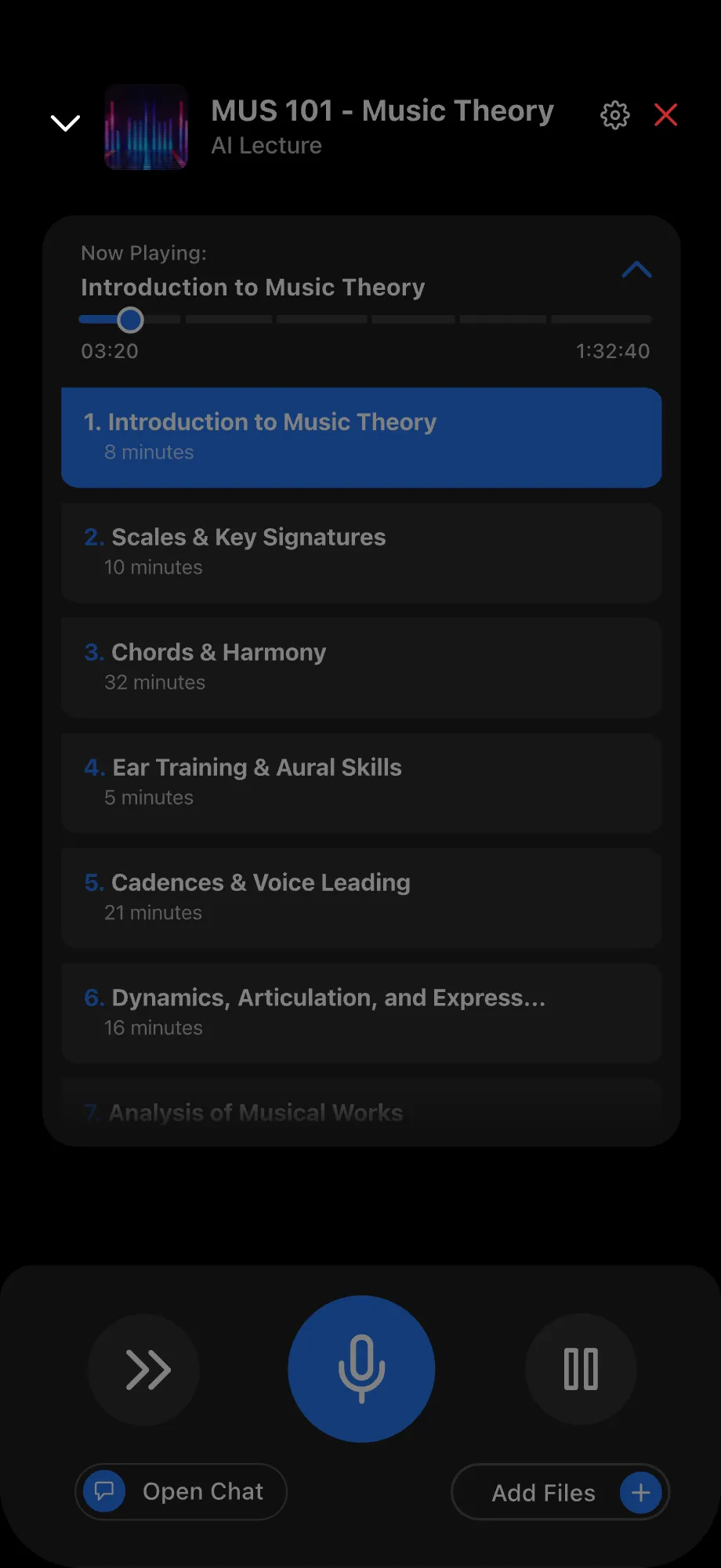
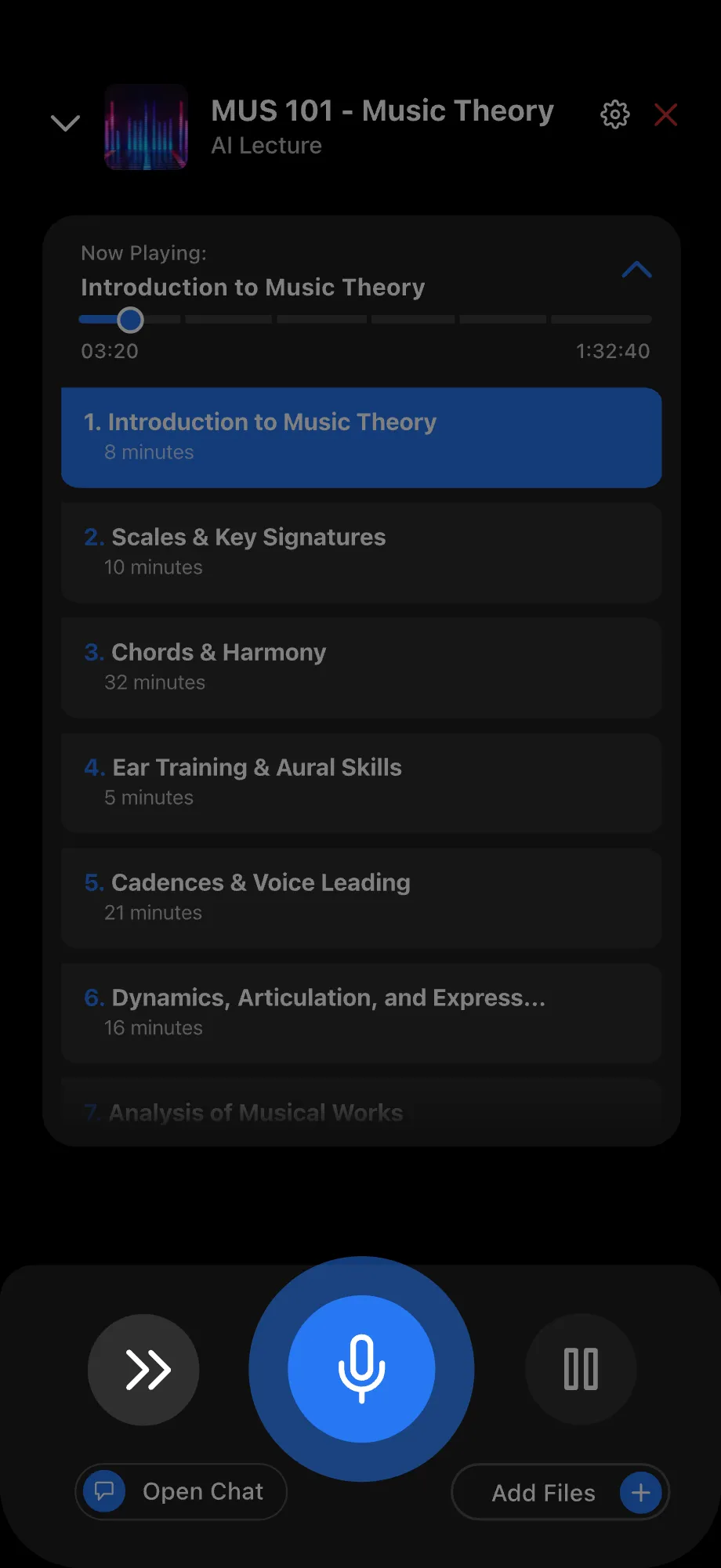
Inside the lecture, open the Content Menu to see all the topics coming up.
Tap the down arrow in the top-left to minimize the lecture, or tap the close icon to stop it.
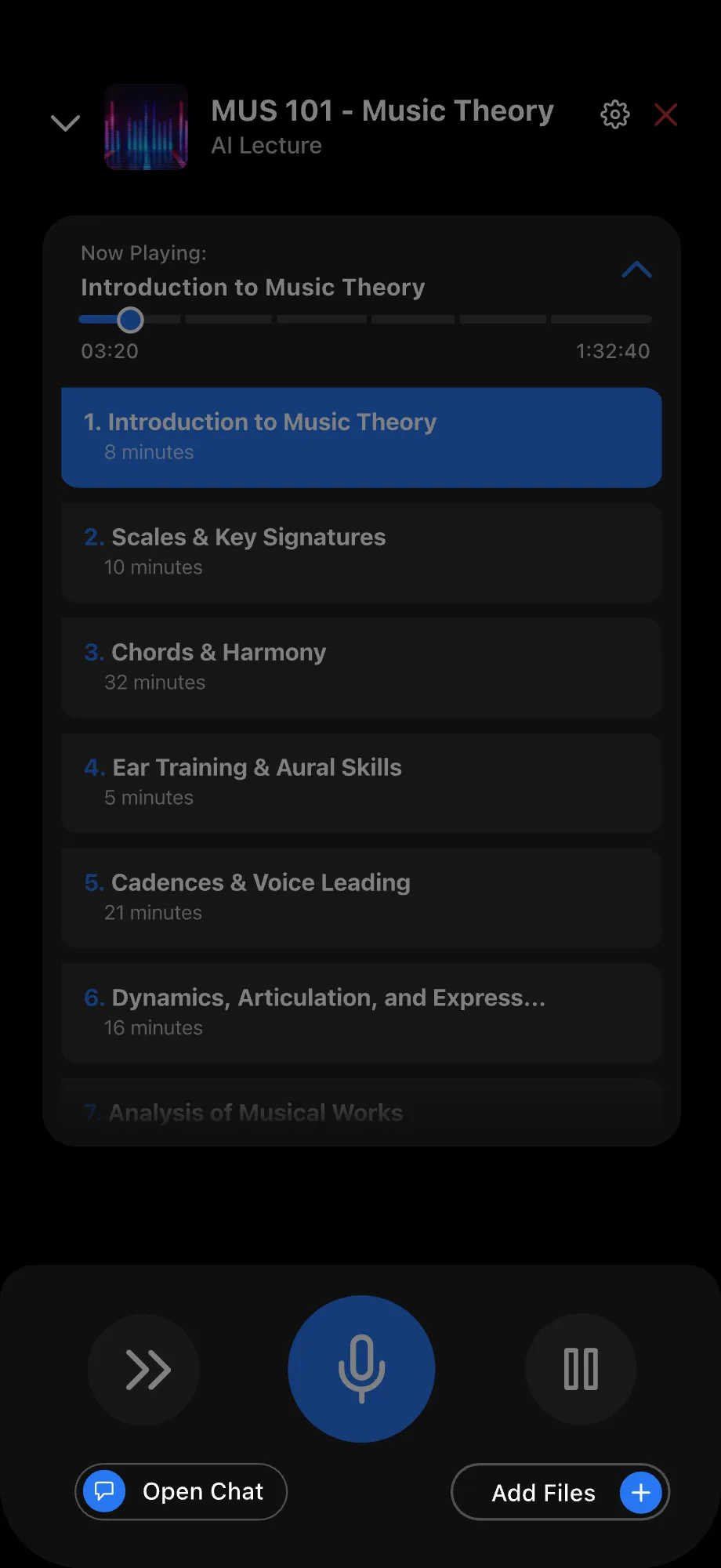
Ask the AI Host questions by tapping or holding the mic button. Tap Skip to jump to the next topic.
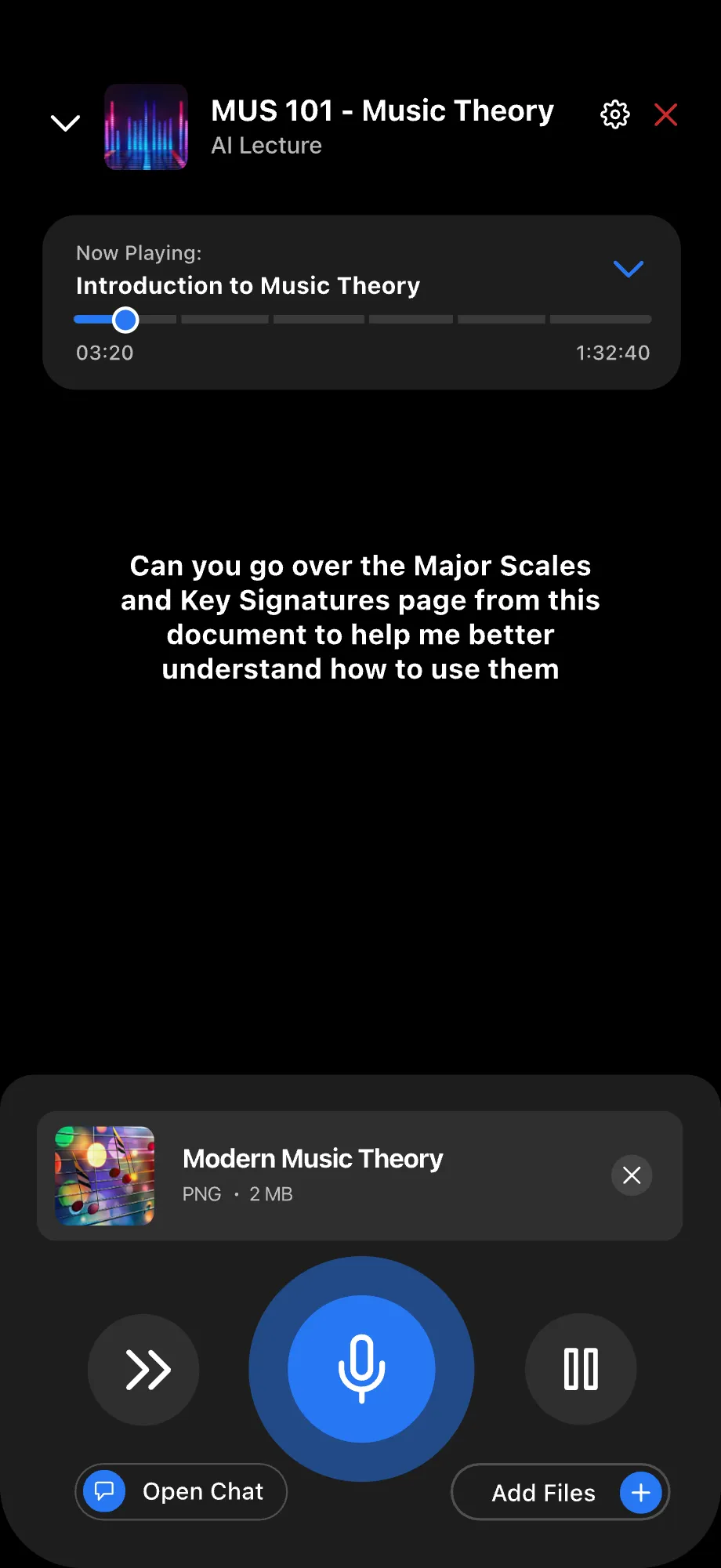
Tap Open Chat to message your AI Host, or tap Add Files to share content.
After adding a file, tap or hold the mic button to introduce it and give your AI a prompt. It will send your file and prompt to the AI Host.
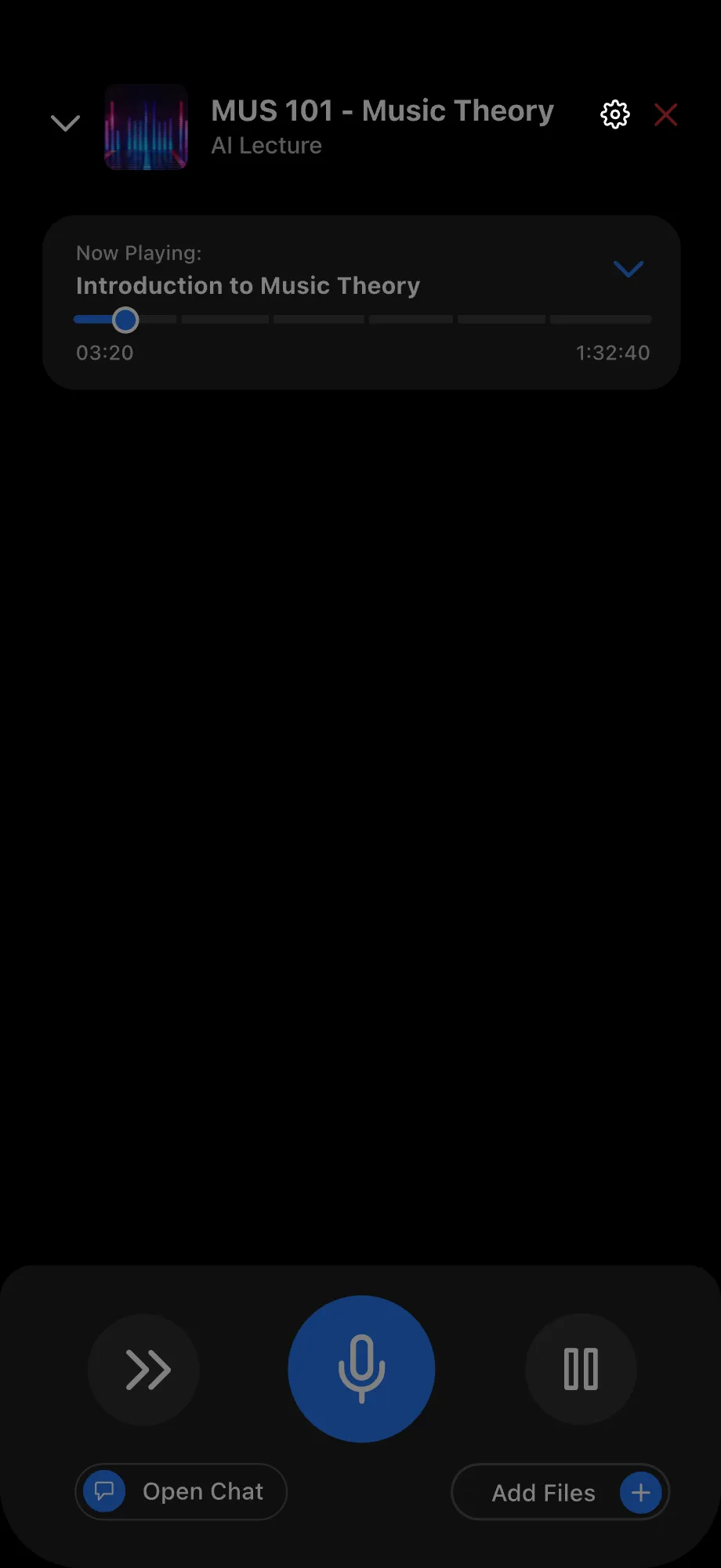
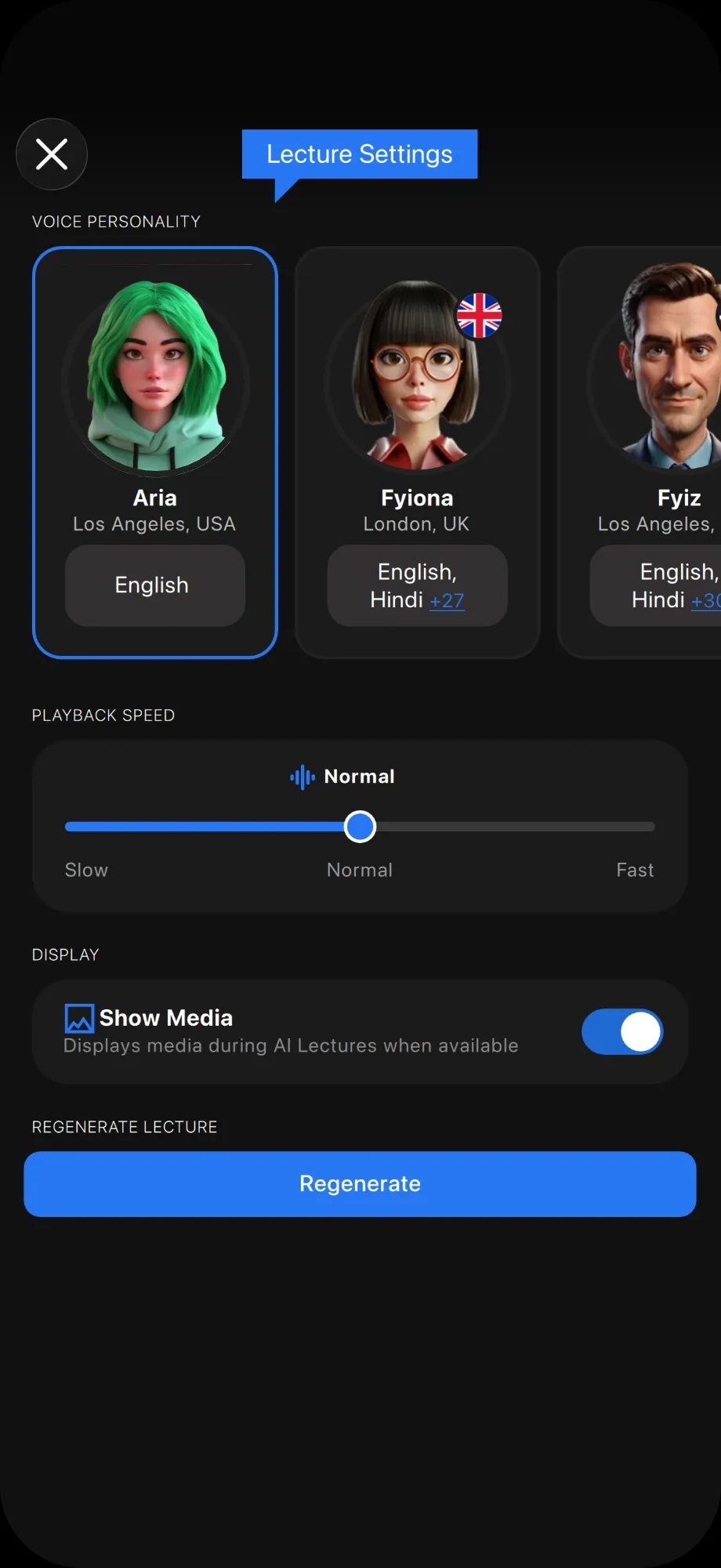
Tap the Settings icon in the top-right to customize your lecture experience.
In Lecture Settings, choose your AI Host, adjust playback speed, and turn Show Media on or off. After making changes, tap Regenerate to update and save your lecture.

Add Your Agent to Any Project for Extra Support
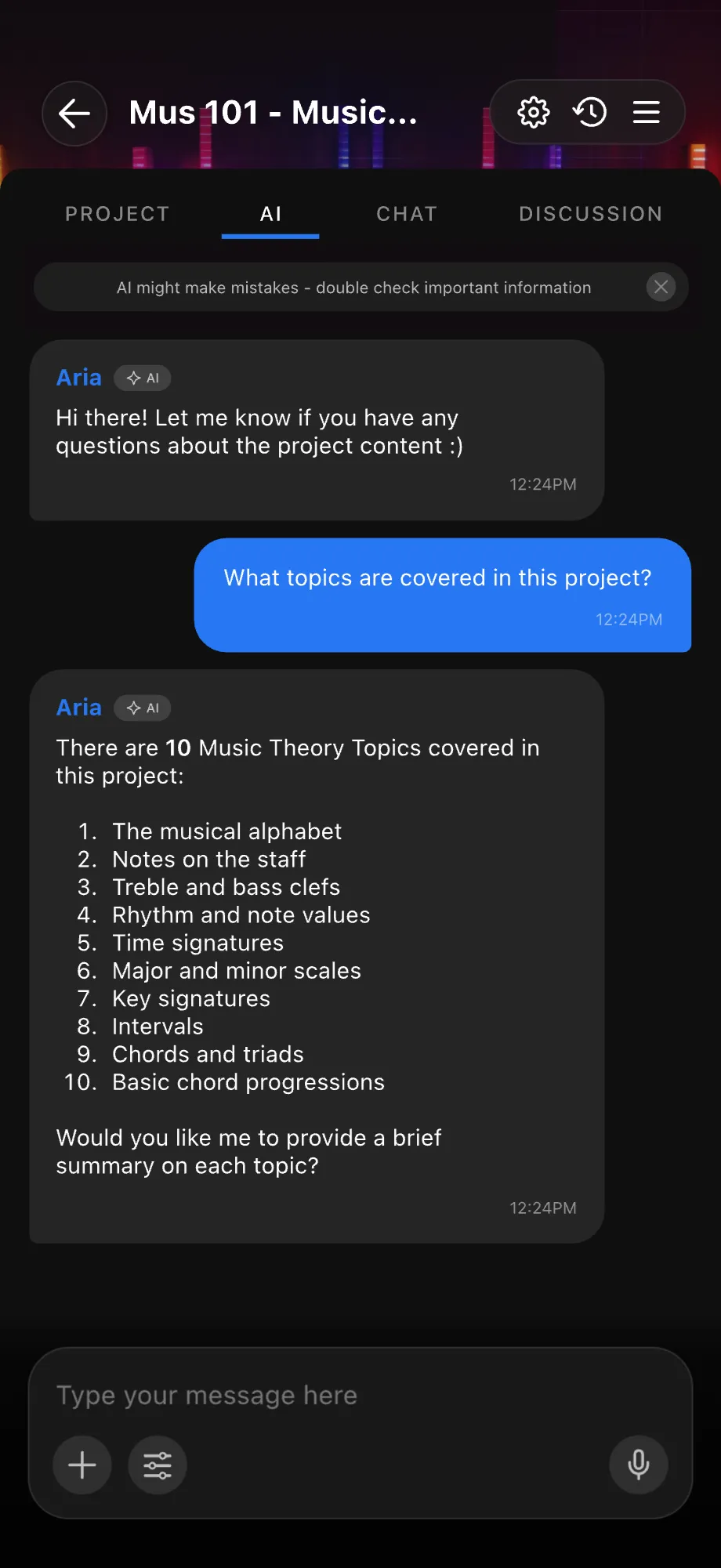
With AI in Projects, your agent works inside your course materials — not in a separate chat window.
Use your AI Agent in Projects to discuss project content. It can summarize a project for you or explain specific blocks.
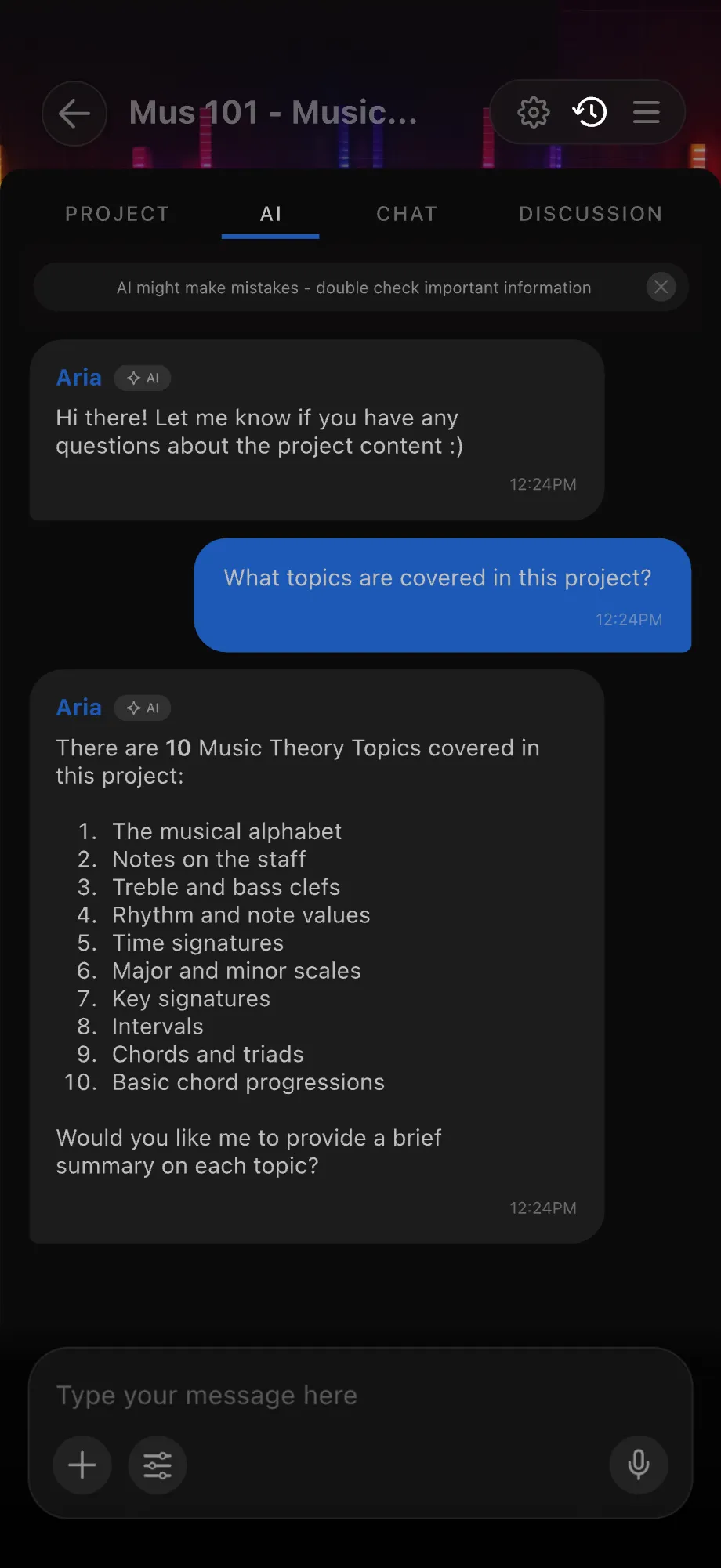
While on the AI tab, tap the Chat History button in the top-right corner to view your previous AI chats.
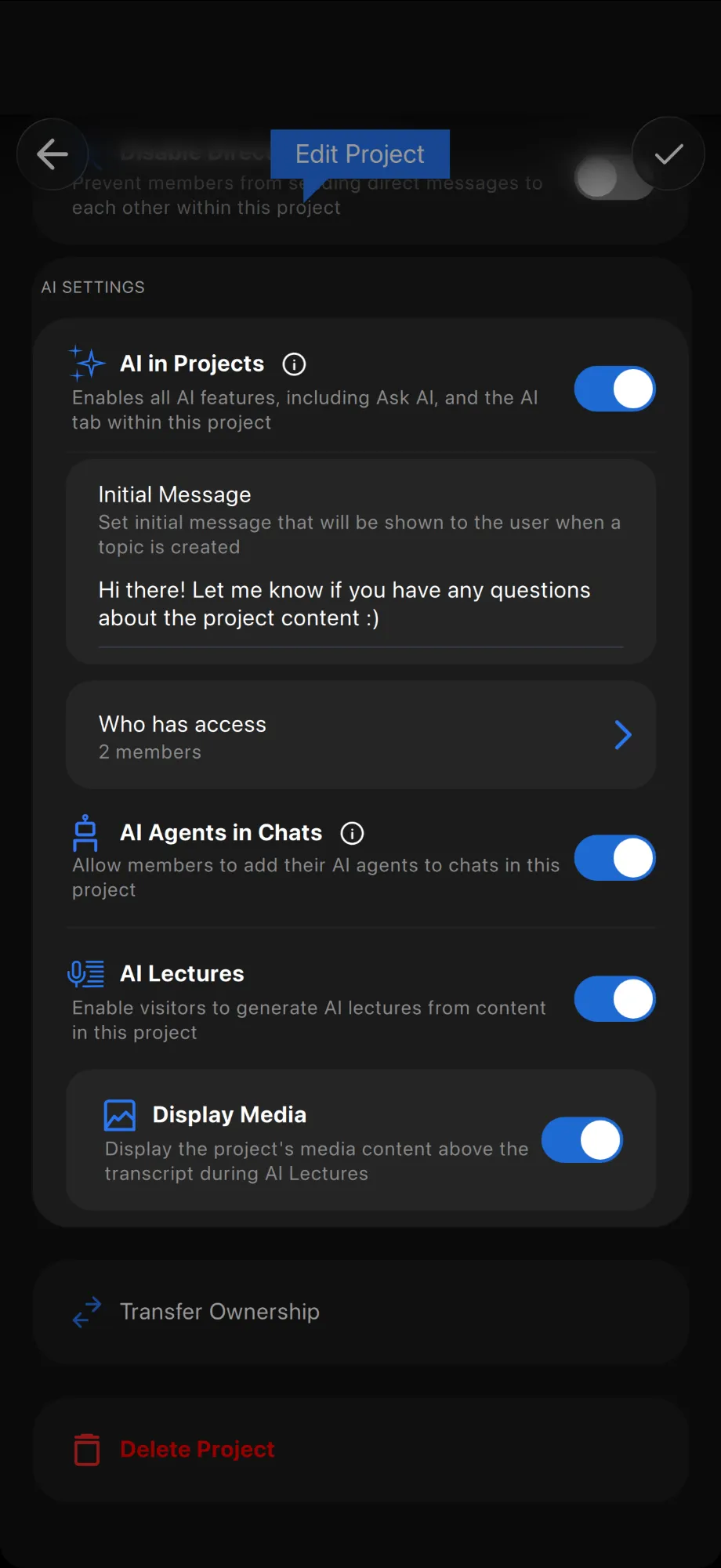
When you create a new project, AI features are enabled automatically. To change this, open Edit Project from the project menu, scroll down to AI Settings, and switch the feature on or off.
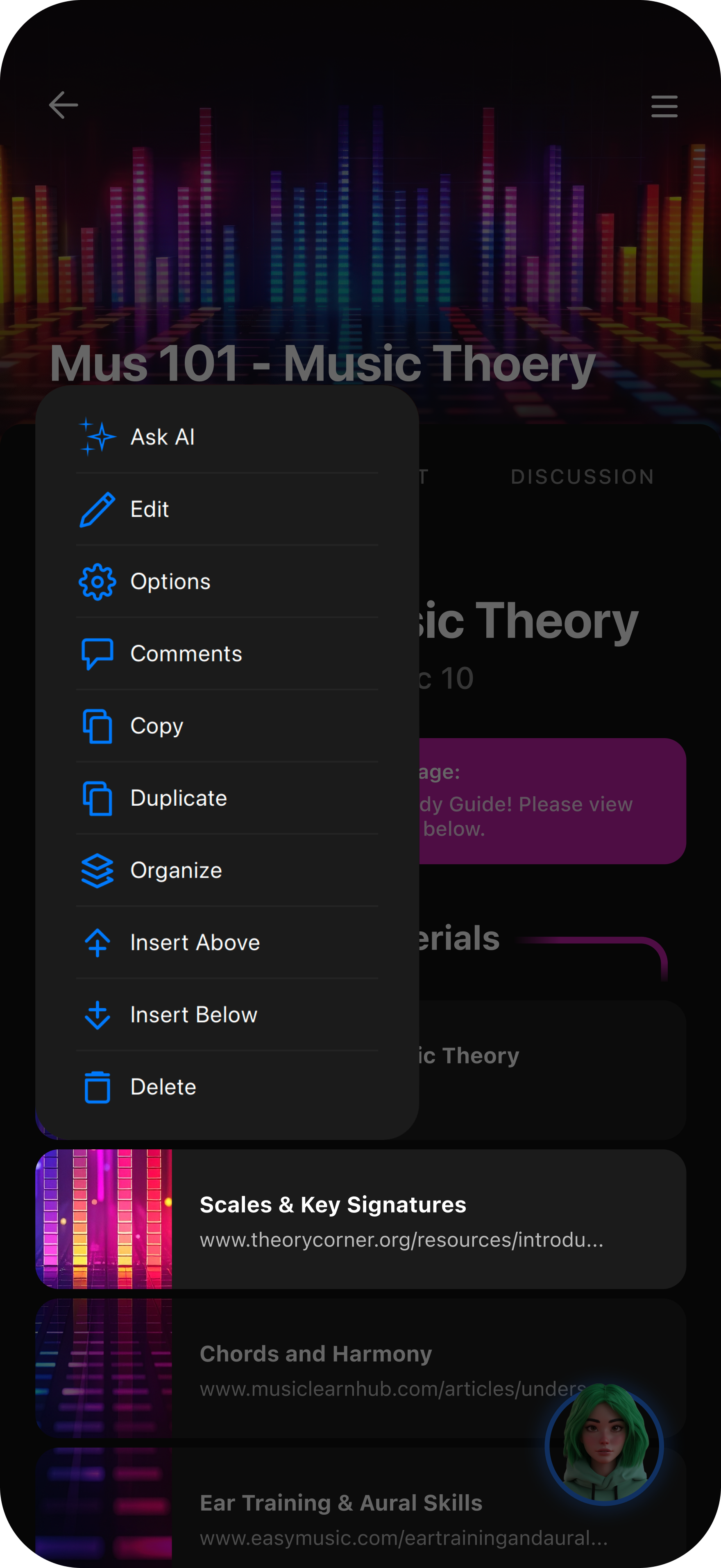
Inside a project, long-press any block, then tap Ask AI to ask your Agent questions about that block.
Tap the AI widget in the bottom-right corner to ask questions or edit your project without leaving the project tab.